Monitor Driver Materials: Stop Translation Guesswork
By Priya Nandakumar • 3rd Feb
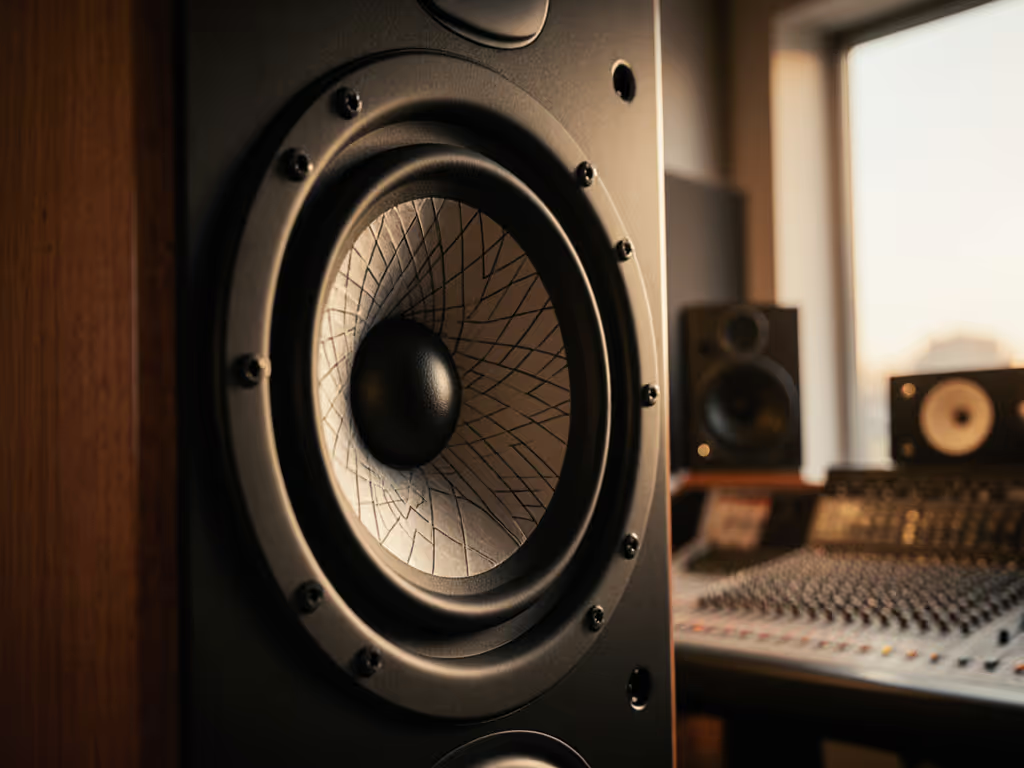
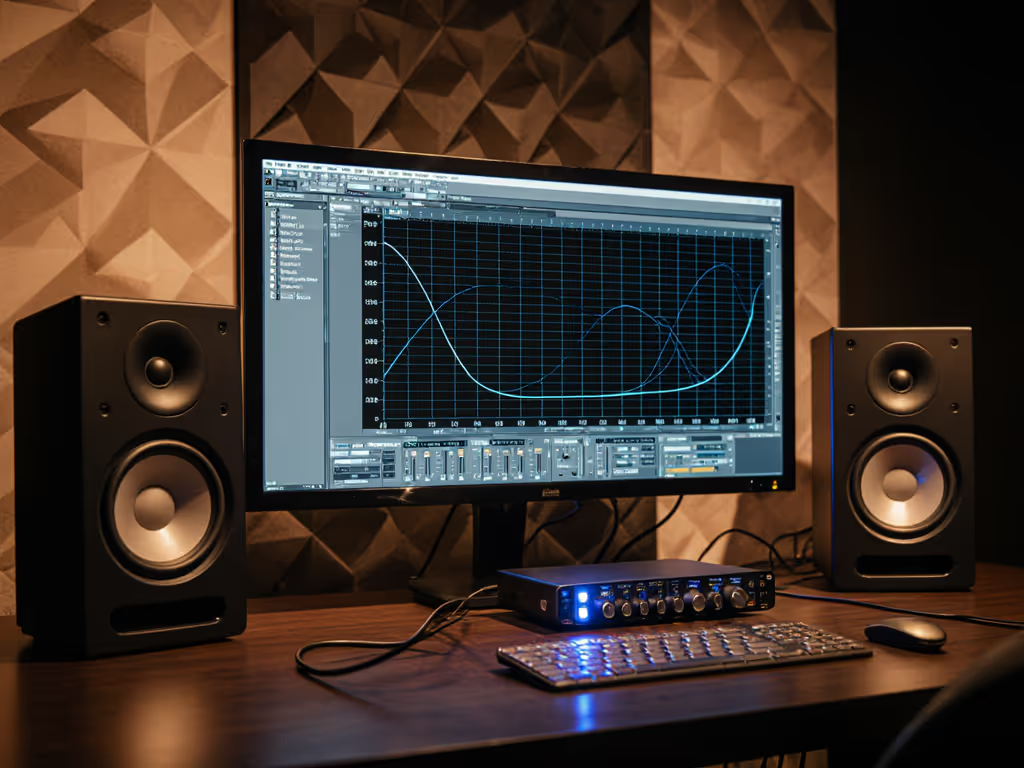
As a producer-for-hire who's worked in more cramped apartments than I can count, I've learned that monitor driver materials aren't just technical specs, they're your frontline defense against revision cycles. When your budget monitor's speaker component science fails to deliver honest translation, you're paying in lost time and client trust. After shipping dozens of records from shoebox rooms, I've discovered that understanding driver construction isn't academic, it's your fastest path to mixes that survive earbuds, laptops, and club PAs. Forget "exciting" sound; focus on materials that deliver repeatable accuracy at bedroom SPLs. Spend once, translate forever (save the budget for microphones).
Why Driver Materials Matter More Than You Think
Most producers fixate on frequency response charts while ignoring what's making that sound. But your woofer's cone composition and tweeter diaphragm materials directly determine whether your kick drum translates to a soundbar or disappears on iPhone speakers. Cheap paper cones may sound warm but lack the stiffness for consistent low-mid articulation at low volumes, exactly when you're working late without waking roommates. Understanding these materials saves you from the "headphone check" death spiral that eats creative hours. For a component-level overview of woofers, tweeters, and waveguides, see our driver tech guide.
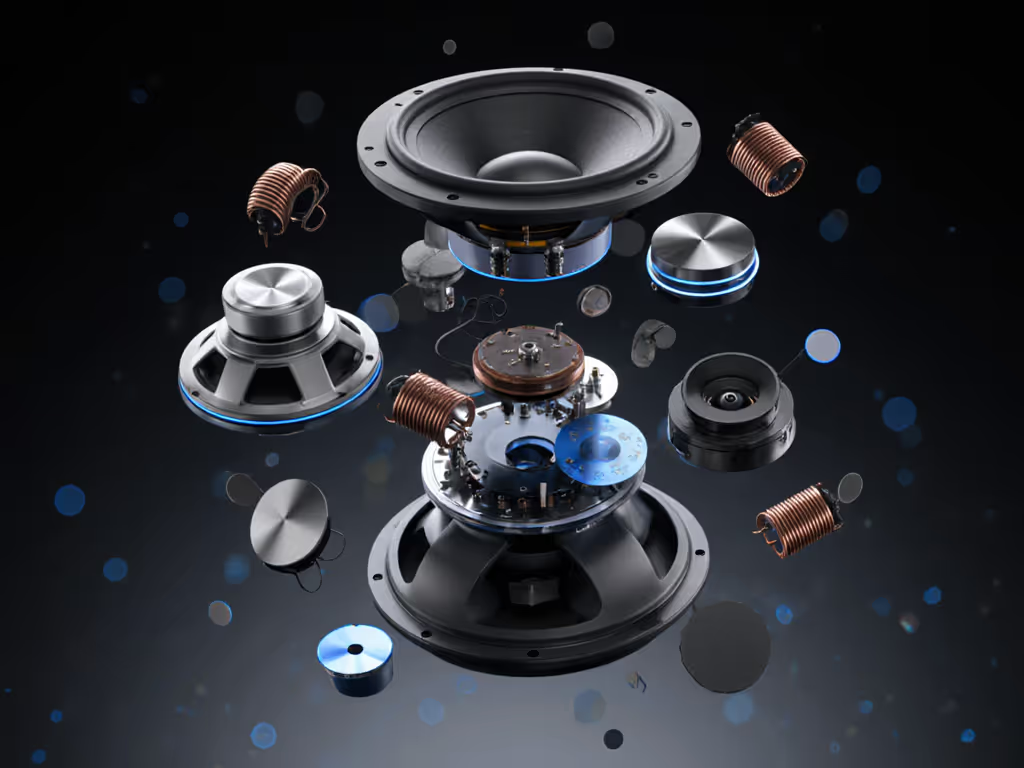
1. Woofers: It's Not About Size, It's About Material Truth
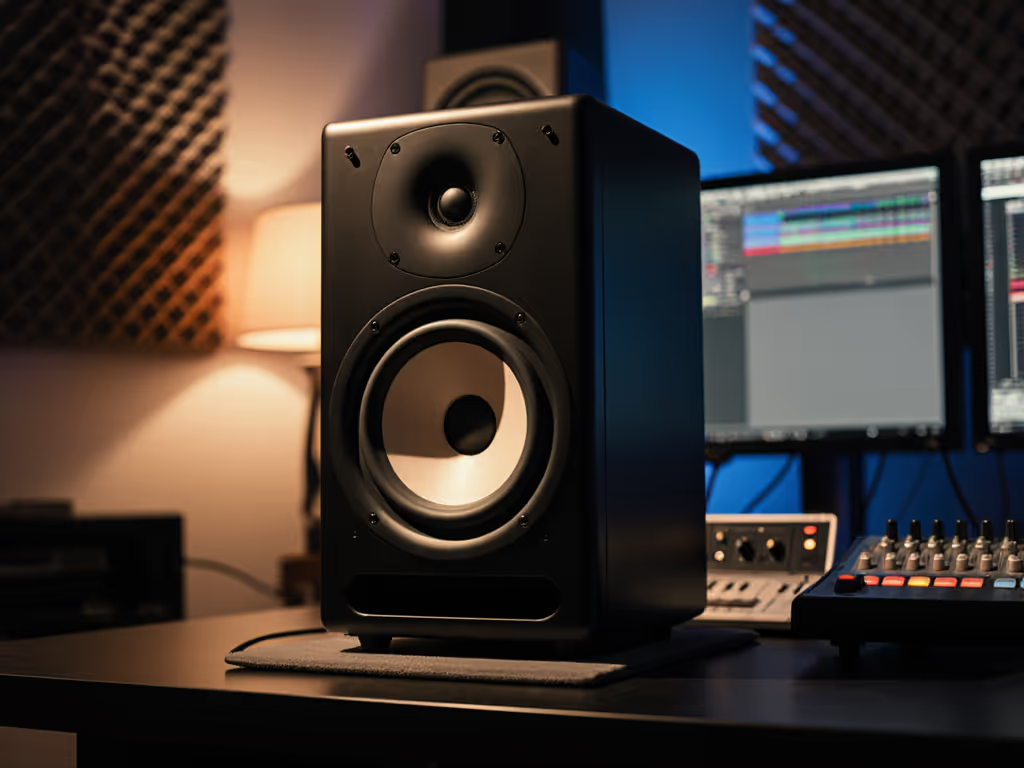
Your sub-120Hz decisions make or break translation. Woofer cone composition dictates whether bass notes collapse on consumer devices or hold up across systems. Paper pulp cones (common under $300) absorb energy, masking low-end transients that phones and earbuds reproduce poorly. Meanwhile, Kevlar or woven composites maintain rigidity through 60-100Hz where room modes wreak havoc in small spaces, giving you the honest low-mid articulation needed for EDM 808s or acoustic bass. My rule: prioritize cones that minimize breakup resonances in your critical range (80-120Hz), not maximum SPL. A $400 pair with rigid composite cones beats a "louder" budget model when kick drums stop disappearing on client checks.
2. Tweeters: The Fatigue Killer Hiding in Plain Sight
Harsh HF response causes ear fatigue within 20 minutes, a dealbreaker when mixing dialogue or vocals late at night. Tweeter diaphragm materials determine off-axis consistency: cheap Mylar domes sound bright on-axis but lose high-end detail as you move slightly in your chair (fatal for small desks). Aluminum domes offer speed but can harshen above 10kHz, lying about cymbal decay that iPhones flatten. Silk domes (like those in many mid-tier monitors) provide the smooth roll-off that translates to compressed streaming formats. For bedroom studios, prioritize tweeters with wide dispersion. Your "sweet spot" expands when diaphragm materials maintain coherence beyond ±15 degrees.
3. Surround Technology: The Silent Consistency Hero
Most buyers ignore the rubber or foam ring binding cone to basket, yet surround technology makes the difference between stable low-end at 73dB and boom/cancellation chaos. Budget monitors use cheap foam that hardens quickly in dry climates (common in apartments), shifting frequency response after six months. Quality surrounds use butyl rubber or treated foam that maintains compliance, so your 80Hz decisions stay consistent day-to-day. Check warranty terms: manufacturers with 5+ year coverage (like Neumann) signal confidence in their surround longevity. This is where "buy once, cry never" pays off. You avoid recalibrating mixes because your monitors aged out.
4. Magnet Systems: Why "Bigger" Can Hurt Translation
Contrary to marketing hype, oversized ferrite magnets often cause distortion in close-field setups. They increase motor force but also cabinet vibrations, amplifying desk reflections that smear mids in untreated rooms. To tame those reflections, use our monitor height setup guide. Modern monitors using neodymium (despite higher cost) deliver equal control with smaller magnetic structures, reducing cabinet resonance. For compact spaces, this means cleaner vocal presence without "polite mode" button tricks. When comparing specs, look for flux density (BL) ratings near 10-12 Tesla, not magnet weight. My budget math: $50 more for neodymium drivers saves $200 in acoustic treatment needed to tame cabinet buzz from cheap ferrite systems.
5. The Hidden Cost of Material Compromises
Let's do the budget math on "saving" $200 with inferior driver materials. At $75/hour (modest freelance rate), one avoided revision round pays for premium drivers. A monitor with poor driver material impact on sound might sound "fun" solo but requires constant checking on 3-4 devices, stealing 1.5 hours per mix. Over ten projects, that's $1,125 in lost time versus a $1,200 pair that delivers reliable translation. Add warranty: budget brands often limit coverage to 1 year on drivers (where failure concentrates), while pro-focused companies like ADAM Audio offer 3+ years. Factor repair costs, and the "cheap" option costs 40% more over 18 months.
6. Used Market Cautions: Material Degradation You Can't See
Buy once, cry never applies doubly to secondhand gear. Foam surrounds and ferrofluid (in some tweeters) degrade with UV exposure and humidity, common in uncontrolled storage. A seemingly clean $200 used pair might have desiccated surrounds shifting bass response by ±6dB. Always ask sellers: "How long stored in garage/basement?" Manufacturers design surrounds for 5-7 years indoors; climate-controlled storage is non-negotiable. Learn the climate effects on monitors before buying used. I've passed on $150 "deals" only to see them fail in 4 months, costing more in return shipping than new budget monitors with full warranty.
Final Verdict: Materials That Shorten Your Revision Cycle
Forget "premium" materials, focus on those optimizing translation per dollar in your space. For most small rooms, prioritize: 1) rigid woofer cones (Kevlar/composite) for stable 60-120Hz, 2) silk-dome tweeters for fatigue-free highs, and 3) butyl rubber surrounds for longevity. Avoid paper cones and foam surrounds regardless of price, these directly cause the earbud translation failures killing your efficiency. Most importantly: choose monitors with serviceable drivers and multi-year warranties. In my compact studio journey, the cheapest choice became the $400 used pair with mineral-coated cones and a sub that survived client revisions. That's when I started rating gear by translation per dollar, not hype. Your goal isn't the "best" monitor, it's the one that gets your mixes approved faster while fitting your budget. Stop guessing at bass translation; understand driver materials, and you'll spend less time checking mixes on your phone, and more time creating.
Related Articles