Monitor Size Translation: Hear Truth on Phones & Earbuds
By Mateo Sørensen • 17th Dec
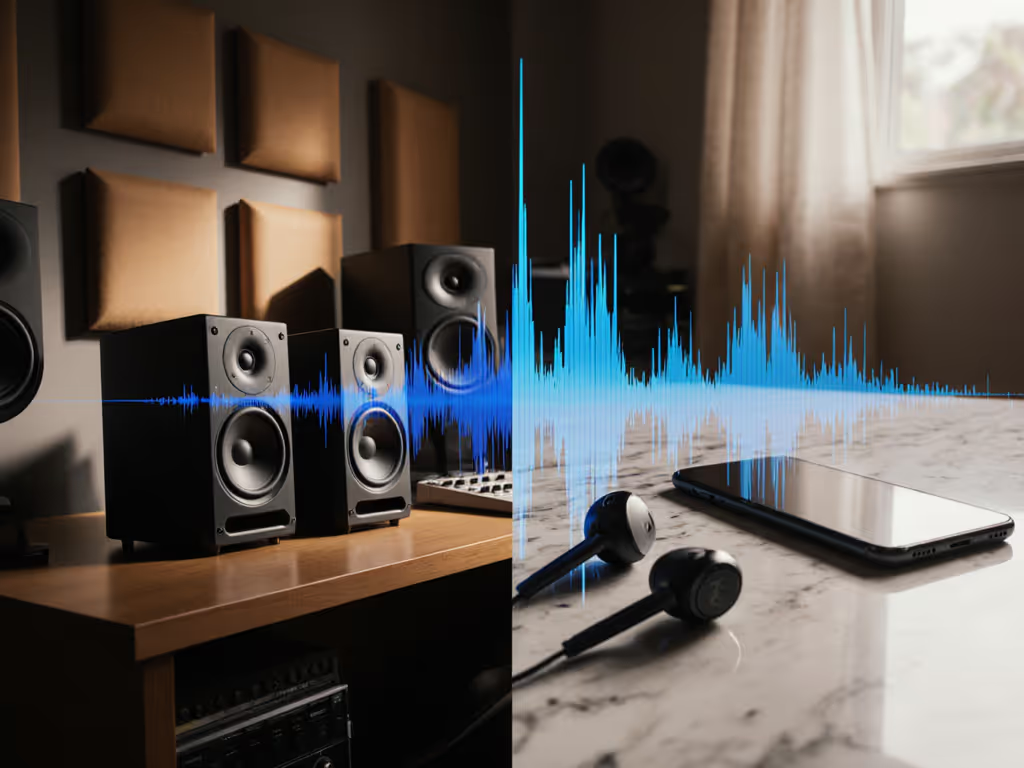
When your mix falls apart on earbuds or phone speakers, the problem often starts with monitor size translation and mismatched consumer device frequency response. You have felt it, that sinking realization when your carefully crafted bass disappears on tiny speakers or your vocals turn muddy on a client's laptop. What if you could hear those translation issues before export, while working quietly in your compact space? Let's solve this together.
Why Your Studio Monitor Lies to You (And How to Fix It)
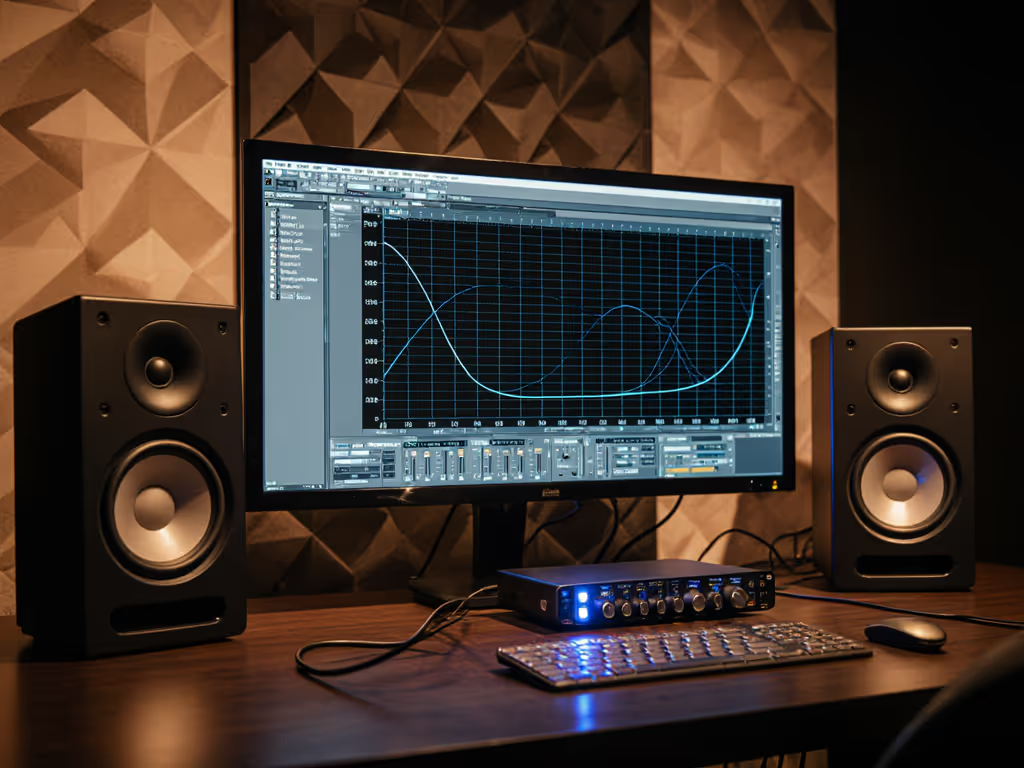
Most bedroom producers face the same trap: selecting monitors based on impressive specs rather than real-world translation. Big woofers in small rooms create boomy pockets that vanish on earbuds. Small monitors hide sub-80Hz content that actually does translate through harmonic distortion on phones. The truth lives in the middle ground.
I learned this the hard way after blowing out my hearing chasing volume hype. Now I work at 72 dB SPL with a 30-minute timer (quiet work that translates, beats loud work that impresses). For practical steps to protect your hearing while keeping mixes accurate, see our safe listening levels guide. When you mix loudly, your ears lose sensitivity to the 200-800 Hz range where speech intelligibility lives. Suddenly, those subtle vocal dips you missed become glaring flaws on consumer devices.
The Frequency Translation Gap
| Playback System | Critical Frequency Range | Common Issue |
|---|---|---|
| Earbuds | 100-500 Hz | Missing fundamental bass |
| Phone Speakers | 300-12k Hz | Muffled vocals, no sub-bass |
| Laptop Speakers | 200-15k Hz | Weak low-mids, harsh highs |
Mobile devices physically can't reproduce sub-100Hz frequencies. But bass perception on earbuds happens through harmonic illusion (those 80-200 Hz harmonics your kick drum should provide). When your large monitor shows deep 40Hz content, you are probably overcompensating for room modes that will not exist elsewhere. Conversely, small monitor limitations make you boost bass that will overwhelm club systems.
The Goldilocks Zone for Compact Rooms
For 8x10 to 12x14 ft spaces, 5-7 inch woofers deliver the sweet spot for translation. They:
- Reach low enough (down to 45-50Hz) to reveal problematic room modes
- Stay articulate at 70-75 dB SPL where you actually work
- Produce less boundary-reinforced bass that lies about 60-120 Hz content
Quiet, consistent monitoring reveals truth faster than loud, sporadic sessions.
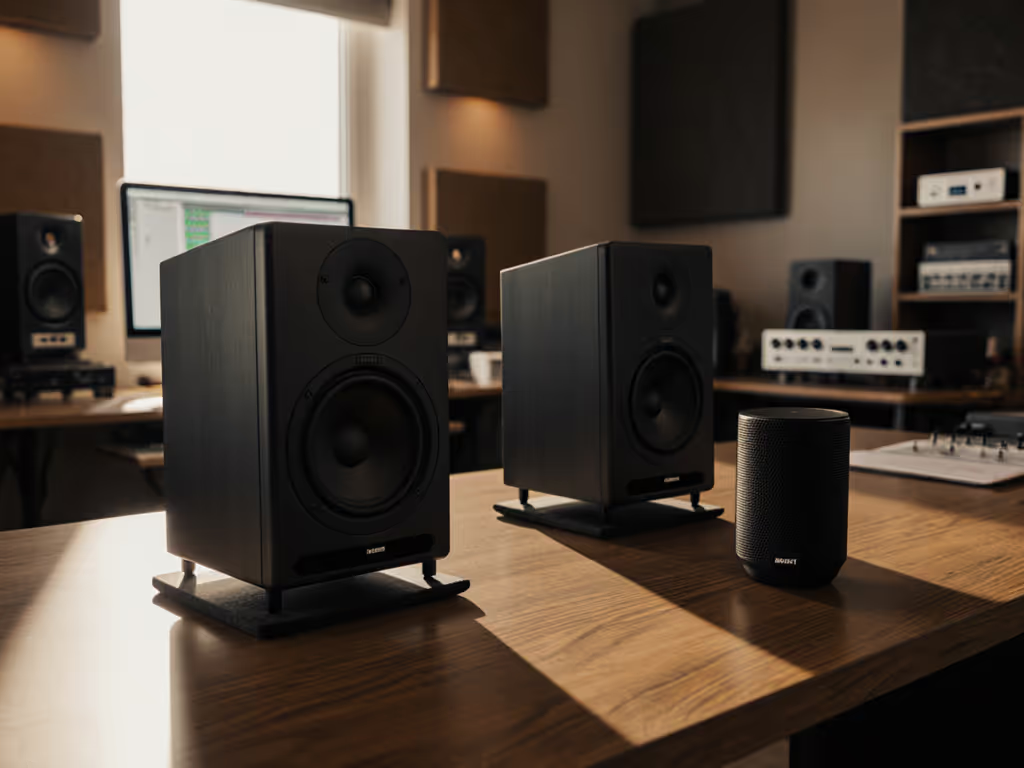
Place them 3.5 feet from your ears (not 1 meter like manuals say). For context on sweet spot width and dispersion, check our off-axis response comparison. This creates a stable sweet spot within your tiny desk geometry. Large monitor translation issues always emerge when drivers exceed 8 inches in nearfield setups, the low end becomes location dependent and collapses on translation checks. If your room is under 12x14 ft, start with these small-room monitor picks that translate reliably.
Your 3-Step Translation Workflow
- Calibrate your SPL baseline (Do this now!) If you're using a phone app, follow our smartphone calibration guide for quick, accurate setup.
- Play pink noise at -18 dBFS
- Set monitors to 72 dB SPL measured at ear height
- Use a free dB meter app (set to C-weighting)
- Timer cue: Reset SPL every Thursday morning
- Build your frequency translation map
- Note where your mix fails on phones: Dull vocals? Missing punch?
- Create a reference chart:
- "Muddy on earbuds" = likely 250-500 Hz buildup
- "No bass on phones" = missing 80-200 Hz harmonics
- "Harsh on laptops" = unchecked 8-12k resonance
- Test with your ears, not assumptions
- A/B against reference tracks at identical SPL
- Switch between monitors and earbuds every 15 minutes
- Stand up during earbud checks (your body position affects bass perception)
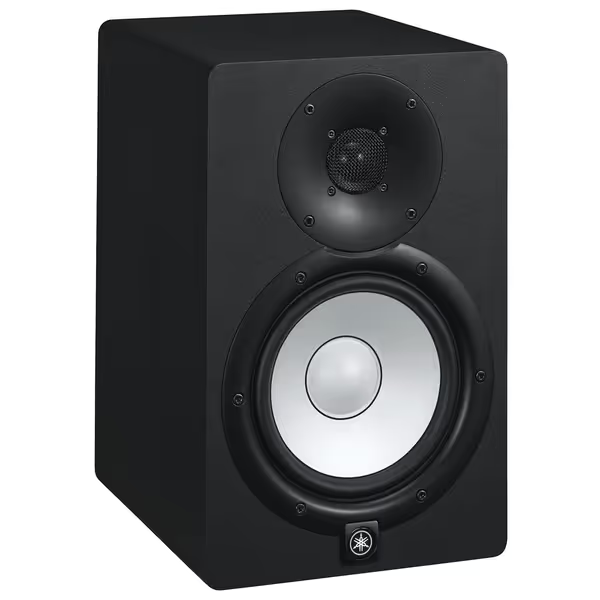
Yamaha HS7 Studio Monitors
Accurate, room-adaptable monitoring for reliable mixes in small spaces.
$262.49
Frequency Response43Hz - 30kHz
Frequency Response43Hz - 30kHz
Pros
Phenomenal detail & separation for mix-translation confidence.
Built-in ROOM CONTROL adapts to imperfect acoustics.
Clear, unfatiguing sound for long sessions.
Cons
Bass may lack impact without a subwoofer.
Can sound clinical if not accustomed to flat response.
Customers praise these studio monitors for their excellent sound quality, with one noting phenomenal separation of highs, mids, and bass, and another highlighting their high-end performance. Customers find them reliable and suitable for small home studios, with one mentioning they can fill a bedroom-sized room. Customers appreciate the monitors' clarity, volume capabilities, and attractive white color, while also considering them good value for money, with one noting they deliver high-end audio for $1,000.
Customers praise these studio monitors for their excellent sound quality, with one noting phenomenal separation of highs, mids, and bass, and another highlighting their high-end performance. Customers find them reliable and suitable for small home studios, with one mentioning they can fill a bedroom-sized room. Customers appreciate the monitors' clarity, volume capabilities, and attractive white color, while also considering them good value for money, with one noting they deliver high-end audio for $1,000.
Defeating the Desktop Boundary Beast
Desk reflections murder your translation accuracy. Dial in angles and height with our monitor height and placement guide. That "muddy on earbuds" problem often stems from 200-500 Hz smeared by your work surface. Fix this now:
- Elevate monitors slightly above desk level (use books if needed)
- Toes-in critically: Aim tweeters 2 inches behind your head position
- Isolate aggressively: Put dense pads under monitors (avoid foam cubes)
- Measure angles: Hold a ruler from tweeter to each ear, should form an equilateral triangle
When you eliminate desk coupling, your vocal clarity suddenly matches what listeners hear on consumer devices. This is why many producers miss frequency range for mobile devices, their monitors lie due to boundary interference, not driver size.
Action Plan for Reliable Translation
Start tonight with this 20-minute ritual:
- At 72 dB SPL, solo your kick and bass
- Switch to earbuds. Can you still feel the pulse? If not, boost 100-200 Hz by 1.5 dB
- Check vocals on phone speaker, add 3 dB at 5 k if words blur
- Reset to studio monitors and verify changes sound natural
Every time you chase volume, you lose translation clarity. Protect your ears
This is not about mimicking consumer devices, it is about hearing their limitations in your control room. Your monitor's job is not to sound impressive, but to reveal where your mix will break on the devices your audience actually uses.
Final Truth: Your Ears Are the Ultimate Monitor
I burned out mine early by ignoring SPL discipline. Now my mixes clear first-pass approvals because I mix at levels that match real-world listening. When you prioritize translation over volume, your speakers become honest partners, not hype machines.
Your next step: Tonight, set a timer for 25 minutes. Mix at 70 dB SPL while wearing one earbud. When the timer dings, swap to studio monitors. Notice where your mix surprises you (that is your translation blind spot). Repeat Thursday and Friday. By Monday, you will hear truth on every device.
Quiet consistency builds client trust. Loud guessing builds revision loops. Protect your ears.
Related Articles