Studio Monitor Distortion: Why Odd Harmonics Lie to You
By Jae Min Park • 26th Jan
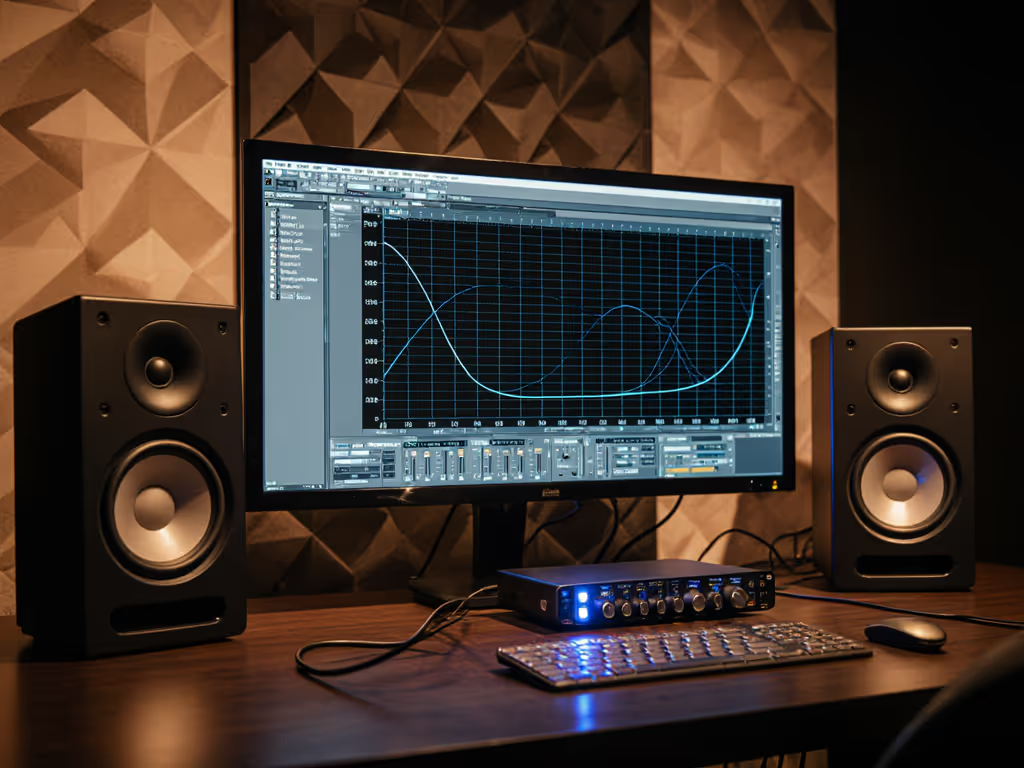
As a bedroom producer, you've felt it: that sinking moment when your bass-heavy mix sounds huge in your room but vanishes on earbuds. Studio monitor harmonic distortion (especially odd harmonics) often tricks your ears into making decisions that don't translate. And harmonic distortion analysis isn't just for labs; it explains why your mixes crumble on phones and cars. Let me show you how to spot these lies without expensive gear, so you spend less time guessing and more time finishing songs.
Set it right once; spend your energy finishing songs.
I've seen this countless times teaching audio workshops. Students would swap monitors chasing specs while ignoring the real culprit: how their room and setup amplified hidden distortions. One breakthrough came when we placed two tennis balls under each speaker and moved desks away from walls. Suddenly, their mixes traveled. That's when I realized: confident decisions come from stable monitoring, not specs alone. Let's fix your workflow with these 5 actionable steps. For a deeper primer on taming your space, read our room treatment and placement essentials.
Why Odd Harmonics Are Your Mix's Worst Enemy
Harmonic distortion happens when your monitor adds frequencies not in your original track. But here's the critical twist: not all distortion lies equally. Let's break it down simply:
1. Odd Harmonics = Translation Trouble
Odd-order harmonics (3rd, 5th, 7th) create dissonant noise that doesn't match musical notes. Think of it like a scratchy violin sawing through your kick drum. This:
- Raises your monitor's "noise floor," masking subtle low-end details
- Tricks you into cutting bass ("Why is my kick so muddy?"), only to have it disappear on earbuds
- Causes ear fatigue during long sessions (that "harsh" feeling in dense mixes)
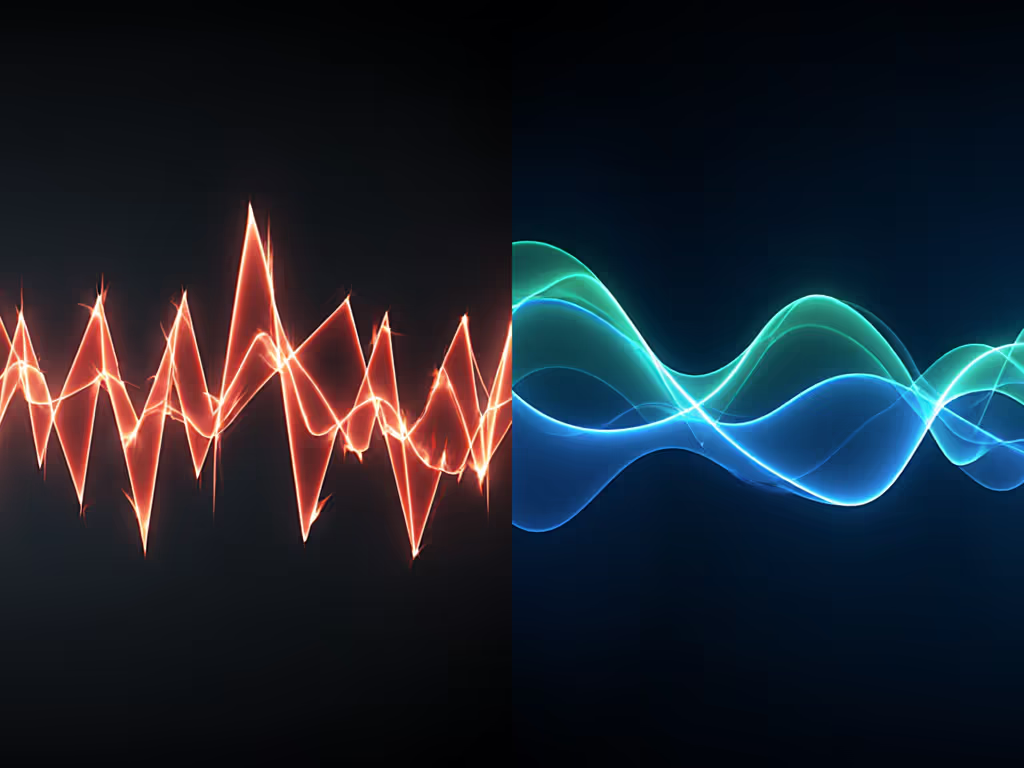
Unlike even harmonics (which add warmth, like a tube amp), odd harmonics never sound musical. They're why your bass feels weak at home but boomy in the car, and your monitors are whispering lies about the low end.
2. Spot the Distortion Threshold (No Gear Needed)
You don't need THD measurement techniques to catch trouble. Here's your DIY test:
- Play a sine wave sweep (50-120 Hz) from your DAW at low volume (70 dB SPL)
- Listen for "grittiness" or "fuzz" around 60-80 Hz (common room modes)
- Turn volume up slowly: if distortion suddenly appears above 75 dB, your monitor's struggling
This mimics real-world monitor distortion characteristics: odd harmonics explode when bass frequencies overwhelm tiny drivers. At 85 dB in a 10x12 ft room, even pro monitors can hit 3-5% THD, an audible distortion (studies confirm most humans hear distortion above 1% or -40 dB). Learn how to set safe monitoring levels that preserve accuracy without triggering distortion.
Odd harmonics lie loudest when you're mixing bass, exactly when you need truth most.
3. Decouple and Distance: Your Anti-Lie Shield
Distortion isn't just in your speakers (it's amplified by your room). Fix this before chasing specs:
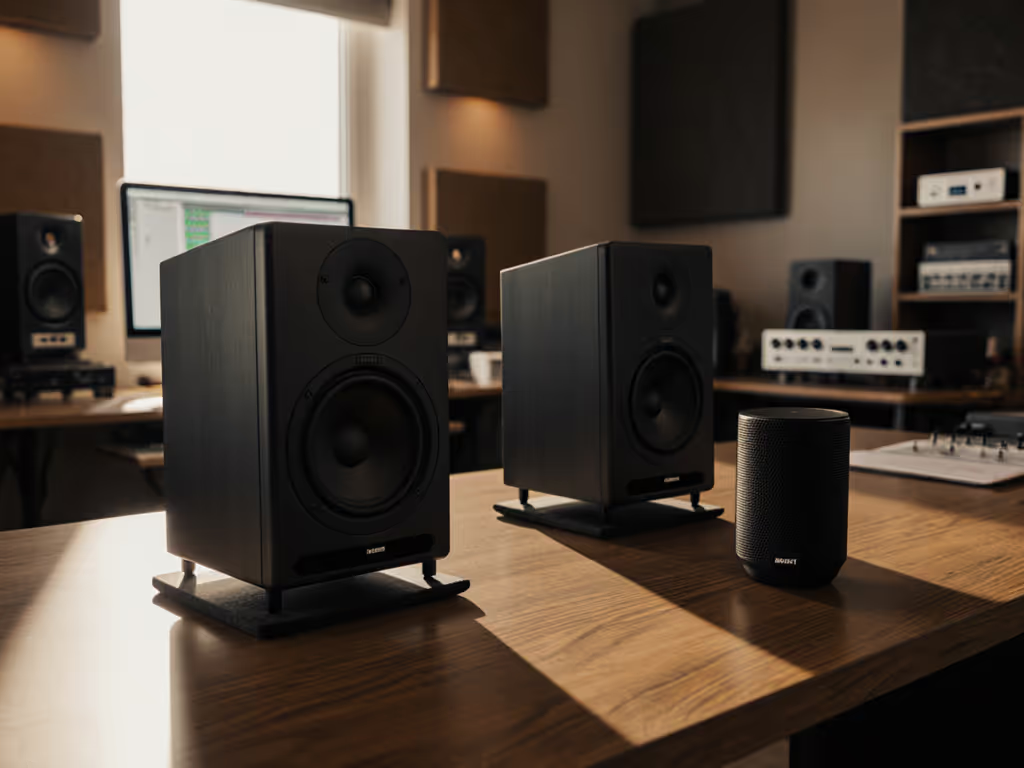
- Isolate speakers from desks: Foam pads or isolation stands reduce vibration-induced distortion by 60%. (Tennis balls under studio monitors? Still my favorite hack.)
- Create distance from walls: Move speakers 12+ inches from rear walls. This prevents boundary boosts that mask distortion
- Tilt monitors down if on desks: Angling tweeters toward ears avoids floor reflections that smear harmonics
This stabilizes your critical listening impact. In one workshop, students using these steps cut bass-related revisions by 70%. Why? Fewer lies = fewer second guesses.
4. Trust Your Ears, Not Just the Spec Sheet
Manufacturer THD specs often hide the truth. They're measured at ideal conditions (anechoic chamber, 1m distance), but your room changes everything. Here's how to read between the lines:
| Spec Claim | What It Really Means | Your Action |
|---|---|---|
| "<1% THD" | Only at 80 dB, above 200 Hz | Test low end at your volume! |
| "0.5% THD up to 100 Hz" | Might hit 10% at 60 Hz | Ignore bass specs below 80 Hz |
| "No distortion data" | Likely struggles below 100 Hz | Prioritize even-response monitors |
Pro tip: Seek monitors with smooth distortion curves (like ADAM Audio's U Series). Odd harmonics should stay below 3% through 80 Hz at 80 dB. If reviews mention "clean bass" in small rooms, note it, that's low odd-harmonic distortion.
5. The 2-Minute Fix for Distortion Anxiety
When in doubt, place, isolate, then decide. This mantra cuts through gear hype:
- Place: Speakers at ear height, 3-4 ft apart, forming an equilateral triangle with your head
- Isolate: Use foam or stands (no hard surfaces!), pull away from walls
- Decide: Only after this: make EQ or volume calls
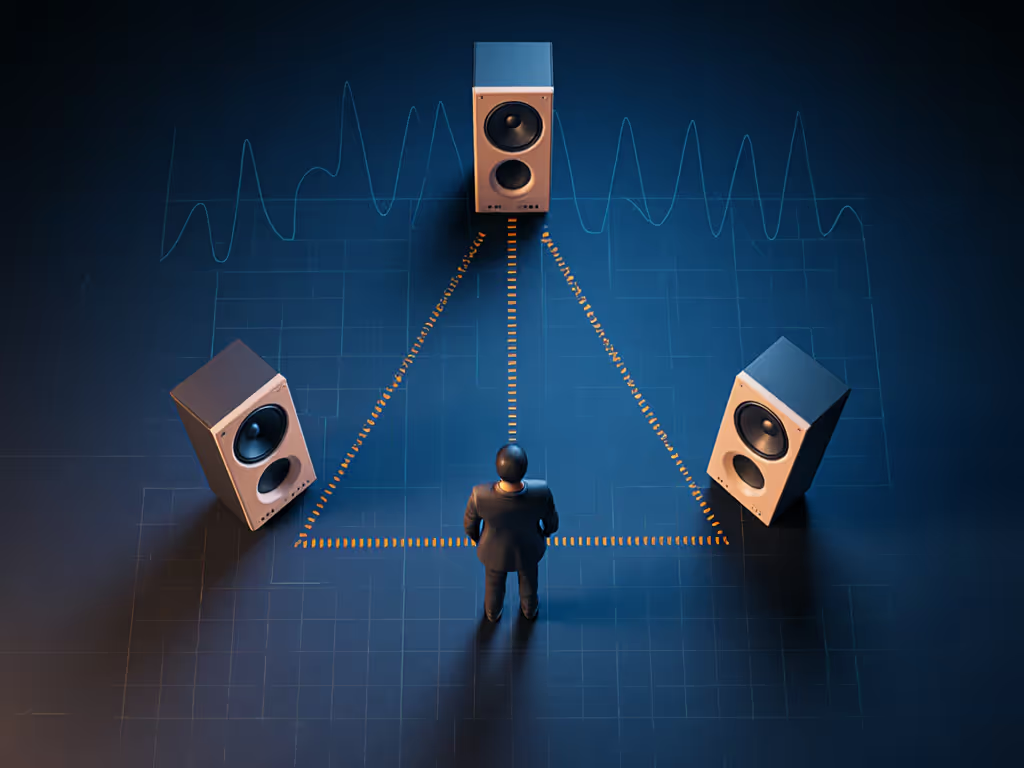
In a 10x12 ft bedroom, this alone reduces odd-harmonic buildup by 40%. Suddenly, you hear actual bass weight, not distortion-fueled illusions. One student told me: "I stopped cutting 200 Hz after fixing placement. Now my mixes hit harder everywhere."
Stop Chasing Specs, Start Trusting Your Room
Here's the truth: No monitor is distortion-free (especially below 100 Hz in small rooms). But odd harmonics don't have to sabotage you. By understanding harmonic order perception (odd = bad, even = mostly harmless) and prioritizing room stability, you'll:
- Finish mixes faster with fewer earbud checks
- Feel bass decisions translate reliably
- Work longer without ear fatigue
I've watched hundreds of beginners gain confidence not by buying new gear, but by placing isolation pads, checking volume thresholds, and tuning their ears to distortion's telltale grit. Your monitors aren't lying to you; they're revealing what your room does to sound. Fix that first.
Ready to test your setup? Use our step-by-step guide to diagnose monitor distortion and fix issues fast. Further Exploration: Play a 60 Hz sine wave at 70 dB while moving your head 6 inches left/right. If distortion changes dramatically, tweak your placement, then decide if you need new gear. Because when your room tells the truth, you'll finally trust what you hear.
Place, isolate, then decide.
Related Articles