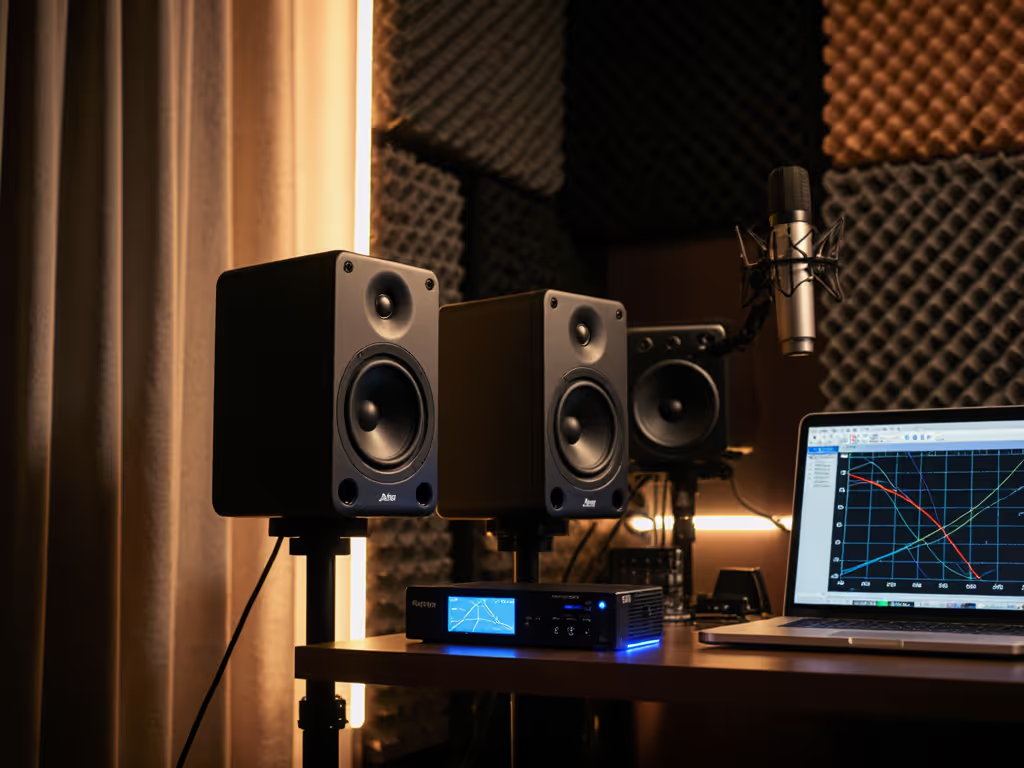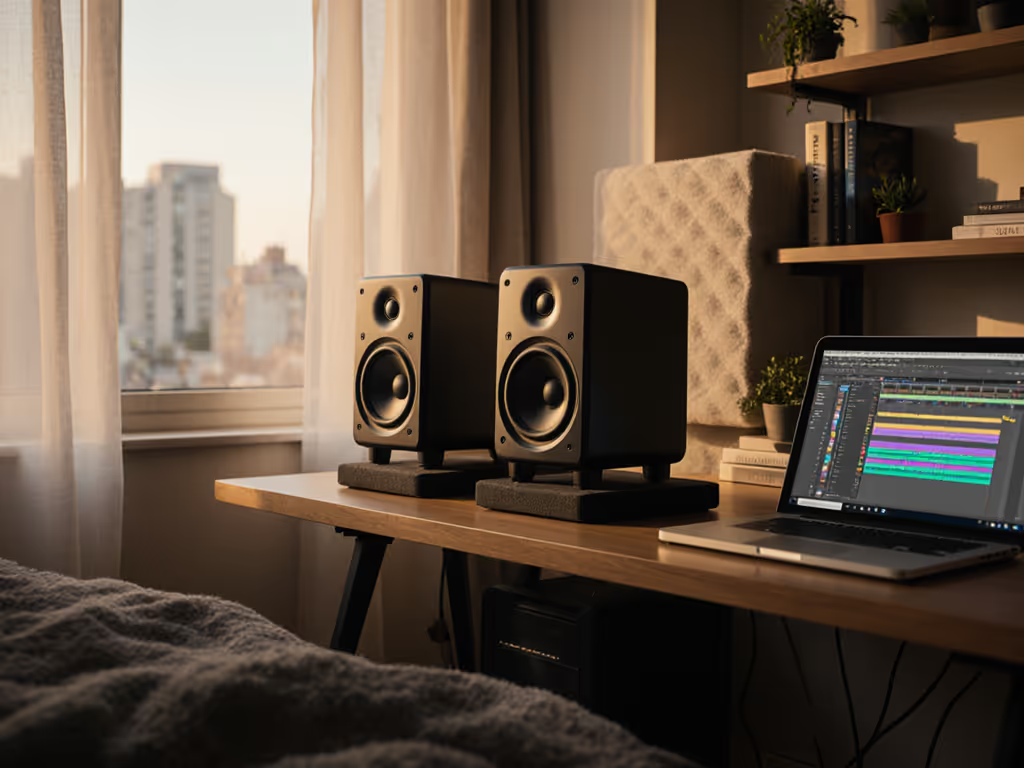
Apartment Studio Monitor Bundles For Quiet, Rental-Safe Mixing
By Priya Nandakumar • 21st May
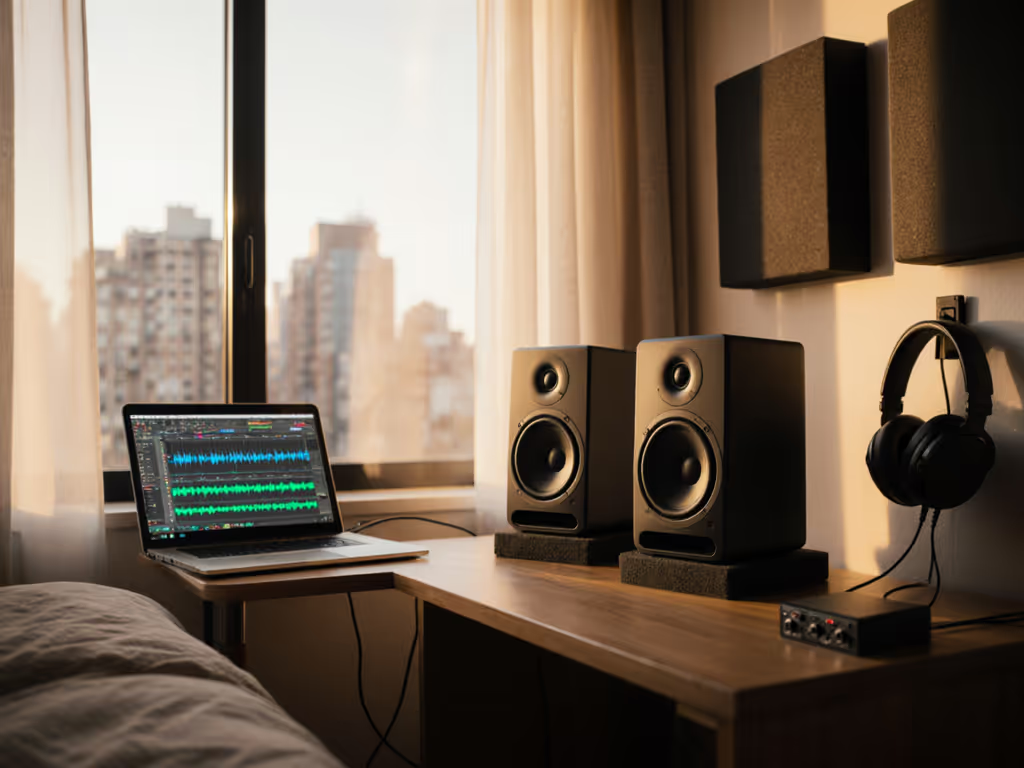
If you're trying to build apartment studio monitor bundles that keep neighbors happy and still tell you the truth, you've probably already discovered how few real noise complaint monitoring solutions exist. Most "best studio monitor" lists assume you can crank 85 dB in a treated room. You can't. You've got thin walls, a reflective desk, and a landlord who doesn't want foam glued to the paint.
This guide is a comparative breakdown of bundle archetypes (complete, rental-safe setups at different budgets) designed specifically for small apartments and spare rooms. We'll trade hype for translation per dollar and focus on systems that stay honest at low volume.
The best monitor rig for an apartment is the one that lets you mix quietly, trust the low end, and stop doing endless car checks.
To keep things practical, I'll stick to:
- Budgets under ~$1,500 all-in
- 5-7" nearfield monitors, optionally with a compact sub
- Rental-friendly acoustic treatment, vibration isolation pads, and light DSP
- Real-world placement strategies for 8x10 to 12x14 ft rooms
What Actually Matters In An Apartment Monitoring Bundle
Before we compare bundles, it helps to define the constraints.
1. Low-Volume Monitoring Accuracy
In apartments, you're often mixing around 65-75 dB SPL (C-weighted) at the listening position. Learn how to set and verify apartment-safe volumes in our Studio Monitor Safe Levels guide. Many monitors are voiced to come alive closer to 80-85 dB; below that, the bass and low-mids fall apart and the top end feels either dull or brittle.
Key traits that help at low volume:
- Linear low end down to ~50-60 Hz at nearfield distances (0.7-1.0 m)
- Low self-noise (hiss) so quiet passages aren't masked
- Stable imaging at low SPL, transient detail still "locks in"
This is where good 5-6.5" monitors often beat larger 8" boxes in apartments: you get tighter bass control and less room boom at the levels you can actually use.
2. Controlling Vibration and Structure-Borne Noise
Most neighbors don't complain about the snare. They complain about low-frequency vibration traveling through floors and walls.
- Vibration isolation pads under monitors (and sub) reduce mechanical coupling to your desk/floor.
- Decoupled stands with rubber feet help further, but many of you don't have floor space.
- A compact sub, tuned properly and run quietly, can actually reduce complaints compared to big mains, because you don't have to push the tops as hard.
3. Rental-Friendly Acoustic Treatment
You don't need a full studio build, but you do need to tame the worst reflections and low-end chaos.
Rental-safe options:
- 2-4 broadband panels on picture hooks or light stands
- Thick curtains over windows and bare doors
- A rug over reflective floors
- Freestanding gobos or bookshelves behind you
You're not aiming for perfection; you're aiming to remove the most damaging early reflections and reduce ringing in the 100-300 Hz range.
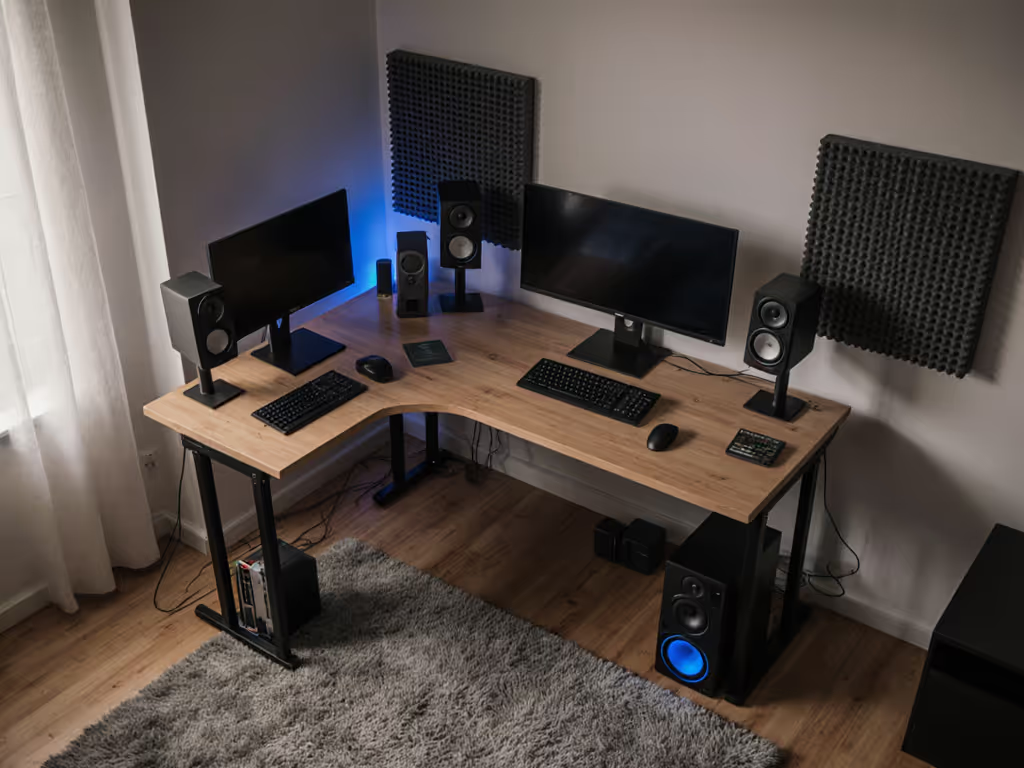
4. Room-Aware Placement & Geometry
In a small room, centimeters matter. The basics: To minimize desk reflections and nail ear-height alignment, follow our monitor height and placement guide.
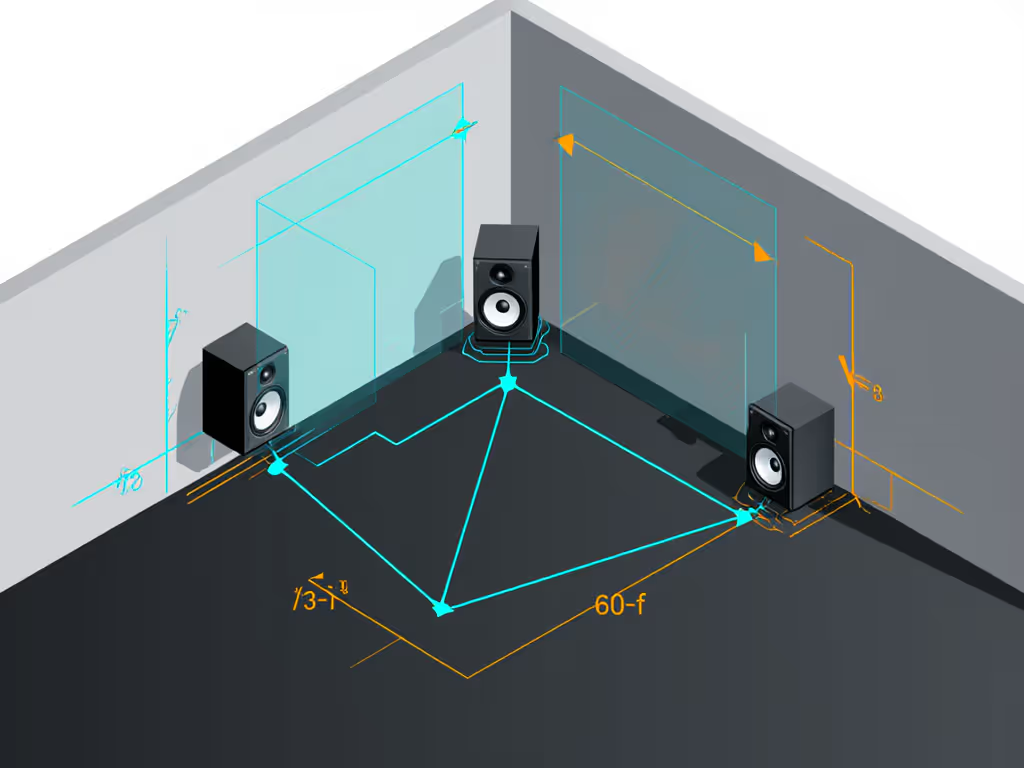
- Listening triangle: 0.8-1.1 m between your head and each monitor, and the same between the monitors themselves (equilateral or close).
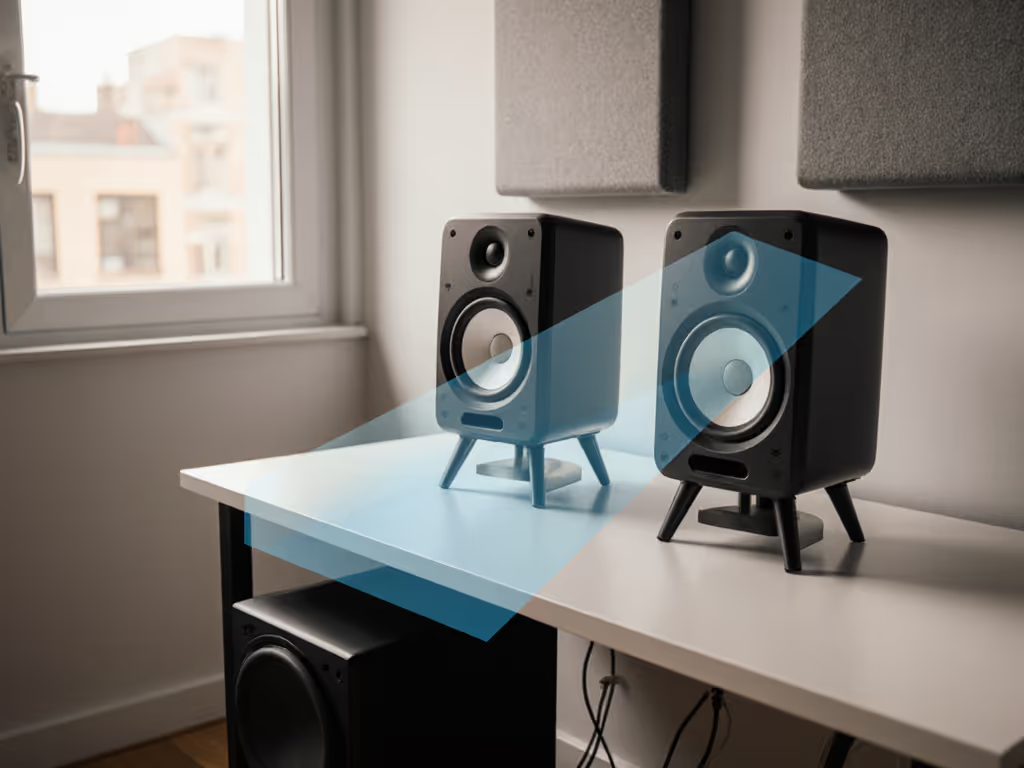
- Tweeters at ear height, angled to point directly at your ears.
- Back-wall distance: for 5-6" monitors, either very close (<=10 cm) or 40-60 cm from the rear wall to the back of the cabinet. Avoid the 15-30 cm zone where boundary reinforcement is worst.
- Side walls: aim for 60-90 cm if possible.
We'll assume roughly this geometry for all the bundles below.
5. DSP, Room Correction, and Sub Integration
In small rentals, smart DSP is often more valuable than raw SPL.
- Built-in boundary EQ or shelving filters can tame boomy corners.
- Light room correction (e.g., Sonarworks, ARC) can smooth 150-500 Hz and tilt the overall tonality, as long as you avoid heavy-handed bass boosts. If you're new to calibration, our step-by-step Sonarworks setup guide shows exactly how to do this in a rental.
- Sub integration is about quiet extension, not club levels. A 6.5" or 8" sub, crossed around 70-80 Hz, run 3-6 dB quieter than "flat," can fill the information gap without waking the building.
How We'll Compare Apartment Studio Setup Kits
Instead of single products, we'll look at bundle archetypes at three budget levels, each including:
- Monitors (new or used)
- Isolation hardware
- Minimal, rental-safe treatment
- Optional DSP and/or sub
For each tier, I'll score:
- Quiet Accuracy - honesty at 65-75 dB
- Neighbor-Friendliness - how well it avoids complaints
- Upgrade Path - how easily you can grow the system
- Fatigue & Reliability - how long you can work and how likely it is to last
Price ranges are approximate street prices in USD, with notes where used buys make more sense.
Buy once, cry never - but "buy" means the whole system, not just the speakers.
Tier 1: Sub-$500 - Starter Apartment Studio Setup Kits
This tier is for students and early hobbyists who still want honest work, not toys. You're likely upgrading from gaming speakers or consumer headphones.
Bundle 1A - Value 5" Monitors + Pads + Soft Treatment
Who it's for:
- Bedroom producers, podcasters, and editors on a strict budget
- Rooms ~8x10 ft or smaller
- Users who can't install anything permanent
What's in the bundle:
- Pair of respected 5" monitors (entry line from a measurement-backed brand)
- Example traits: neutral-ish tuning, front port or controlled rear port, honest from ~55-60 Hz up, no hyped V-shaped curve.
- Basic vibration isolation pads sized for 5" boxes
- Rug + two thick curtains or two 2" broadband panels hung on removable hooks at first reflection points
Performance:
- Quiet Accuracy (6.5/10): Good enough to make solid vocal and midrange decisions, with bass you can at least interpret. Below ~60-70 Hz, you're guessing, so you'll still rely on headphones or reference systems for sub-heavy material.
- Neighbor-Friendliness (8/10): 5" cones and isolation pads are gentle on walls and floors. You'll run these around 65-70 dB most of the time; as long as you avoid late-night sub-bass testing, you'll be fine.
- Upgrade Path (7/10): Room to add better isolation, a small sub, or light room correction later.
- Fatigue & Reliability (6-7/10): Look for soft-dome tweeters and brands with decent warranty (2-3 years). Avoid "DJ" speakers with harsh top end.
Pros:
- Lowest cost way to enter honest monitoring
- Very compact footprint
- Rental-friendly: all treatment is removable
Cons:
- Bass extension is limited; genres like trap/EDM/modern pop will still be tricky
- Imaging and detail won't match higher tiers
Practical tip:
- Calibrate listening level with a phone SPL app. Aim for ~70 dB C-weighted at your listening position. Take notes: if your mixes keep coming out bass-light on other systems, gently adjust your habits, not the monitors.
Bundle 1B - 5" Monitors + Entry-Level DSP Correction
Who it's for:
- Same as Bundle 1A but with a computer fast enough and an interface stable enough to handle software correction.
What's different:
- Swap the soft treatment down a notch (e.g., rug + one curtain or one panel)
- Add entry-level room correction software
Performance Trade-offs:
- Quiet Accuracy (7/10): Small rooms typically have big peaks/dips around 100-300 Hz. Light correction here can make it far easier to judge low-mids and bass guitar balance.
- Neighbor-Friendliness (7.5/10): Similar to 1A; just beware of correction curves that boost sub-bass, it'll make you turn up the lows and upset neighbors.
- Upgrade Path (8/10): Correction software stays useful if you later upgrade monitors.
Key caution:
- Don't chase a perfectly flat low end; in small rooms, forcing the software to boost nulls just burns headroom and increases distortion. Use a gentle target curve: mostly flat mids, slight high-shelf roll-off, minimal bass boosts.
Tier 2: $500-$900 - Serious Nearfield Bundles For Quiet Truth
Here we're in the zone where good decisions get easier and revision cycles shrink. This is also where careful used-market buying can unlock semi-pro performance without breaking rent.
Bundle 2A - 6" Monitors + Isolation + Proper Panels
Who it's for:
- Freelancers, audio students, and self-releasing artists
- Rooms from 9x11 to 12x14 ft
- People comfortable hanging a few proper panels, but no drilling into studs if the lease forbids it
What's in the bundle:
- Pair of 5.5-6.5" monitors in the ~$400-600 range
- Look for: good independent measurements, low distortion, controlled directivity, modest low-end extension (usable to ~45-50 Hz in-room).
- Mid-grade isolation:
- Heavier-duty vibration isolation pads or compact decoupling stands
- 4-6 broadband panels (4" mineral wool or similar), hung with removable hardware or on mic stands:
- 2 at first reflection points
- 2 behind you, roughly ear-height
Performance:
- Quiet Accuracy (8/10): The extra cone area and cabinet volume give you a clearer view down to ~50 Hz at low volume, especially with better room control.
- Neighbor-Friendliness (7/10): You can move more air, so respect quiet hours. But because clarity improves, you'll often find yourself working quieter.
- Upgrade Path (8/10): Easy to add light DSP or a compact sub later.
- Fatigue & Reliability (8/10): This price class includes many "forever" monitors if you choose wisely. Look for 3-5-year warranties.
Real-world note:
Work at 70 dB most of the time, step up to 80 dB for very short translation checks, then drop back down. This keeps your ears fresh and your neighbors tolerant.
Bundle 2B - 5-6" DSP Monitors + Minimal Panels + Software Correction
Who it's for:
- Producers mixing a lot of bass-heavy material but stuck in awkward rooms (L-shaped, alcoves, asymmetrical desks)
- Users who are comfortable with measurement mics and software
What's in the bundle:
- Pair of 5-6" DSP-enabled monitors with onboard room/boundary presets
- Basic broadband treatment (2-4 panels + rug)
- Room correction software for final voicing
- Good vibration isolation pads
Performance:
- Quiet Accuracy (8.5/10): DSP can straighten out response near your desk, especially around 100-300 Hz, where modes and desk reflections smear detail.
- Neighbor-Friendliness (7/10): DSP can tempt you into "more bass" curves. Resist. Use it to remove peaks, not add weight.
- Upgrade Path (8/10): DSP monitors with USB or app control often play nicely with future subs and can store apartment-specific presets.
Key advantage:
- You can effectively run "dual voicings": one profile for quiet, detailed work and another slightly tilted profile for client playback at modestly higher levels.
DSP caution:
- Keep an eye on latency with software correction, especially for tracking or live performance. Many modern systems keep it under a few ms, but always test aggressively.
Tier 3: $900-$1500 - Quiet-Sub Bundles With Translation as the Goal
This tier is for people who earn (or aim to earn) real money from their mixes and want consistent results across phones, cars, and streaming without leaving the apartment. For curated, apartment-friendly studio subwoofer bundles that integrate cleanly at low volumes, start here.
Spend once, translate forever - save the budget for microphones.
Bundle 3A - 6" Monitors + Compact Sub + Isolation & Panels
Who it's for:
- Freelance mix engineers, serious producers with paying clients
- Rooms that can fit a sub in front of the desk without blocking walkways
What's in the bundle:
- Pair of proven 6-6.5" monitors with solid distortion performance and neutral tonality
- Compact 6.5-8" studio subwoofer with:
- Continuously variable crossover
- Phase control or switch
- Footswitch or bypass option if possible
- Quality isolation:
- Isolation pads under monitors
- Sub on a dedicated isolation platform or dense foam pad on the floor
- 4-6 broadband panels plus rug/curtains as needed
Performance:
- Quiet Accuracy (9/10): The sub fills in 30-60 Hz so you can hear where kicks and 808s really sit, without running the mains loud. You can now make sub decisions at the same 70 dB you use for everything else.
- Neighbor-Friendliness (7/10): A sub is a double-edged sword. Done right and kept modest, it reduces the urge to blast the tops. Done wrong, it rattles dishes two floors down.
- Upgrade Path (9/10): This bundle scales with you. If you move to a bigger room, the monitors and sub come along.
Setup priorities:
- Position the monitors as in Tier 2: equilateral triangle, tweeters at ear height.
- Place the sub between the monitors, slightly forward from the line between them if possible.
- Crossover: start around 70-80 Hz; adjust until the transition feels seamless, with no "hole" or hump.
- Level: set the sub so that if you bypass it, the mix sounds a little thin but not radically different.
- Phase: flip between 0/180° or adjust continuously for the strongest, tightest low end at the crossover region.
Neighbor strategy:
- Set a "night mode" sub level, physically mark it on the knob or with tape. After 9-10 PM, drop the sub 3-6 dB and rely more heavily on quality headphones for extreme sub checks.
Bundle 3B - DSP Monitors + Calibrated Sub + Light Correction
Who it's for:
- Users who want a system-wide, calibrated solution with repeatable presets
- People who shift between rooms or desks and want fast recall
What's in the bundle:
- DSP-enabled 5-6" monitors with known good integration to a matching sub or third-party sub
- Matched compact subwoofer (preferably same brand, or at least similar tuning philosophy)
- Room correction used sparingly, mainly for smoothing and tilt, not for heavy bass lifting
- Moderate treatment (4-6 panels + rug/curtains)
- Quality vibration isolation pads under all speakers
Performance:
- Quiet Accuracy (9-9.5/10): With careful calibration, you get a surprisingly neutral response in the nearfield, even in compromised rooms.
- Neighbor-Friendliness (7.5/10): DSP lets you define different target curves for day vs. night, or "client show-off" vs. "quiet work."
- Upgrade Path (8/10): Highly flexible; your system "moves with you" as long as you keep your calibration files.
Key discipline:
- Always keep an uncorrected preset to A/B against. If your mixes start coming out weirdly bright, dull, or bassy, the correction profile might be overcompensating for the room.
Used-Market Vetting, Warranties, and Real-World Reliability
If you're comfortable buying used, Tier 2 and Tier 3 performance can become Tier 1.5 pricing, but you have to vet carefully.
When It's Smart to Buy Used
- Mid-tier or better monitors from brands with long track records
- Subwoofers from owners who clearly used them in studios (not clubs)
- Stands and isolation platforms (low risk, often cheap)
Red Flags
- Audible hum, hiss, or crackle even with no signal
- Physical damage, especially around ports and tweeters
- Missing or mismatched power cables, or "no returns" local deals
Warranty Notes
- New monitors often carry 2-5 year warranties, which matter in apartments where power can be dirty (shared circuits, ground issues).
- Some brands offer transferable warranties; check before assuming your used purchase is covered.
If you're on the fence, I'd rather see you in new, reliable 5" monitors with proper isolation and panels than stretched into "prestige" 6.5" boxes you can't place or protect. Buy once, cry never.
Practical Setup Workflow (Applies to Every Bundle)
Whatever tier you choose, follow this weekend workflow:
- Measure and place
- Sit where you'll work.
- Place monitors so the distance between your ears and each monitor is roughly equal to the distance between the monitors.
- Adjust back-wall and side-wall distances as close as your furniture allows.
- Isolate
- Put monitors on correctly sized vibration isolation pads or decoupled stands.
- If using a sub, isolate it from the floor.
- Treat the worst reflections
- Use a mirror or phone screen on the walls: wherever you see the monitor from your listening position, that's a reflection point.
- Hang panels or heavy curtains at those points.
- Calibrate loudness
- Use a phone SPL app and pink noise to set your monitors to 70 dB C-weighted at the listening spot.
- Mark your interface or monitor controller for that position.
- Reference and adjust
- Play 3-5 commercial tracks you know well.
- Note whether they sound too bright/dark, boomy/thin compared to what you're used to in cars and earbuds.
- Make small adjustments with onboard EQ/DSP or room correction; avoid big swings.
- Test translation
- Mix a short track or stem session.
- Check on earbuds, a phone, car, and a TV or soundbar.
- Adjust your approach (not just the hardware) based on consistent patterns.
I learned the hard way bouncing between tiny rentals that the monitor rig that "wowed" me at 85 dB was useless once I dropped to apartment-safe levels. A modest pair of honest monitors, a small sub run quietly, and smart isolation solved more problems than any shiny upgrade, mainly because my mixes stopped falling apart on clients' phones.
Summary and Final Verdict: Which Bundle Should You Build?
Let's match bundles to realities.
-
If you're on a tight budget or just starting:
-
Go for Tier 1 (Bundle 1A or 1B).
-
Prioritize honest 5" monitors + pads + basic treatment. Add light DSP only if you can do it cleanly.
-
Expect to lean on headphones for sub-40 Hz decisions.
-
If you're serious about finishing projects and minimizing revisions:
-
Tier 2 (Bundle 2A or 2B) is the sweet spot.
-
A solid pair of 5.5-6.5" monitors with isolation and real panels is where many semi-pros can comfortably stay for years.
-
Choose 2A if you prefer passive reliability and more physical treatment; 2B if your room is awkward and you're comfortable with DSP.
-
If you're delivering to clients and need sub truth at low volume:
-
Tier 3 (Bundle 3A or 3B) pays for itself in faster approvals.
-
A compact, well-integrated sub, run quietly, gives you the confidence to print mixes without late-night car checks.
-
Choose 3A if you like simple, manual control; 3B if you want recallable, calibrated presets.
In apartment studios, the real upgrade isn't from "okay speakers" to "fancy speakers," it's from guessing at low volume to knowing at low volume.
If you treat your monitoring as a bundle, monitors, isolation, light treatment, and smart calibration, you'll shorten your revision loops, keep the landlord off your back, and free up budget for the stuff that actually changes your sound at the source.
Pick the tier that matches your room, budget, and workload, assemble the bundle over a weekend, and give yourself two weeks to really learn it. If you need model picks that stay accurate at whisper levels, check our QuietProof apartment monitor recommendations. Once your decisions start translating across phones, cars, and clients with minimal fuss, you'll know you hit the balance: spend modestly, set it up right, and let the work speak for itself.
Related Articles