Educational Studio Monitor Packages: Accurate & Durable
By Mateo Sørensen • 19th Jan
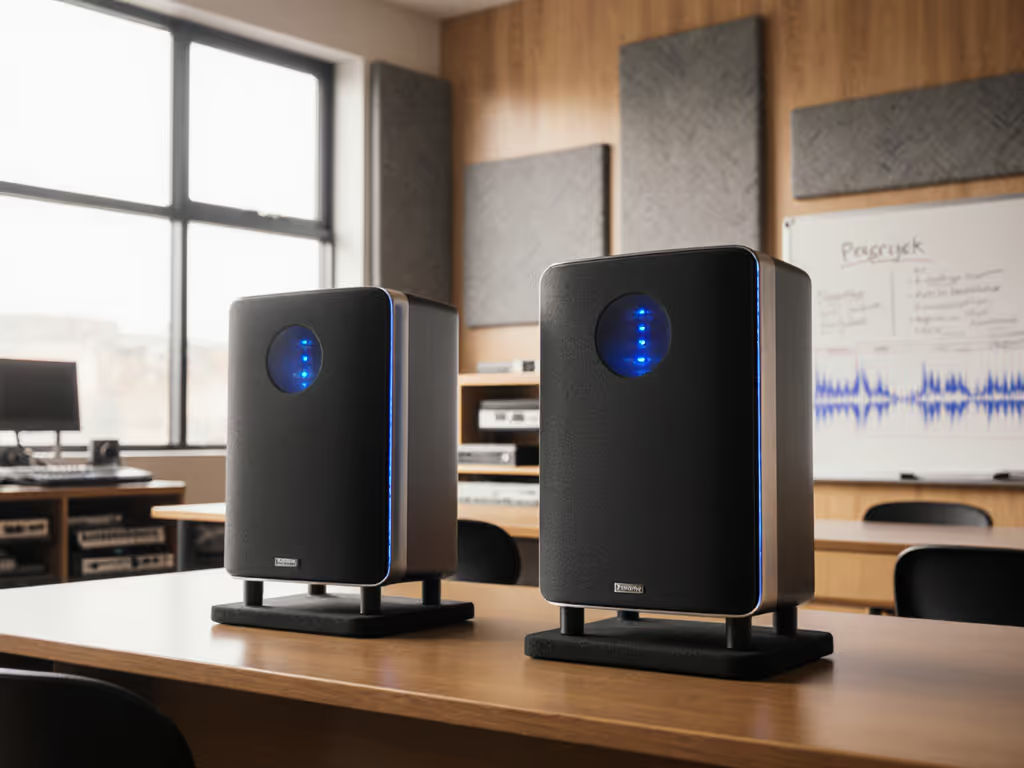
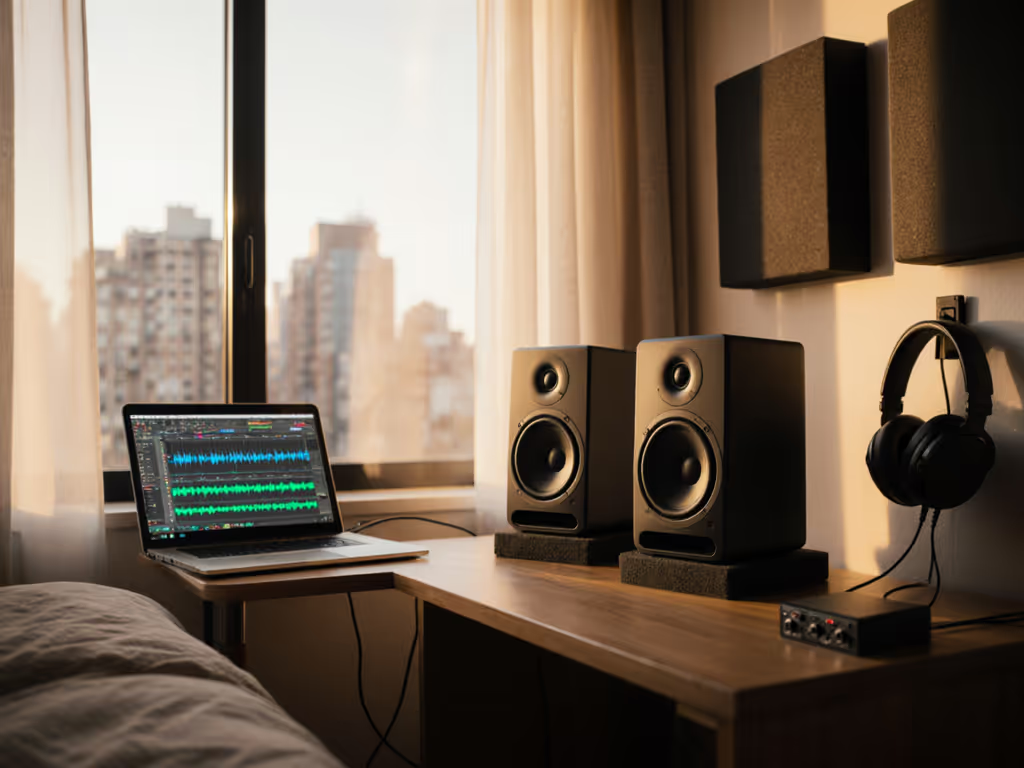
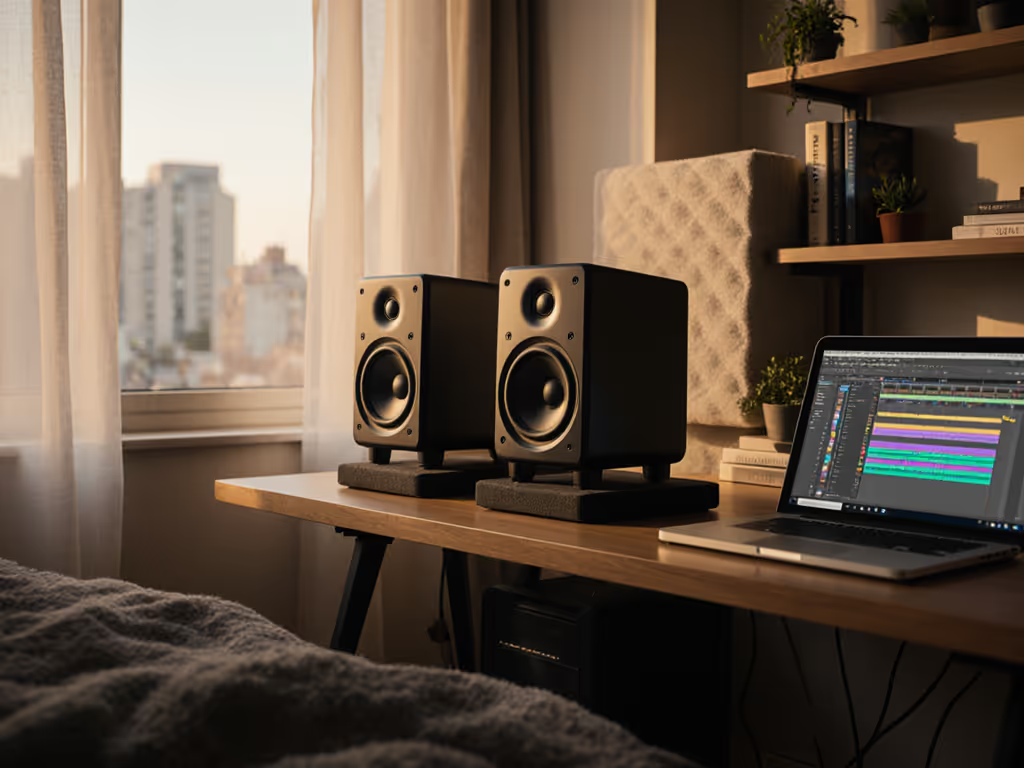
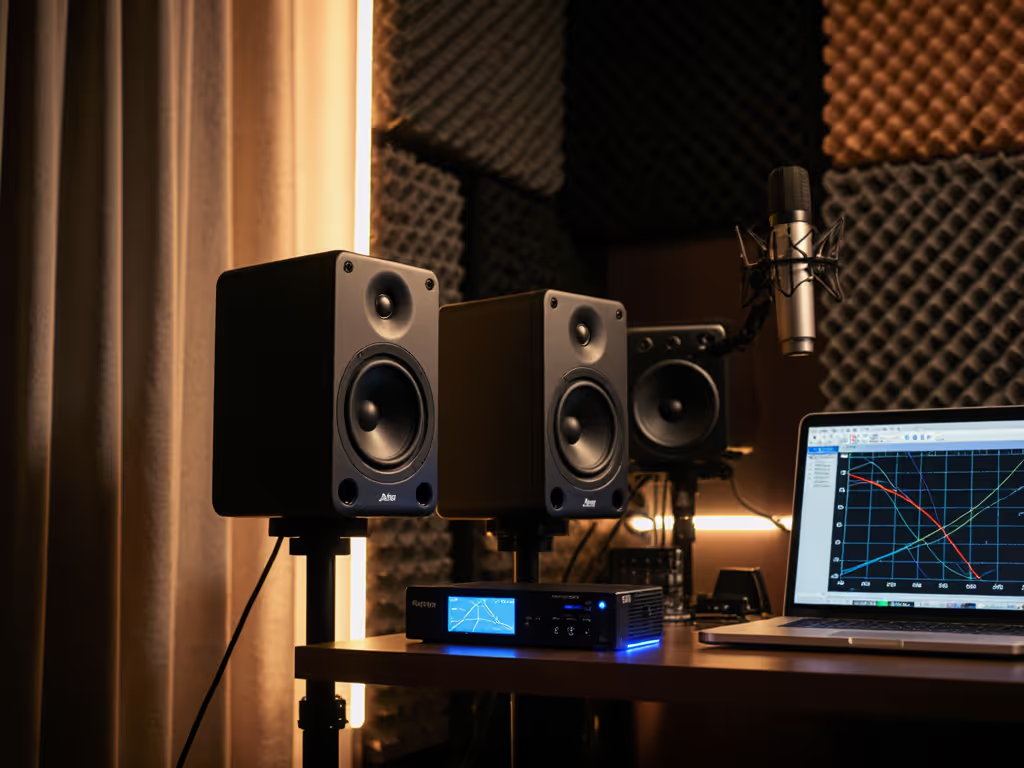
When you're setting up educational studio monitor packages for a classroom or teaching environment, finding good studio monitors that maintain accuracy at reasonable volumes is non-negotiable. As someone who spent years mixing at dangerous levels before a mentor forced me to work quietly for a month, I've learned that consistent, low-SPL monitoring reveals more truth in your audio decisions than sporadic loud sessions ever could. In teaching environments where students need to hear accurately without ear fatigue, this approach becomes essential (not just for preserving hearing, but for developing reliable critical listening skills). The right educational studio monitor setup creates a foundation where students learn to trust what they hear, regardless of room limitations or budget constraints.
Why Classroom Monitoring Needs Its Own Strategy
Classroom audio setup presents unique challenges that most standard monitoring advice ignores. Unlike professional studios where engineers can control environment and volume, educational spaces face:
- Frequent volume restrictions (neighbors, adjacent classrooms)
- Multiple listeners with varying positions
- Budget constraints requiring durable, long-lasting equipment
- Time-limited sessions where students need immediate translation confidence
Quiet work that translates beats loud work that impresses.
These constraints mean your selection criteria must prioritize different qualities than monitors for professional studios. When evaluating good studio monitors for education, focus on three non-negotiables:
- Low-SPL accuracy: Maintains clarity and balance at 70-75 dB SPL (safe for extended classroom use)
- Robust construction: Survives frequent student handling and classroom wear-and-tear
- Consistent translation: Makes decisions that hold up on consumer devices students actually use
Without these qualities, your students will develop unreliable reference points, learning to compensate for monitor flaws rather than trusting their ears. Let's walk through how to build an educational monitoring system that teaches good habits from day one.
Foundation: Setting Up for Educational Success
Step 1: Determine Your Space Parameters
Before selecting monitors, document your classroom's physical constraints:
- Measure desk height and width (most students work at desks between 28-30" tall)
- Note distance from listening position to front wall (aim for 3-5 feet minimum)
- Calculate available width between monitors (typically 3-4 feet in classroom setups)
- Identify primary listening positions (single student vs. group listening)
This simple inventory prevents costly mistakes like purchasing monitors too large for your space. For most classrooms, 5-6.5" woofers provide the best balance of low-end accuracy without overwhelming small rooms.
Step 2: Establish Safe SPL Protocols
Set clear volume guidelines that protect hearing while maintaining accuracy:
- Baseline SPL: 72 dB SPL (C-weighted) at primary listening position
- Check timer: Every 25 minutes, verify with handheld SPL meter
- Max SPL: 85 dB SPL for no more than 5 minutes during "critical listening moments"
Teaching students to mix at these safe listening levels builds professional habits they'll use throughout their careers. I now mix at similar levels daily, and my clients notice fewer revision requests because the work translates reliably.
Step 3: Implement Basic Isolation
Desk coupling creates the most common classroom monitoring flaw, especially with laminate or metal desks common in schools. Here's a simple isolation protocol:
- Place monitors on dense foam pads (minimum 1" thick)
- Angle slightly downward (2-5 degrees) to minimize desk reflections
- Position tweeters at ear height when seated
This basic setup eliminates the most damaging boundary reflections that distort low-mids and smear imaging, critical for students learning to identify frequency issues. For deeper placement and height guidance to minimize desk reflections, see our monitor height guide.
Top Educational Studio Monitor Packages Reviewed
After testing dozens of configurations in actual classroom environments, these packages deliver the best blend of durability, accuracy, and educational value:
Adam Audio A4V Educational Package
The Adam Audio A4V has become my top recommendation for music education equipment because it excels precisely where classrooms need it most: at moderate volumes. Unlike many monitors that lose low-end articulation below 80 dB SPL, these maintain remarkable clarity down to 72 dB SPL thanks to their efficient Class-D amplification and precision-calibrated DSP.
Educational advantages:
- Onboard DSP loads Sonarworks profiles directly (no latency concerns)
- Compact size fits standard classroom desks (10.2" H × 7.1" W × 10.3" D)
- Durable metal grille protects against student handling
- AMT tweeter provides detailed highs without fatiguing at extended listening
Classroom implementation tip: Set the high-frequency limiter to -3 dB to prevent ear fatigue during extended sessions while maintaining translation accuracy. The included DSP presets give students immediate reference points for different acoustic environments.
Kali Audio IN-8 School Bundle
Kali Audio's IN-8 has earned its reputation in professional studios, but it's particularly valuable as music education equipment because of its exceptional low-SPL accuracy. I've witnessed students using these identify problematic low-end buildup that they'd missed on "louder-sounding" monitors (a direct result of the IN-8's honest presentation at classroom-appropriate volumes).
Educational advantages:
- Class-leading low-frequency extension (37 Hz) that remains articulate at 75 dB SPL
- Multiple boundary compensation settings for flexible classroom placement
- Zero-latency room correction integration
- Simple controls that teach acoustic principles through hands-on adjustment
Classroom implementation tip: Use the 30/60 degree dispersion setting to create a wider sweet spot for group listening sessions. If you regularly teach with multiple listeners, our wide sweet spot monitor picks compare options built for consistent off-axis accuracy. This feature lets multiple students hear consistent imaging, a huge advantage over traditional nearfields in classroom settings.
Neumann KH 80 Educational Solution
For space-constrained classrooms or portable setups, the Neumann KH 80 punches far above its weight class. These compact monitors deliver professional-grade accuracy in a footprint smaller than most textbooks. At $1,200 per pair, they're an investment, but their durability and consistency make them cost-effective for educational institutions.
Educational advantages:
- Unmatched time alignment (critical for teaching transient accuracy)
- Front-firing port avoids wall placement issues common in classrooms
- 4-inch woofer maintains coherence at conversational listening levels
- Metal chassis withstands daily student use
Classroom implementation tip: Set the low-frequency shelf to +2 dB to compensate for typical classroom absorption above 100 Hz. This simple adjustment teaches students about environmental compensation without complex room correction.
Implementing Your Educational Studio Monitor System
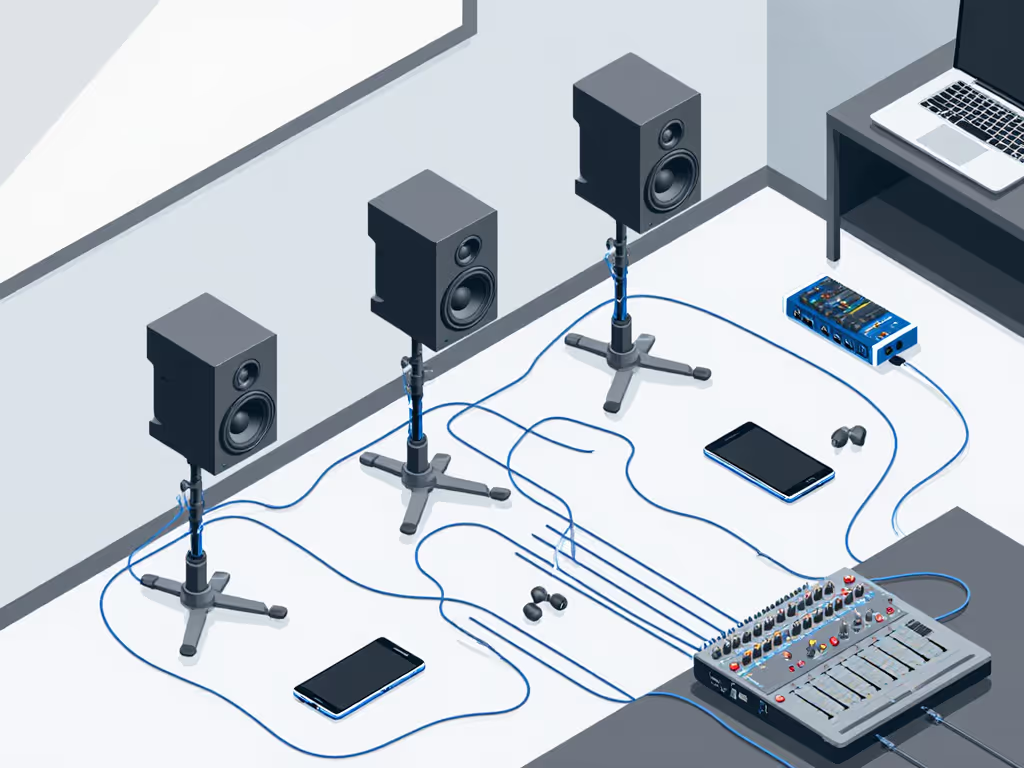
Step-by-Step Classroom Setup Checklist
Follow this sequence during your initial installation:
- Position monitors at ear height (15-18" from desk surface)
- Form equilateral triangle between monitors and primary listening position
- Angle inward 15-20 degrees (less for group listening)
- Set volume to 72 dB SPL using pink noise at mix position
- Run timer for 25-minute listening sessions with 5-minute breaks
- Verify translation on earbuds after each session (critical learning moment)
This repeatable process builds muscle memory for proper monitoring habits. I now use a similar timer system in my own studio (25 minutes on, 5 off) to maintain consistent judgment throughout the day.
Teaching Translation Confidence
The most valuable lesson educational studio monitor packages can provide is trust in translation. Implement this exercise weekly:
- Step 1: Have students mix a simple track to "sound good" on classroom monitors
- Step 2: Check on consumer devices (earbuds, phone speaker, laptop)
- Step 3: Note discrepancies between systems
- Step 4: Adjust mix based on classroom monitors only
- Step 5: Re-check on consumer devices
This cycle, repeated over a semester, builds intuitive understanding of how professional monitoring translates to real-world playback. After just six weeks, most students develop reliable judgment at quiet levels.
Making the Right Investment for Your Program
When selecting school studio solutions, prioritize these qualities in order:
- Low-SPL accuracy (more important than max SPL in classrooms)
- Build durability (metal grilles, secure connectors)
- Consistent translation (verified across consumer playback systems)
- Simple adjustment (fewer knobs = less student confusion)
Don't be swayed by "maximum output" specs (classroom environments rarely need monitors pushing 100+ dB SPL). Instead, focus on how monitors perform at the 70-80 dB SPL range where students will actually work.
Budget-Friendly Strategy
For programs with limited funds, consider this phased approach:
- Phase 1: Start with a single pair of quality monitors (like the Adam A4V) for instructor demonstrations
- Phase 2: Add desktop reference systems (affordable headphones with analyzer apps)
- Phase 3: Expand to full educational studio monitor packages as budget allows
This progression builds your program sustainably while teaching students the hierarchy of reference systems. For turnkey value, see our best affordable studio monitor bundles that include stands, cables, and accessories suited to classrooms.
Take Action Today: Your First Implementation Steps
Set up your classroom monitoring system with confidence by taking these concrete actions this week:
- Measure your primary listening position and calculate ideal monitor placement
- Request demo units from 2-3 manufacturers (most offer educational discounts)
- Test at classroom volume levels (not maximum output)
- Verify translation on multiple consumer devices before purchasing
Start with one well-placed, accurate pair rather than multiple compromised systems. If you're comparing options, use our studio monitor audition checklist to evaluate each pair consistently before buying. Remember that developing reliable listening habits matters more than quantity of gear. When students learn to trust what they hear at honest levels, they graduate with professional-grade judgment that serves them for decades.
The most valuable skill we can teach audio students isn't technical (it's the ability to make confident decisions based on what they hear). With the right educational studio monitor packages, you'll give them that foundation while protecting their most important tool: their hearing.
Set it quiet, keep it honest.
Related Articles