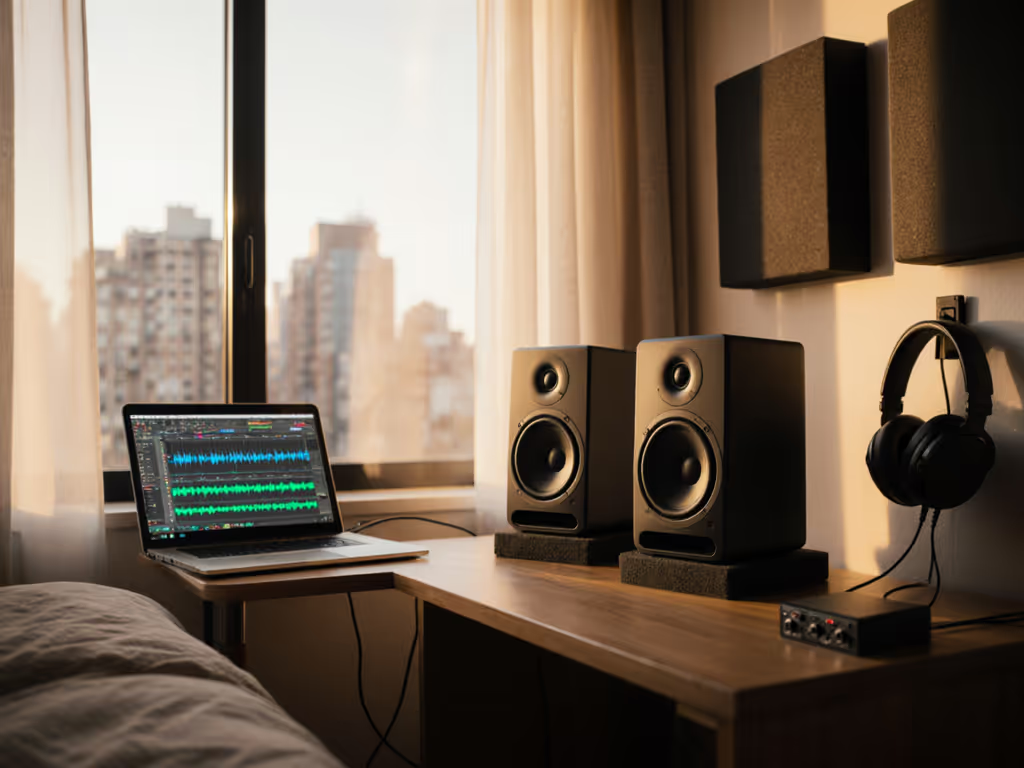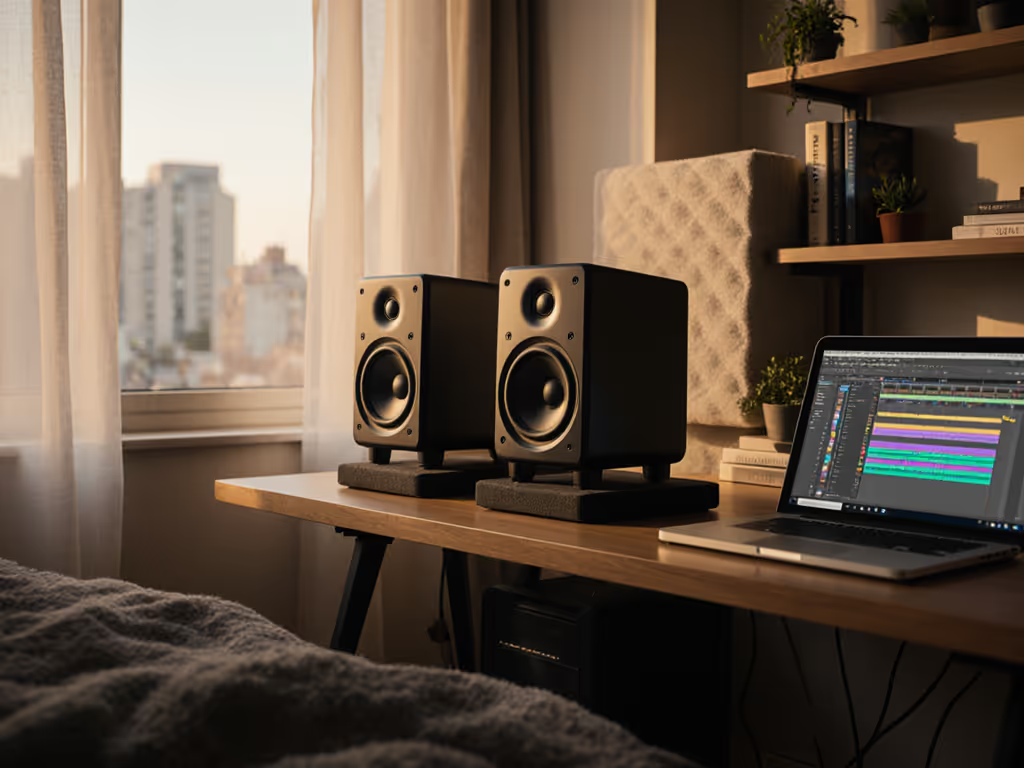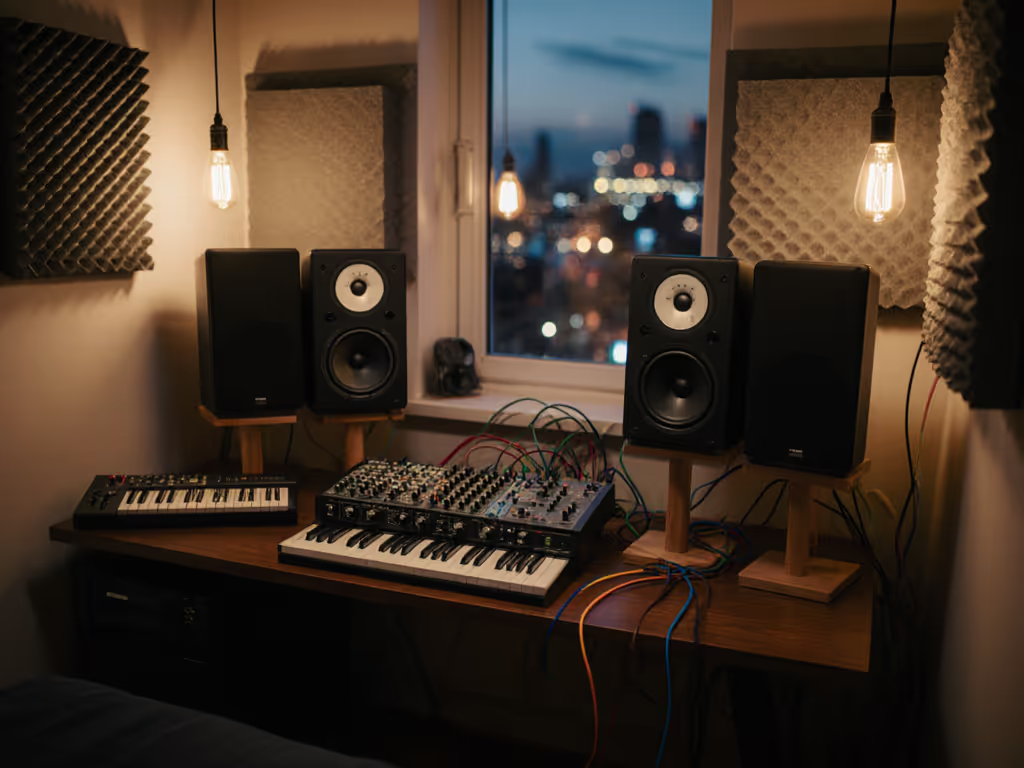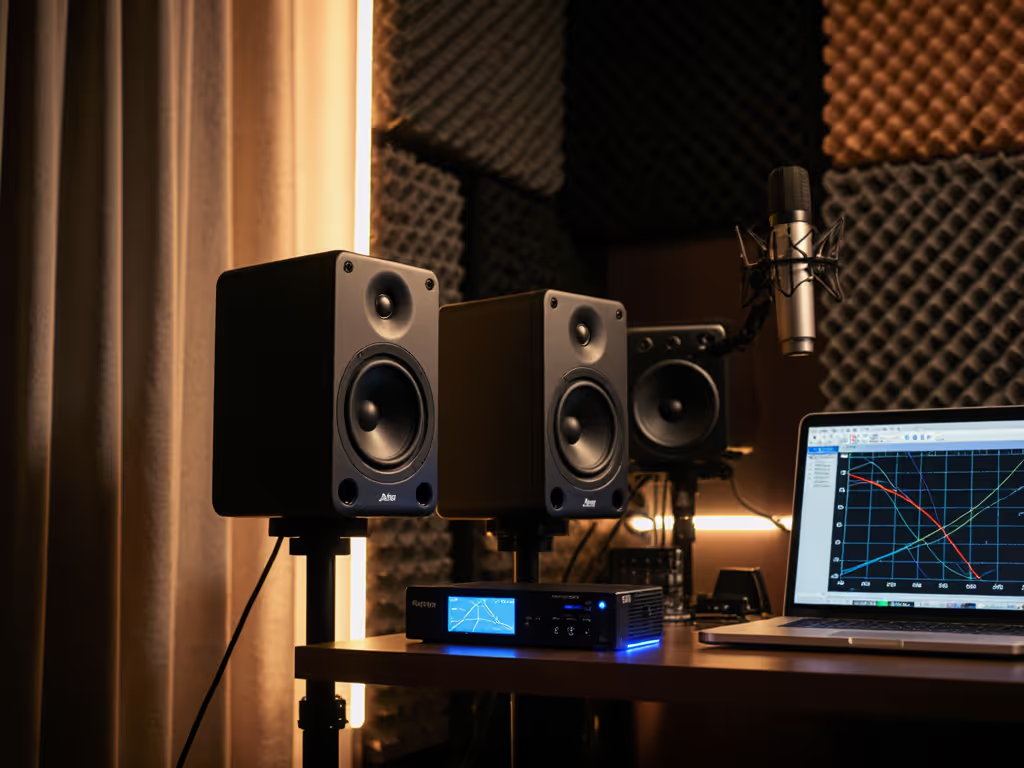
Simple EVE Audio Dolby Atmos Monitoring Setup
By Jae Min Park • 5th Nov
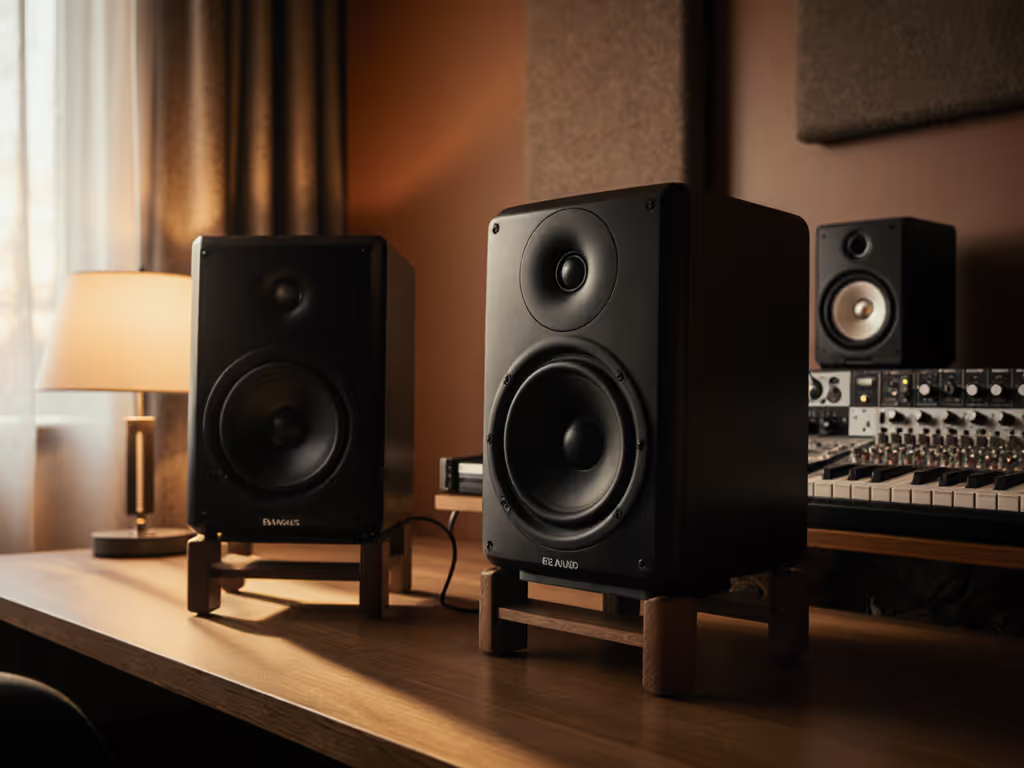
If you're setting up Dolby Atmos monitoring in a small room, you've probably felt that familiar frustration: spending hours on an immersive mix only to find it collapses completely on your friend's soundbar or iPhone speakers. You're not alone. The good news? EVE Audio studio monitors deliver the consistent translation you need without requiring a perfectly treated room or endless calibration tinkering. In this guide, I'll show you exactly how to set up a reliable Dolby Atmos system that works in real-world bedrooms and small studios (no advanced degrees in acoustics required).
Why EVE Audio Works for Small-Room Atmos Monitoring
When I started teaching audio workshops, I'd see students constantly upgrading gear while still failing basic "car checks" on their mixes. Their breakthrough came not from chasing higher specs, but from two simple changes: tennis balls under each speaker (for isolation) and moving their desk away from the wall. Suddenly, their mixes traveled. That's when I realized confidence in monitoring comes from stability, not specs.
For small-room creators, EVE Audio's design philosophy aligns perfectly with what actually matters:
- Consistent frequency response across all channels (critical for spatial audio monitoring setup)
- Minimal boundary interference in compact spaces (thanks to their front-ported design)
- SMART-knob technology that simplifies room-specific calibration
- Excellent off-axis response for wider sweet spots in tight rooms
Unlike many "immersive" systems that require perfect room dimensions, EVE Audio monitors are engineered for real spaces where walls are close and treatment is minimal. Their SC series delivers the neutral translation your Atmos mixes need to work everywhere, from premium home theaters to smartphone speakers. For a deeper look at dispersion and why it matters for sweet spot width, see our off-axis response comparison.
"Set it right once; spend your energy finishing songs."
What You Actually Need for a Reliable Dolby Atmos Setup
Before you order equipment, let's cut through the noise. For most bedroom producers, you don't need:
- A massive 17.X.10 system
- $10,000 room treatment packages
- Perfectly symmetrical room dimensions
The minimum Dolby Atmos layout is 7.1.4, but for small rooms, I recommend starting with 5.1.2 or 5.1.4. This gives you:
- Left/Center/Right (ear level)
- Surround Left/Right (ear level)
- Two or four height channels
- One subwoofer
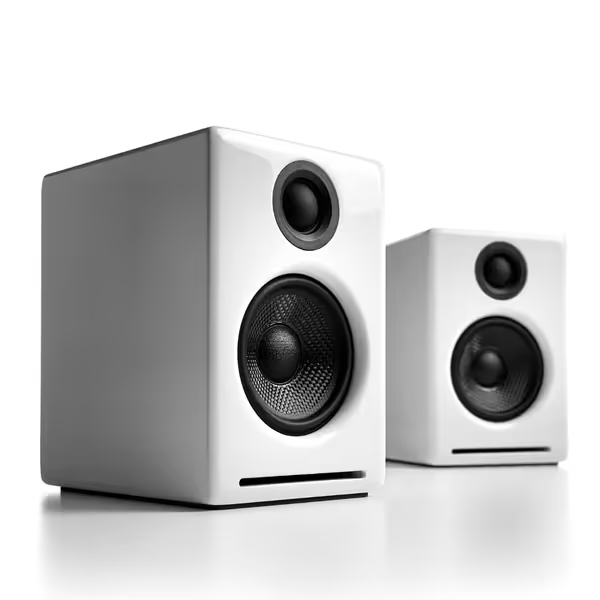
Audioengine A2+ Desktop Speakers
Compact, reliable audio for music and gaming, even in small spaces.
$279
Resolution24-bit Hi-Res
Resolution24-bit Hi-Res
Pros
Excellent sound and build quality for compact setups.
Multiple wired inputs plus Bluetooth 5.3 aptX-HD.
Musician-tuned for balanced music and gaming audio.
Cons
Bluetooth connectivity can be inconsistent for some users.
Value for money is a mixed opinion among customers.
Customers praise these speakers for their sound quality, build quality, and compact size that works well in medium-sized spaces. The speakers have a nice appearance, with one customer noting the magnetically-attached grill, and they are well-constructed with a built-in DAC. The Bluetooth connectivity receives mixed reviews - while some find the connection easy and the range good, others report connection issues. Value for money is also mixed, with some finding them well worth the price while others consider them overpriced.
Customers praise these speakers for their sound quality, build quality, and compact size that works well in medium-sized spaces. The speakers have a nice appearance, with one customer noting the magnetically-attached grill, and they are well-constructed with a built-in DAC. The Bluetooth connectivity receives mixed reviews - while some find the connection easy and the range good, others report connection issues. Value for money is also mixed, with some finding them well worth the price while others consider them overpriced.
For your first Dolby Atmos monitoring system, focus on these essential EVE Audio components:
Core Monitors
- Left/Center/Right: EVE Audio SC205 (5" coaxial)
- Surrounds: EVE Audio SC205 (same model for consistency)
- Height channels: EVE Audio SC204 (4" coaxial)
- Subwoofer: EVE Audio TS110
Why this combination?
- Consistent voicing across all channels (critical for spatial audio monitoring setup)
- Front-ported design minimizes boundary issues when placing near walls
- Coaxial drivers provide perfect time alignment, no more phase issues as objects move through your soundfield
- Smart room adaptation makes calibration achievable in imperfect spaces
Your Step-by-Step Setup Guide
Step 1: Room Preparation Basics (The 80/20 Quick Wins)
You don't need perfect acoustics, just strategic improvements. For under $200, implement these high-impact fixes:
- Corner bass traps: Place two 2'x4' absorbers in rear corners (biggest impact on 60-120Hz issues)
- Desktop reflection shield: Build a simple DIY shield behind your monitors using rigid foam (reduces desk reflections by 50%+) For placement and height specifics to reduce desk glare, check our monitor height guide.
- Window treatment: Hang thick moving blankets over windows (temporary solution for renters)
Small rooms (under 200 sq ft) benefit more from strategic absorption than full treatment. Focus on your first reflection points and corners. This addresses 80% of common translation issues.
Step 2: Speaker Placement Made Simple
Dolby recommends specific angles for each channel, but strict adherence in small rooms often creates new problems. Here's my simplified approach:
Horizontal Channels (L/C/R/Surrounds)
- Distance: 3-4 feet from listening position (optimal for small rooms)
- Height: Acoustic center at ear level (approx. 40")
- Angle: 25-30° from center line (wider angle than stereo)
- Distance from walls: Minimum 18" (front-ported design allows closer placement)
Height Channels (The Game-Changer)
Height channels make or break your 3D audio production speakers experience. Do not mount them flush to the ceiling (this creates harsh reflections).
- Ideal placement: 30-45° above ear level
- Distance: Same as front channels
- Tilt: Downward 10-15° toward listening position
- Alternative: Ceiling-mounted but angled downward (best for rooms with 8'+ ceilings)
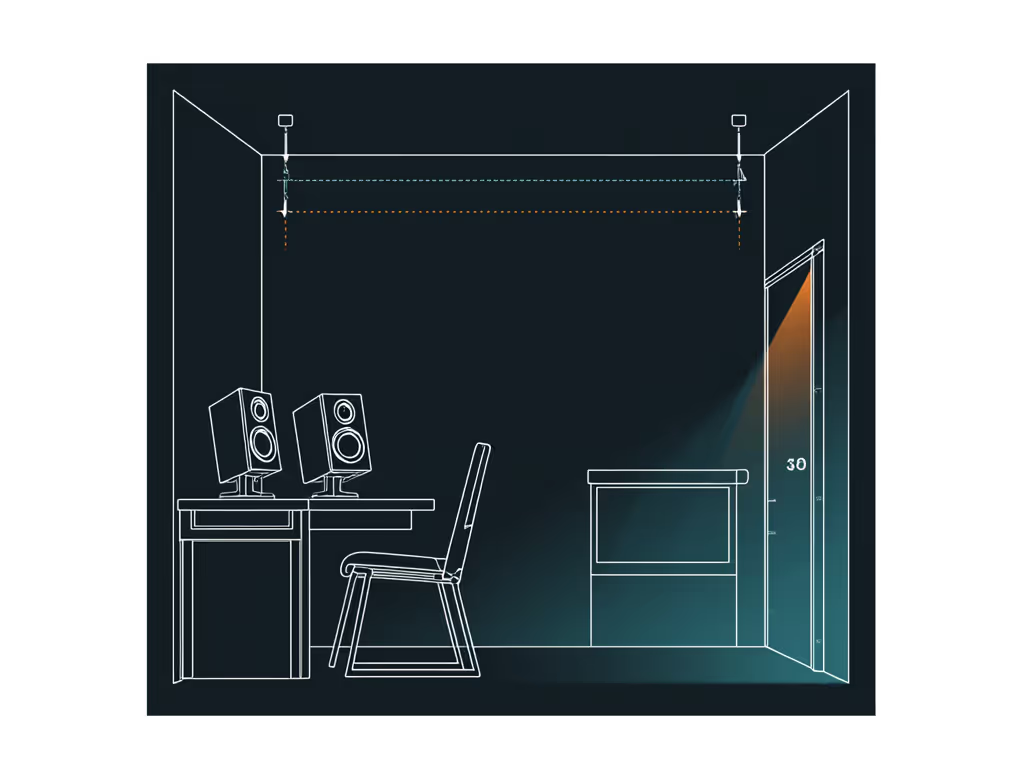
Pro tip: Place height channels slightly behind your main listening position. This creates more stable overhead imaging without exaggerating the "dome" effect that collapses outside the sweet spot.
Step 3: Subwoofer Integration Without the Headaches
Small-room bass is the #1 reason Atmos mixes fail on consumer systems. Here's how to get it right:
- Position first: Place sub in your primary listening position, then crawl around the room to find where bass sounds most even
- Crossover: Set to 80Hz (standard for Atmos)
- Phase: Start at 0°, adjust while playing bass-heavy material until kick drum sounds fullest
- Level: Match to mains using 85dB pink noise (more on calibration below)
The EVE Audio TS110 simplifies this process with its integrated room gain compensation. Start with its "-6dB" curve for small rooms, then adjust based on your measurements.
Step 4: Calibration That Actually Works
Most guides overcomplicate immersive sound calibration, but Dolby Atmos requires just three critical steps: For a step-by-step walkthrough with measurement mic tips, read our home studio monitor calibration guide.
Step 4.1: Level Calibration
- Play Dolby pink noise through your renderer
- Set each channel to 79-85dB(C) at listening position Learn how to pick safe reference volumes in our safe monitor levels guide.
- Subwoofer can be +4 to +10dB above mains (Atmos standard)
Important: Measure at ear height while seated. Small-room modes mean standing measurements lie.
Step 4.2: Time Alignment
Without proper time alignment, objects moving through your soundfield will "smear" tonally. Here's how to fix it:
- Measure physical distance from each speaker to your head
- Input these distances into your renderer or calibration software
- Most modern systems (like Dolby Atmos Renderer) handle this automatically
Step 4.3: Room EQ (The SMART-knob Advantage)
This is where EVE Audio shines for beginners. Their SMART-knob:
- Analyzes your room's acoustic response
- Creates minimal-phase EQ to correct major peaks
- Preserves transient response better than complex room correction
Skip the complex measurement mic process for your first setup. Start with these presets:
- Small room (<150 sq ft): +2dB @ 40Hz, -3dB @ 120Hz
- Medium room (150-250 sq ft): +1dB @ 40Hz, -2dB @ 120Hz
- Near wall (<18"): -4dB @ 80Hz
Fine-tune based on your favorite reference tracks. If "Blinding Lights" by The Weeknd doesn't groove right, adjust your 100-150Hz range until it does.
Maintaining Your Setup: The Trust Routine
Your Atmos system won't stay perfect forever, but these maintenance steps prevent constant recalibration:
Weekly Checklist:
- Verify levels with pink noise (takes 2 minutes)
- Check cable connections
- Clean speaker grills (dust affects high-frequency response) For long-term performance best practices, see our cleaning and maintenance guide.
Monthly Checklist:
- Re-run SMART-knob analysis (room conditions change with seasons)
- Test translation on 2-3 consumer systems (soundbar, phone, laptop)
- Update your renderer software
Why This Works When Other Setups Fail
Most bedroom Atmos attempts fail because they copy professional studio layouts without accounting for room differences. The key is understanding what Dolby Atmos actually requires versus what looks impressive in a YouTube video.
Professional Atmos rooms follow strict guidelines (minimum 50m³ volume, specific dimensions), but small rooms need adapted approaches. EVE Audio's consistent voicing across models means your height channels won't sound brighter or duller than your front speakers, a common issue that ruins spatial translation.
When I see students struggling with their Atmos mixes, 90% of the time it's because:
- Height channels were too bright compared to mains
- Inconsistent distance to listening position
- Bass management wasn't properly implemented
EVE Audio's ecosystem solves these with:
- Identical driver technology across SC series
- Front-ported design for flexible placement
- Integrated bass management in TS subwoofers
Final Thoughts: Your Path to Reliable Immersive Mixing
Setting up Dolby Atmos monitoring in a small room doesn't require perfect conditions, just consistent ones. The most successful Atmos mixers I've worked with aren't using the most expensive gear, but the most reliable setup they've optimized for their space.
Remember that day in my workshop when simple tennis balls under the speakers transformed student mixes? The breakthrough wasn't the balls themselves (it was understanding that reliable translation comes from stable monitoring, not chasing specs). Your Atmos setup should work for you, not the other way around.
Start with a focused 5.1.2 configuration using EVE Audio's consistent SC series. Get the placement and calibration right once, then trust your routine. The goal isn't perfect measurements (it's mixes that translate everywhere), so you can spend less time second-guessing and more time creating.
Trust the routine. Less tweaking, more mixing.
Related Articles