USB Studio Monitor Starter Kit for Honest Laptop Mixing
By Priya Nandakumar • 29th Sep
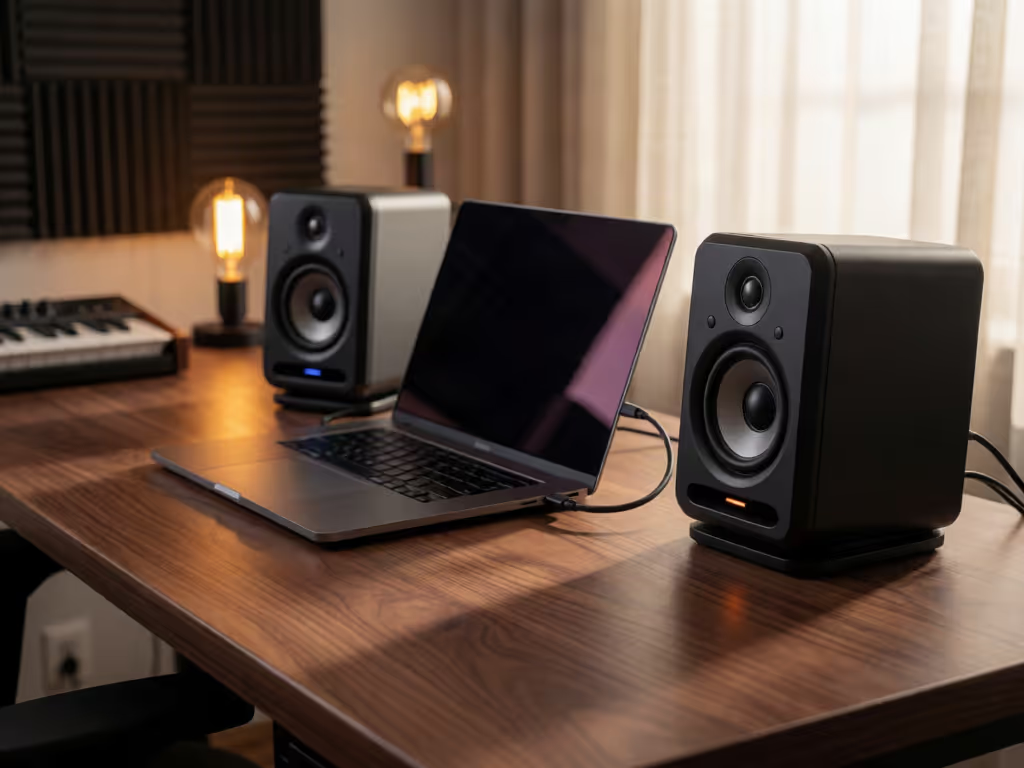
At a glance
The Behringer STUDIO 50USB is the strongest overall choice here for a laptop-first desk that needs a powered monitor pair with listed USB, XLR, and TRS connections. It is a monitor-pair foundation—not a verified complete under-$300 kit—and the evidence does not prove neutral response or reliable mix translation.
- Best overall: Choose it when flexible connectivity and a compact powered setup matter more than laboratory-verified accuracy. A retailer snapshot listed the pair at $179, but that is not a current universal price. View on Amazon
- What decides it: Verify the correct interface cables, operating-system requirements, included accessories, and current return terms before buying. No collected evidence confirms drivers, isolation options, or a complete-kit total.
Important: Treat the single subjective forum report as anecdotal, and do not infer a definitive power rating from conflicting 100 W and 150 W listings.
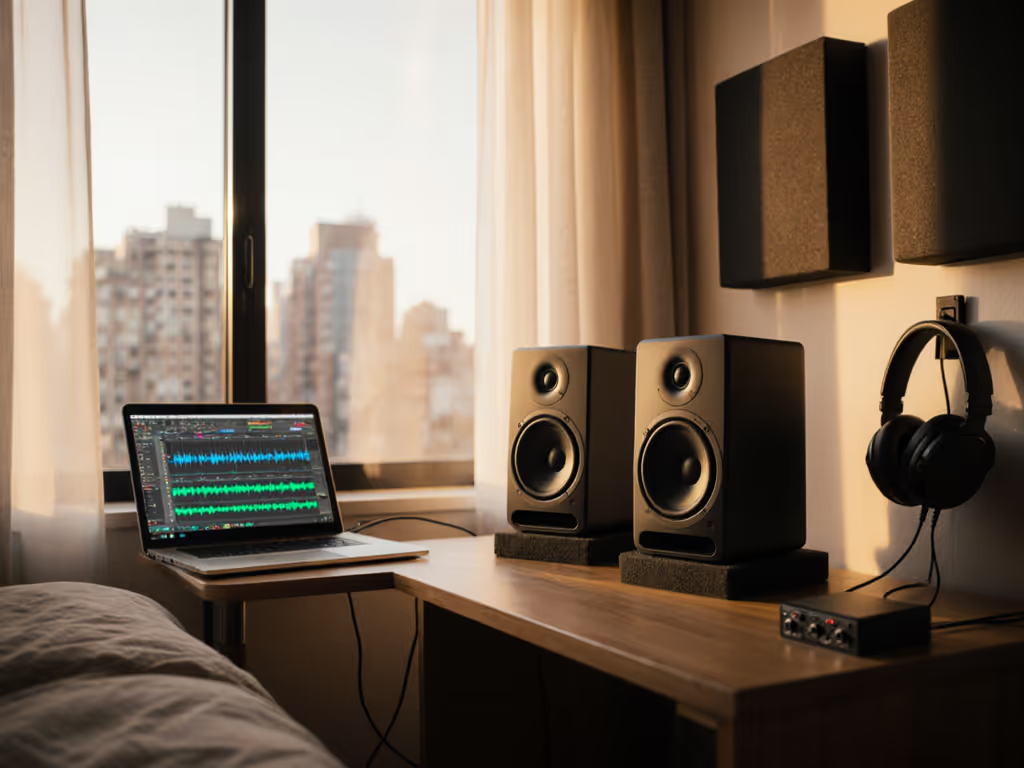
A USB studio monitor starter kit should make laptop mixing simpler, not turn a small desk into a cable-and-return nightmare. The Behringer STUDIO 50USB is worth a look for creators who want a powered monitor pair with USB, XLR, and TRS connections in one purchase. But keep the language honest: the available information confirms its connections and basic format, not that it will automatically deliver neutral response, dependable translation, or a fully equipped USB-powered home studio bundle. USB here is a connection option (not evidence that the speakers themselves run from USB power). If you are weighing this setup against a traditional interface, our guide to USB studio monitors and built-in DAC workflows explains what the connection actually changes.
For apartment producers, dialogue editors, and students, that distinction matters. A direct path from laptop to monitors removes friction. It does not remove room reflections, desk vibration, or the need to learn how your mixes behave outside the room. The cheapest choice is often the one that prevents another round of client notes.
1. Start with the right definition of "starter kit"
The STUDIO 50USB is best considered the monitor-pair foundation of a starter setup, not a verified all-in-one kit. The confirmed product is a pair of powered, two-way monitors listed with 5-inch woofers, 1-inch tweeters, USB connectivity, and XLR and TRS inputs.
That gives you three practical signal-path possibilities to consider:
- Laptop to monitors by USB: the shortest route when you want a one-cable audio setup.
- Audio interface to monitors through XLR or TRS: useful if your existing recording workflow already runs through an interface.
- A mixed-use desk: USB for direct laptop playback, with the analog inputs available for another source as your setup grows.
What is not established here is which connection is best for your particular interface, which cables your interface requires, whether operating-system setup is driver-free, or what accessories come in the box. Treat those as purchase-time checks, not assumptions.
A third-party site describes connecting a computer to the active speaker by USB and linking the active and passive speakers with a supplied proprietary cable. That is helpful as a rough picture of the intended layout, but it is not verified manufacturer documentation. Confirm the current instructions and included cable with the seller or official product materials before buying.
A clean signal path saves time, but it cannot substitute for learning your room and your references.
2. What the Behringer STUDIO 50USB actually brings to a laptop desk
The Behringer STUDIO 50USB is a powered two-way pair listed as having a 5-inch woofer and 1-inch tweeter, with USB, XLR, and TRS connectivity. For a compact workstation, that feature set is the main attraction: you can begin with a laptop-centric workflow while retaining analog inputs for a future interface-based setup.
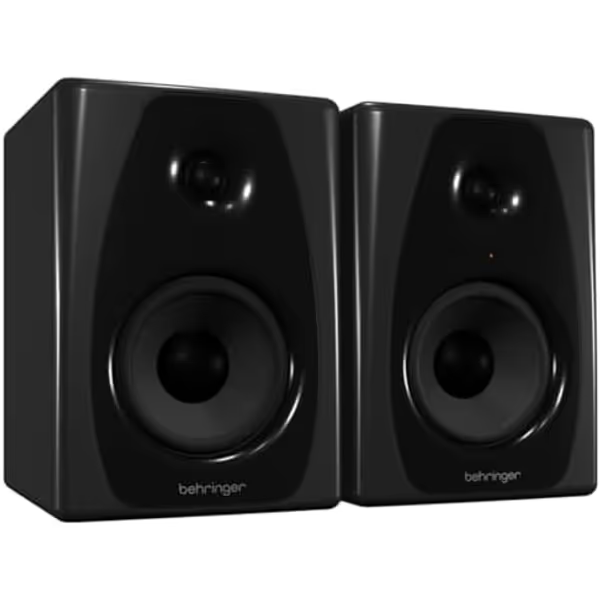
Behringer Studio 50USB Monitors
Compact powered monitors for accurate mixing with USB connectivity.
Power Output150W
Power Output150W
Pros
Integrated USB for direct digital audio
Compact 5-inch woofer fits small desks
Versatile XLR and TRS analog inputs
Cons
Bass response may be limited for some genres
Less advanced room correction features
The practical buying case is not "these are proven honest monitors." It is narrower and more defensible:
- You want a single product that covers direct USB and analog monitor inputs.
- You are building around a desk rather than a large control room.
- You prefer a powered pair rather than adding a separate amplifier.
- You need to conserve budget for the rest of the production chain.
A retailer once listed the pair at $179. That is a snapshot, not a current or universal price, and it covers the monitors only. It does leave a meaningful gap below a roughly $300 monitor-and-accessories target, but the actual total depends on the cables, desk solution, and return terms you choose. Those extras have not been priced or evaluated here, so do the budget math before calling it a complete kit.
Also avoid drawing conclusions from the published wattage language. Available listings conflict between 100 W and 150 W descriptions, with no clear indication that they use the same rating method. In real work, that number is much less useful than whether you can make repeatable decisions at your normal listening level.
3. The connection choice: direct USB versus an audio interface
For laptop music production monitors, the direct USB route has an obvious appeal: fewer boxes and less cabling between the session and the speakers. For the practical details, see our USB studio monitor DAW setup guide covering drivers, routing, sample rates, buffers, and recording limitations. If your computer recognizes the monitors and the connection suits your workflow, it can be the cleanest starting point.
The analog XLR and TRS inputs create a different path when you already use an audio interface for microphones or instruments. Importantly, the available product information confirms those inputs exist; it does not establish whether XLR or TRS is preferable, nor which connector should be used with a specific interface output.
Use this decision rule:
- No interface, laptop-first production: investigate the direct USB option and verify current system requirements with the seller or official support material.
- Interface already central to your desk: identify the interface's monitor outputs, then verify the correct cable type against both products' documentation.
- You switch workflows often: value the fact that USB, XLR, and TRS are all listed, but plan the routing before you order.
Do not buy on the promise of plug-and-play support for a particular Mac or Windows version. There is no verified operating-system-specific setup, driver, sample-rate, or troubleshooting guidance available for this model in the information at hand. That is not exciting advice, but it is good return-policy advice.
4. Build the desk around repeatability, not a magical placement formula
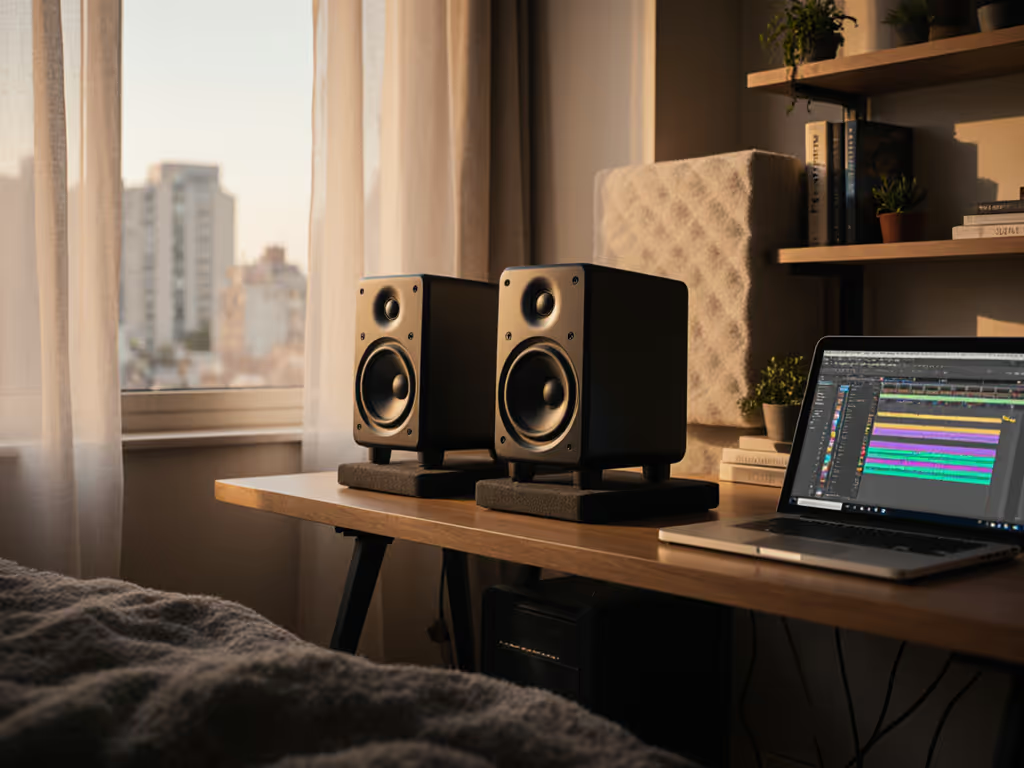
A monitor pair does not become truthful because it sits beside a laptop. For a deeper look at the geometry behind this approach, read our studio monitor height and placement guide. In a small room, the desk, rear wall, side walls, and your own seat can change what you hear. Your goal in week one is not acoustic perfection; it is a repeatable listening position that makes your decisions less random.
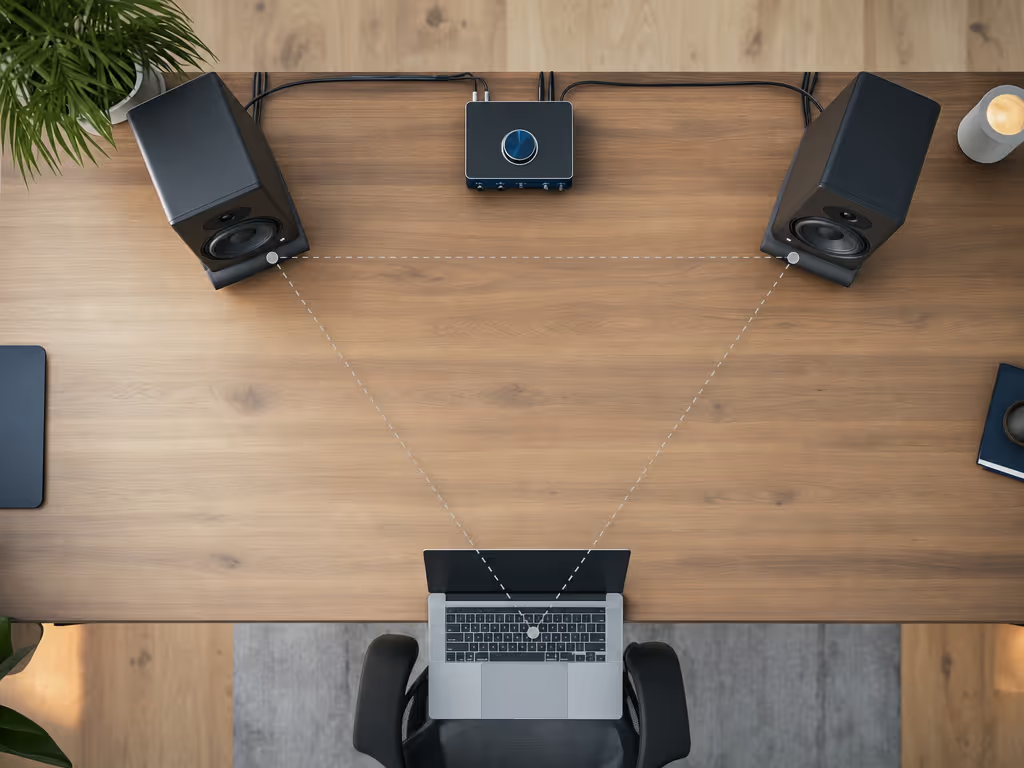
A third-party reference suggests placing the speakers and listening position as an equilateral triangle, with the listening height near ear level. That is a reasonable starting shape to experiment from, but it should not be treated as a proven prescription for every desk or room.
Try this plain-language setup process:
- Clear the immediate desk area. Do not wedge either speaker behind a screen, stack books in front of it, or let one speaker live in a corner while the other is open to the room.
- Match the geometry as closely as your desk allows. Keep the left and right speakers similarly placed relative to where you sit.
- Aim both speakers consistently. Make small toe-in adjustments, then stop changing five variables at once.
- Keep your listening position consistent. If your chair moves dramatically from mix to mix, your tonal judgment will move with it.
- Use familiar material to establish a baseline. Listen to a few well-known tracks and notes you trust before judging your own rough mix.
There is no validated "38% rule" placement answer in the available material, so I would not build a buying decision around it. In a cramped apartment, symmetry and repeatability beat internet numerology.
This is the unglamorous part that shortens revision cycles. When I was freelancing out of tight apartments, a modest pair that stayed put and behaved consistently beat impressive loaners every time, especially once mixes stopped falling apart on clients' phones.
5. Be realistic about isolation, quiet work, and bass confidence
You may see monitor pads and desktop stands sold as mandatory companions. Our guide to essential studio monitor accessories can help separate genuinely useful additions from items that simply increase the cart total. They may suit a particular desk, but there is no product-specific evidence here identifying, pricing, or testing isolation options for the STUDIO 50USB. Do not let accessory marketing inflate a $179 monitor-pair snapshot into a fictitious "under-$300 verified kit."
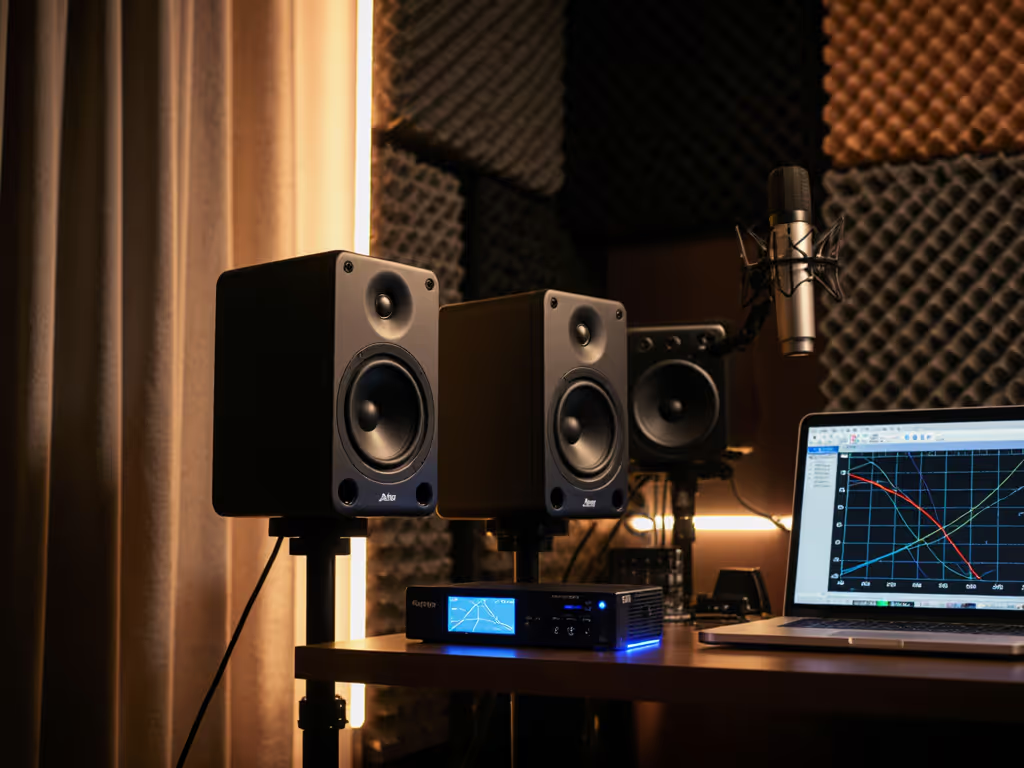
The same caution applies to low-volume performance, low-end reach, maximum loudness, distortion, and room correction. No independent measurements were available here for frequency response, noise, distortion, maximum SPL, or desk-and-room behavior. That means nobody can responsibly promise that these budget studio monitors will solve 60-120 Hz problems, retain bass clarity at whisper levels, or work ideally with correction software.
Instead, establish a working routine:
- Make your main decisions at a consistent, comfortable volume.
- Keep a few familiar references in the same session.
- Compare your kick, bass, vocal level, and brightness against those references.
- Check a nearly finished mix on your usual earbuds, phone, or other known playback device.
- Write down repeated mistakes rather than buying a new tool after one frustrating night.
That last point matters. If every mix ends up too bright, too dark, or too bass-heavy elsewhere, you are learning the monitor-room combination. Correcting the same pattern deliberately can be more valuable than endlessly swapping gear.
6. The one piece of user feedback, and how much weight to give it
There is limited independent product-specific commentary available. One forum participant who said they owned the pair described the amplifier as quiet and powerful, while also finding detail and upper-mid/high timbre lacking for their own computer-music use.
That is a useful caution, not a verdict. It is one person's subjective experience (not a controlled test, not a measurement, and not proof that every pair will sound the same in every room). Still, I would take it seriously enough to shape the purchase process:
- Buy only where the return policy is clear.
- Keep packaging until you have tested your normal work.
- Use material you know well, including vocal-heavy and dense arrangements if that is your work.
- Give yourself several focused sessions before deciding, rather than judging from the first exciting track.
For me, reliability includes the ability to change course without eating shipping losses. "Buy once, cry never" only works when the return and warranty terms are clear, yet no warranty terms are established in the available product information. Check the seller's current policy and Behringer's official support terms before committing.
7. Who should buy this monitor pair, and who should pause
A sensible fit
The STUDIO 50USB makes the most sense if you want a simple powered monitor pair with direct USB listed alongside XLR and TRS inputs, and you accept that you will need to judge its fit in your own room. It is especially practical for a laptop-centered desk where reducing connection friction matters as much as adding another feature.
Its value proposition is flexibility per dollar: start with the connection path that suits today's workflow, while keeping analog options available later. If you want concrete alternatives, compare this approach with other compact USB-friendly models in our small-desk USB studio monitor comparison.
Pause before buying if you need proof of performance
Look elsewhere, or wait for stronger product documentation, if your purchase depends on any of the following being proven in advance:
- Measured neutral or 'honest' response
- Reliable bass truth in a small untreated room
- Confirmed quiet-level behavior
- Verified macOS or Windows driver and configuration details
- Confirmed compatibility with a particular correction workflow
- Included isolation accessories or a guaranteed complete-kit price
- Defined warranty coverage or documented long-term reliability
Those are not minor details for a working producer. They are the difference between a convenient desktop purchase and a monitoring decision you can trust under deadlines.
Summary and Final Verdict
The Behringer STUDIO 50USB is a credible USB studio monitor starter kit starting point if what you mean by "kit" is a powered 5-inch monitor pair with USB, XLR, and TRS connections. A $179 pair price was listed in one retailer snapshot, though current price and availability can change. The connectivity makes it appealing for a direct laptop route today and an interface-based route later.
The important limitation is equally clear: the available evidence does not prove flat response, mix translation, operating-system behavior, warranty terms, low-volume clarity, or the cost and value of isolation accessories. So do not buy it as a promise of instant honest mixing.
Final verdict: buy the STUDIO 50USB when you value flexible connectivity, a compact powered pair, and a straightforward laptop-first workflow, and when the seller's current return terms let you assess it in your own room. Set it up consistently, learn its patterns with trusted references, and keep enough budget for the parts of the chain that help you finish work. Spend once, translate forever, save the budget for microphones.
Related Articles