Integrated DSP vs Sonarworks: Latency & Accuracy
By Lila Okafor • 7th Mar
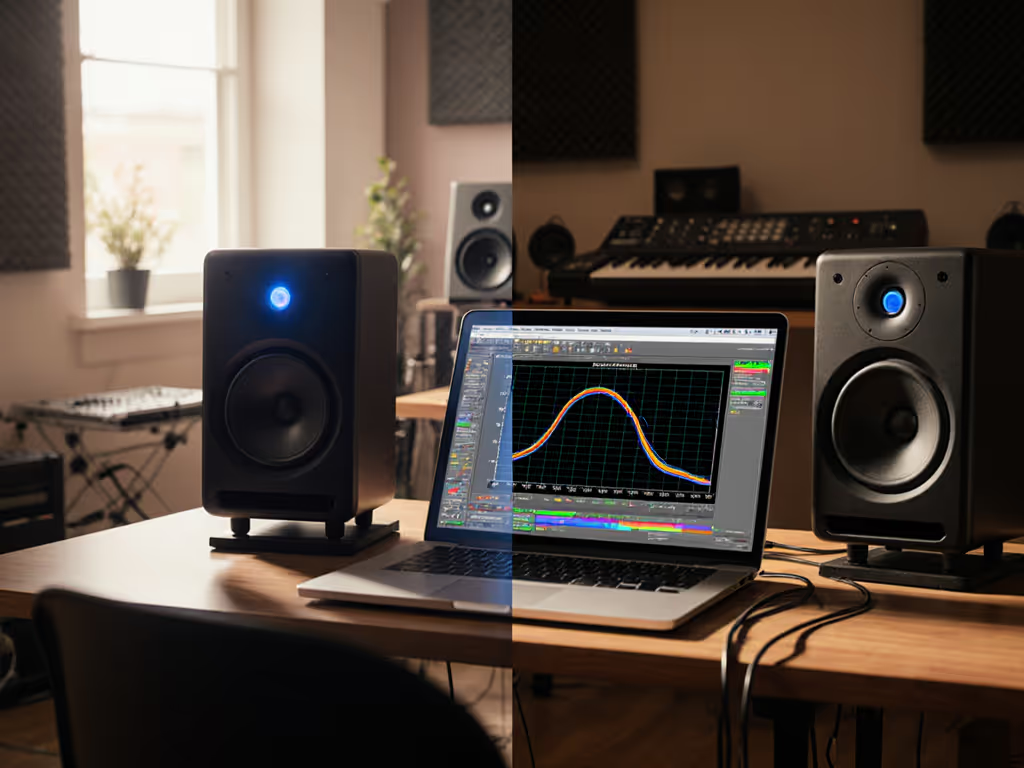
The choice between integrated DSP vs Sonarworks comparison determines not just how your room sounds, but whether your mixing decisions survive translation. For engineers working in compact spaces (8×10 to 12×14 feet of bedroom, apartment, or spare-room setups), this decision shapes everything from session workflow to mix revision cycles. Both approaches compensate for room acoustics, but they diverge in measurement method, latency profile, and how they handle the nearfield reflections and boundary coupling that small rooms amplify. Understanding these differences means moving beyond marketing claims and examining what the lab actually reveals when curves matter most.
Understanding the Two Approaches
Integrated DSP room correction runs on hardware embedded in your monitor or audio interface. Sonarworks operates as systemwide correction or a DAW plugin, running on your computer. The fundamental difference isn't academic (it shapes latency, phase behavior, and how your ears trust the correction over time).
Integrated DSP processes audio before it leaves the monitor or interface. This path is inherently short: signal → hardware processor → speaker. Latency measured in samples rather than milliseconds. Genelec GLM 5, for example, offers real-time calibration and phase alignment per monitor, with profiles stored directly inside the speaker's DSP. The correction persists even when the software closes.
Sonarworks SoundID Reference uses an external measurement mic to capture your room, generates a correction curve, and applies it via plugin or systemwide driver. It guides users through 37 measurement points across your space, creating a detailed profile. The measurement process typically completes within one hour (efficiently formatted around your desk position and nearfield distance). The software then runs correction at the OS level or inside your DAW. For a step-by-step walkthrough, see our Sonarworks calibration guide.
Latency: Where the Difference Becomes Audible
Latency matters in small rooms because you're working at nearfield distances (typically 0.7 to 1.2 meters from your speakers). At 1 meter, even 5 milliseconds of delay becomes perceptible when you're toggling correction on and off, or comparing your mix to an uncorrected reference.
Integrated hardware DSP introduces negligible latency, well under 1 millisecond in well-designed systems. Sonarworks plugin-based correction, when running inside your DAW at 44.1 kHz or 96 kHz sample rate, introduces a processing delay typically between 2 to 8 milliseconds depending on buffer size and CPU load. Systemwide Sonarworks correction adds additional I/O latency through the audio driver layer, potentially reaching 10 to 15 milliseconds. For broader context on monitoring delay and fidelity, see our wireless vs wired monitors latency comparison.
For dialogue editing or tight vocal comping, this matters. For mixing a 120 BPM track with a 46.875 ms beat, the latency becomes a rounding-error fraction of the beat. But the perceptual impact accumulates: if you're constantly toggling correction to compare, a 5 to 10 ms shift will create a false sense of phase relationships and delay between sources.
Latency compounds in small rooms because your direct and reflected sound fields are already collapsing into one another. Adding artificial delay fragments an already tight acoustic picture.
In compact spaces, controlled directivity and smooth power response make small rooms more predictable, and that predictability depends on phase coherence. Integrated DSP preserves that. Sonarworks mitigates it through careful plugin placement and buffer configuration, but cannot eliminate it.
Accuracy: What Measurement Methods Actually Capture
Both systems calibrate, but their starting data differs.
Integrated hardware DSP like GLM typically uses a manufacturer-provided proprietary mic and a smaller number of measurement points (often 6 to 12 positions). This approach is fast and tuned for the specific speaker's acoustic signature. The correction runs against a pre-built model of the speaker itself, reducing unknowns.
Sonarworks deploys a broader measurement philosophy: 37 points across your seated area, capturing room modes, reflections, and phase issues at high spatial resolution. This density is possible because Sonarworks works with any speaker or headphone brand, and it is reverse-engineering your room and speaker interaction rather than tuning a known system.
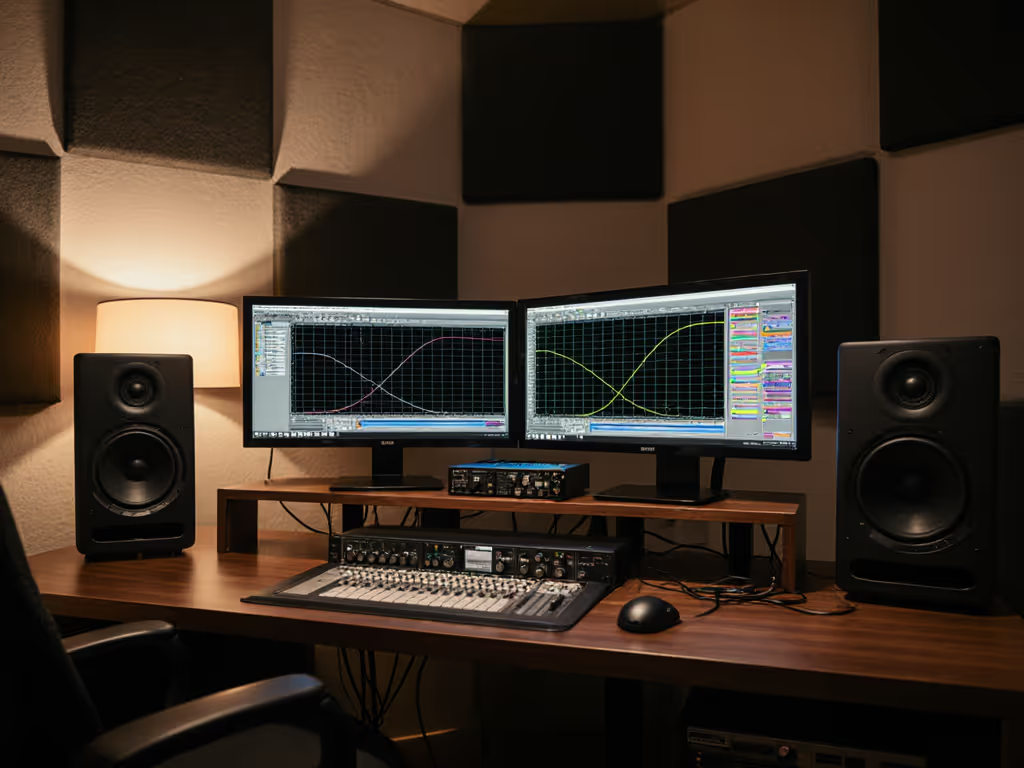
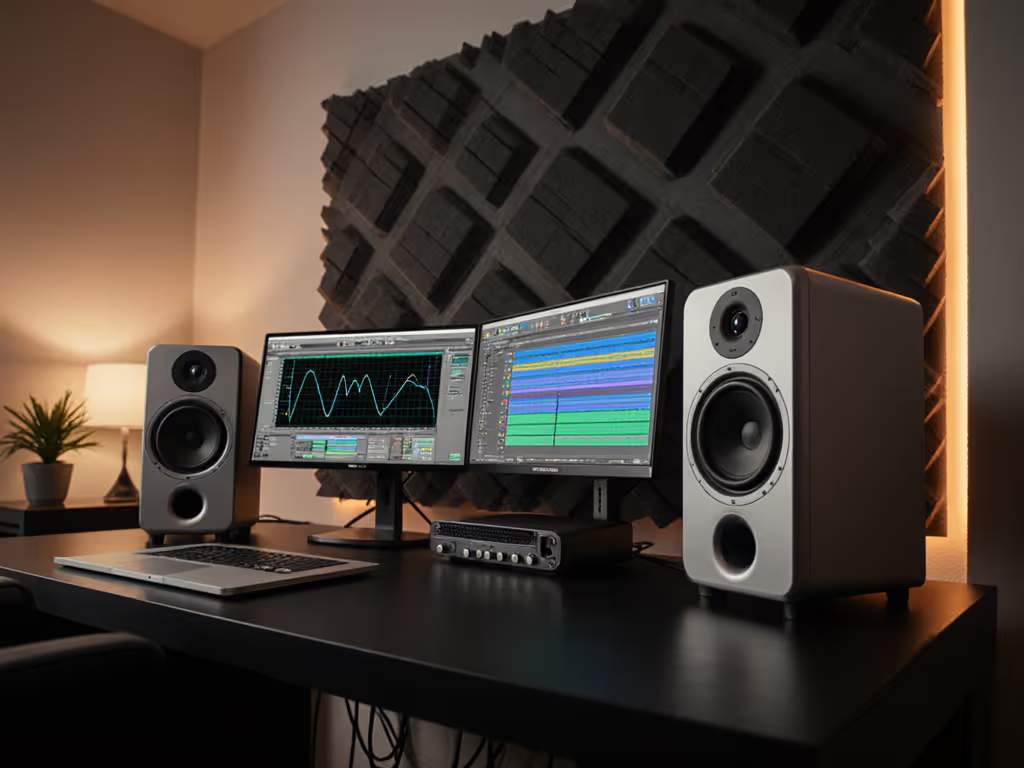
A controlled comparison from real-world testing shows that both methods converge to similar end-state corrections. When you overlay one calibration against the other (green line before against the corrected curves), the before and after calibration graphs show bumps at approximately 150 Hz and boosts in the top end, with both Sonarworks and integrated DSP approaches resolving these issues very similarly. The measurement methods differ markedly, but the frequency-domain outcome is remarkably close.
This suggests that for typical small rooms with standard desk placement, the accuracy gap between integrated and external correction is not large. The difference manifests in how the correction is applied, with hardware DSP delivering phase precision and zero latency, and Sonarworks delivering comprehensive spatial mapping and flexibility across any monitor brand.
Measurement Caveats and Off-Axis Behavior
Neither integrated nor external DSP accounts for what happens when you move six inches forward or lean back in your chair. This limitation is inherent to both.
Integrated DSP systems assume a static listening position (or profile one position and hope). Sonarworks' 37-point measurement captures spatial variation, but the correction is optimized at a single sweet spot, usually the center of your seated area. Move vertically (raising your chair), and the off-axis response shifts, particularly above 2 kHz where your monitor's dispersion narrows. For measurement-backed examples, check our off-axis response comparison.
The deeper caveat: any DSP correction, hardware or software, operates in the amplitude domain. It corrects magnitude response at a fixed frequency. It cannot fix time-domain issues (the early reflections bouncing off your desk, monitor stand, and ceiling that arrive 2 to 15 milliseconds after the direct sound). These reflections collapse your stereo image and smear transients, especially in the 1 to 4 kHz midrange where your ear is most sensitive.
A practical example from field work: a client loved a showy top-end on their monitors until we overlaid the room curve and saw the 200 Hz bump created by the desk reflecting low-mid energy. We cut the desk height, tweaked the monitor toe-in to angle the reflection pattern, and applied a low-latency shelf EQ in the correction profile. The sparkle remained; revisions dropped dramatically. That reveals the truth: curves matter, but only as far as rooms allow. DSP correction cannot replace physical positioning.
Workflow and Repeatability
Integrated DSP offers a set-and-forget model. Calibrate once, power on the monitor, and correction loads automatically. No software running on your computer. No plugin CPU load. No need to load correction inside each new project. This repeatability is powerful in deadline-driven workflows where session setup overhead consumes creative time.
Sonarworks demands more active management. Systemwide driver mode runs correction for all playback, simplifying multi-application switching (DAW to Spotify to YouTube reference check). Plugin mode restricts correction to your DAW, requiring manual insertion on your master bus or output channel. Both modes require you to remember: is correction active or off? In dark studios, this ambiguity generates mixing errors.
For small-room creators who work late, quiet, or in shared spaces, Sonarworks' systemwide option is a genuine ergonomic advantage. Plugin-only DSP built into monitors doesn't help when you're checking reference tracks at low SPL across applications.
Accuracy Testing at Low SPL
Small-room engineers often monitor at 70 to 75 dB SPL due to neighbors and shared walls. Protect your ears while keeping translation honest with our safe listening level guide. At these levels, monitor bass response often drops and tweeters compress, and the speaker's DSP correction may not track accurately below its design threshold.
Sonarworks' measurement protocol captures your room at playback levels. If you measure at 85 dB SPL and then mix at 72 dB SPL, the correction curves diverge, especially in the deepest bass and the presence peak. Integrated DSP systems, built for studios mixing at 83 to 85 dB SPL, may not have been tuned for nearfield, quiet-hours operation.
This is not a failure of either system; it is a measurement caveat. At low SPL, room modes compress, speaker directivity flattens, and human ear sensitivity dips. DSP correction cannot reverse these psychoacoustic realities. What it can do is provide a stable reference, a known, repeatable starting point from which your ears can adapt and train.
Practical Guidance for Small Rooms
Choose integrated DSP if:
- Your workspace is fixed (desk position unchanging).
- You value minimal latency and zero software overhead.
- You work within the manufacturer's ecosystem (e.g., Genelec GLM monitors with Genelec speakers).
- Your workflow is DAW-centric and you rarely toggle correction on/off during sessions.
- You need fast session startup and automatic correction without manual plugin management.
Choose Sonarworks if:
- You own diverse monitor brands or may upgrade monitors later without re-correcting.
- You need corrections across multiple applications (reference checking, streaming, casual playback).
- Your room position varies or you're still optimizing desk height and toe-in angles.
- You want granular control over correction curves, high-pass/low-pass filtering, and target response profiles.
- The 2 to 10 millisecond latency is acceptable in your workflow (most mixing is).
For most independent creators in compact, untreated spaces, Sonarworks wins on flexibility and cost-per-room (you're not locked into one monitor brand). Integrated DSP wins on workflow simplicity and latency. Neither is intrinsically "more accurate"; both converge to similar amplitude corrections when measurement protocols are rigorous.
The Role of Physical Acoustics Remains Primary
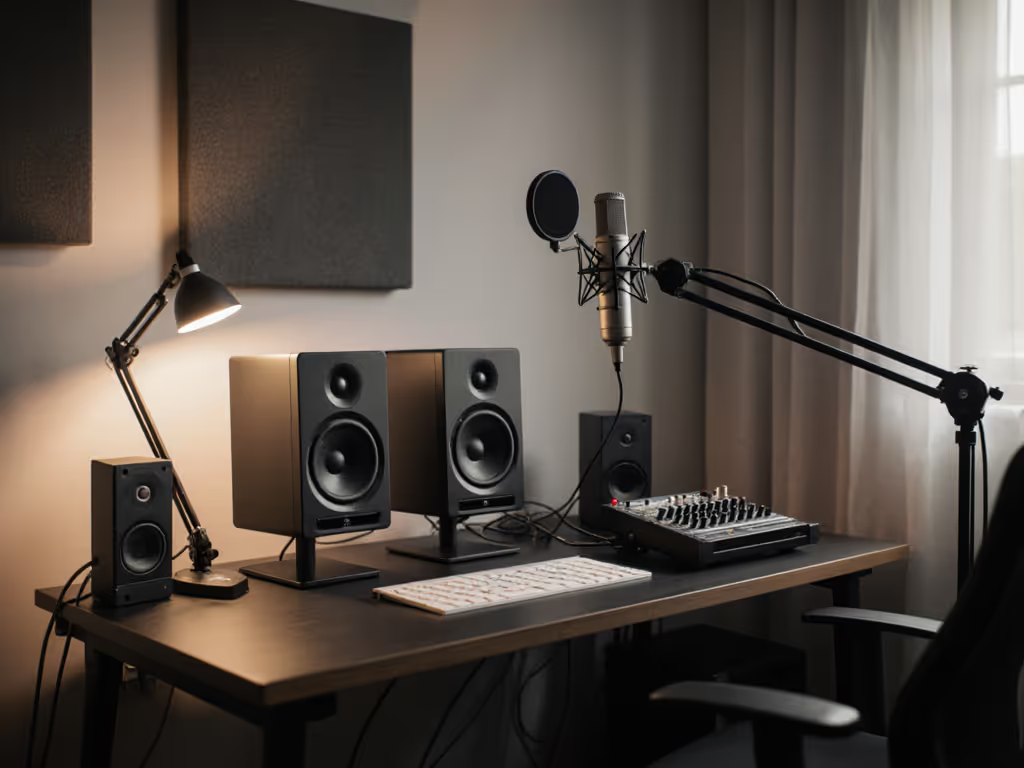
Neither integrated DSP nor Sonarworks replaces desk height, monitor toe-in, and boundary distance. Dial in fundamentals with our monitor placement and room treatment essentials. Predictable off-axis wins over correcting unpredictable reflections. Before investing in correction software, verify your monitor is positioned at ear level when seated, angled 15° inward (off-axis behavior flattens across the room), and isolated from the desk with proper stands or isolation pads.
These decisions are free and shape your baseline. Correction then polishes; it does not rescue a room where monitors are sitting flat on a reflective desk.
Integrating Correction Into Your Workflow
If you choose Sonarworks with consumer monitors:
- Measure at your typical mix level (70–75 dB SPL if quiet operation is your norm).
- Load correction on a master bus send with a bypass button for rapid A/B comparison.
- Set high-pass and low-pass filter limits to avoid over-correcting beyond the frequency range your room actually generates.
- Calibrate monthly if you move equipment; every quarter if static.
If you use integrated DSP (e.g., GLM):
- Run the manufacturer's automatic calibration at your working mix level.
- Accept the default profile (post hoc tweaking rarely improves phase-coherent DSP).
- Save the profile inside the monitor (most hardware systems do this automatically).
- Verify correction is active by checking the monitor's control panel LED or app status.
In both cases, always maintain an uncorrected reference point in your mix chain so you can toggle and train your ears to trust the correction.
Moving Forward: Complementary Approaches
The future of small-room mastering may not be integrated or external DSP, it may be both. High-end professional setups already layer hardware DSP (per-speaker phase and distance alignment) with software correction (room mode smoothing and off-axis compensation). Entry-level workflows will eventually converge here too.
For now, the choice is pragmatic: integrated DSP if your room and monitor brand are final decisions; Sonarworks if you're still exploring or need multi-brand flexibility. Neither eliminates the need to position speakers correctly and treat reflective surfaces, and that remains the irreducible foundation of honest monitoring.
Your next step is to audit your current room: measure desk reflection arrival times using a simple sweep tone and delayed repeat, then re-read your monitor's specifications for off-axis behavior. Only after understanding your physical constraints should you select between correction approaches. The best DSP is worthless if it's correcting for problems that smart placement solves for free.
Related Articles