Nearfield vs Midfield Monitors: Best Choice for Small Rooms
By Mateo Sørensen • 26th Oct
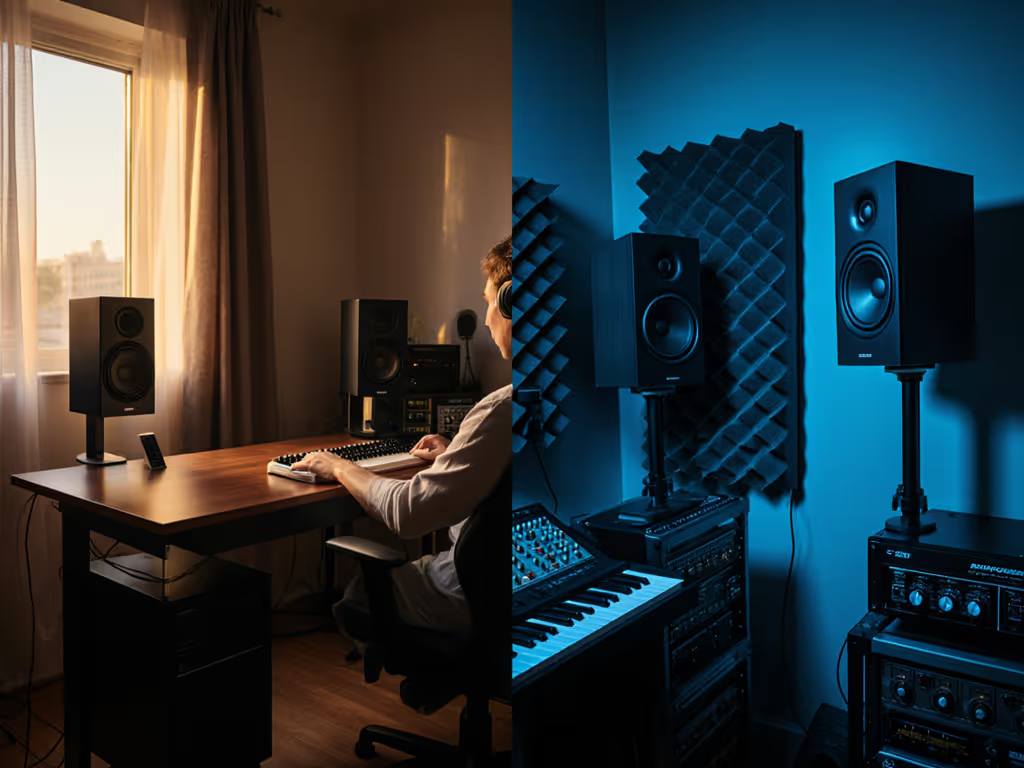
If your mixes crumble on earbuds or car systems, especially when bass disappears or vocals turn harsh, you're not alone. Most bedroom producers misunderstand the nearfield vs midfield comparison for compact spaces. I've seen countless creators chase loudness with oversized speakers, only to waste hours fixing bass that did not translate. The truth? For rooms under 150 sq ft, nearfield is not just an option, it is the only reliable path to mixes that survive the real world. Let's cut through the hype with physics-backed setup steps you can implement tonight.
Quiet work that translates beats loud work that impresses.
Why Midfield Monitors Fail in Small Rooms (Despite the Hype)
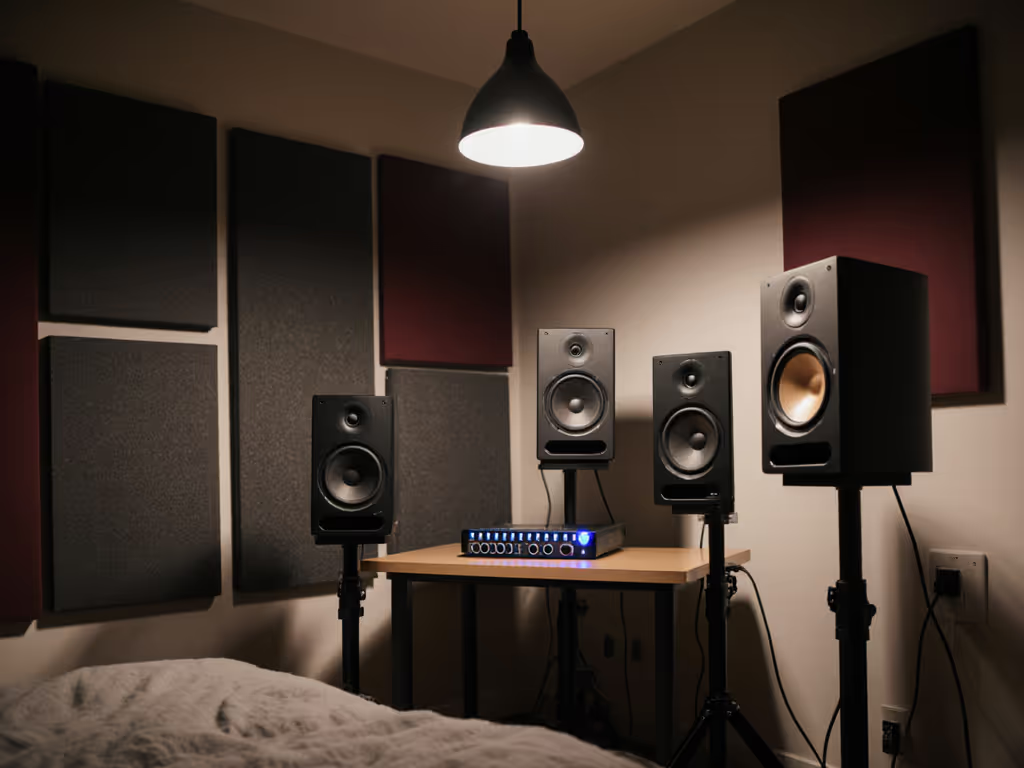
Let's dismantle a dangerous myth first: midfield monitors aren't just 'bigger nearfields'. Research confirms that midfield systems (typically 8" to 10"+ drivers) require 5 to 10 feet of listening distance and larger rooms to perform as intended. In your 10x12 ft apartment or bedroom studio? They become bass-monster traps. Here's why:
- Room modes dominate below 120Hz: At midfield distances, small rooms exaggerate bass cancellations and spikes. Your kick drum might sound huge at your desk, but vanish on a phone speaker. Studies show compact rooms have no true bass sweet spot beyond 3 feet. To get a handle on small-room acoustics and placement, read our room treatment essentials.
- Reflections overwhelm direct sound: With midfield placement, wall and ceiling reflections hit your ears almost as loud as the speakers. In nearfield setups (0.7 to 1.2 m), direct sound dominates, which is critical for honest midrange clarity.
- Power = pain: Many marketed "midfield" units (like 8" models) tempt bedroom producers. But their bass extension demands room treatment you likely lack. You'll think you're hearing truth while earbuds reveal a muddy mess.
The data is clear: If your mixing desk is closer than 5 feet to walls, midfield monitor benefits vanish. You're paying for bass you can't trust, and waking neighbors for bass you shouldn't hear at 2 am anyway.
Nearfield Monitors: Your Secret Weapon for Translation
Nearfield monitors (4" to 7" drivers, 0.7 to 1.2 m listening distance) aren't "lesser", they're optimized for your reality. When I burned out my ears chasing volume early in my career, my mentor forced me into a month of nearfield-only mixing at 73 dB SPL. The result? Fewer client revisions and mixes that translated everywhere. Here's why nearfield wins in small rooms:
3 Nearfield Advantages You Can't Fake
- Bypasses room bass modes: Sitting close keeps you inside the hall radius where direct sound dominates. Below 100 Hz, bass will still be room influenced, but nearfield minimizes the damage. Translation: Fewer bass guesses.
- Tames desk smear: Boundary reflections murder stereo imaging. For step-by-step tips to reduce desk reflections and set ear height correctly, see our ideal monitor height guide. Nearfield's short path gives you a fighting chance to minimize this (more on placement soon).
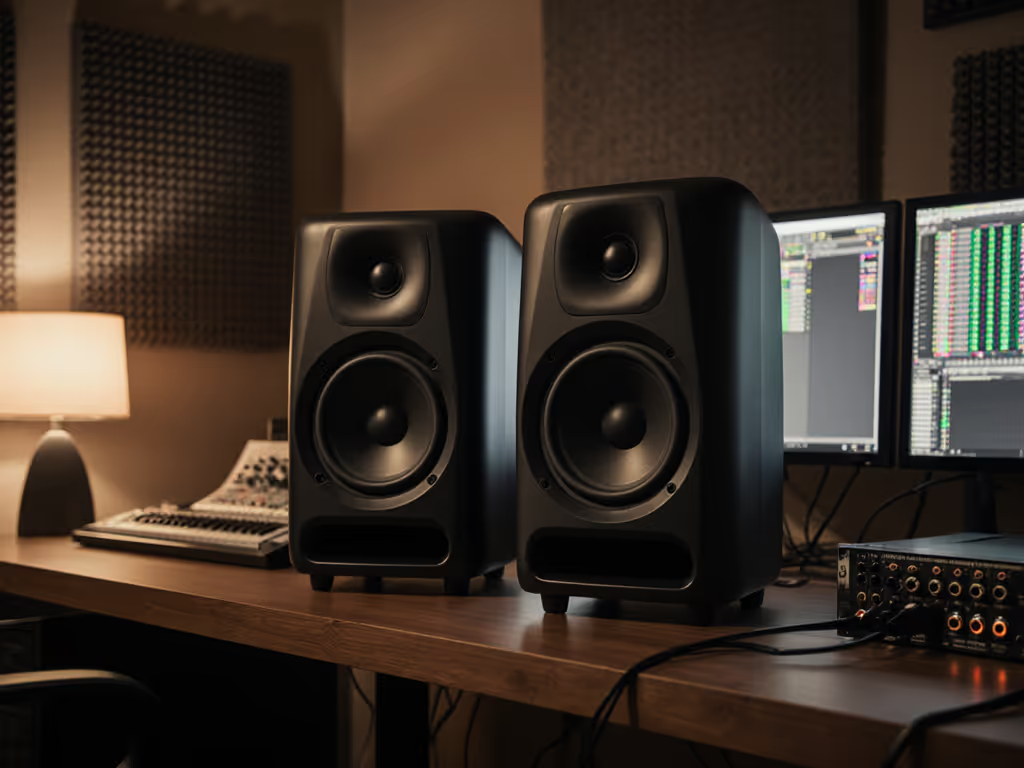
- Works at safe SPLs: Real creators mix quietly. Good nearfield monitors (like the KRK ROKIT 5G5) deliver detail at 70 to 75 dB SPL, where your ears stay fresh for 8-hour sessions.
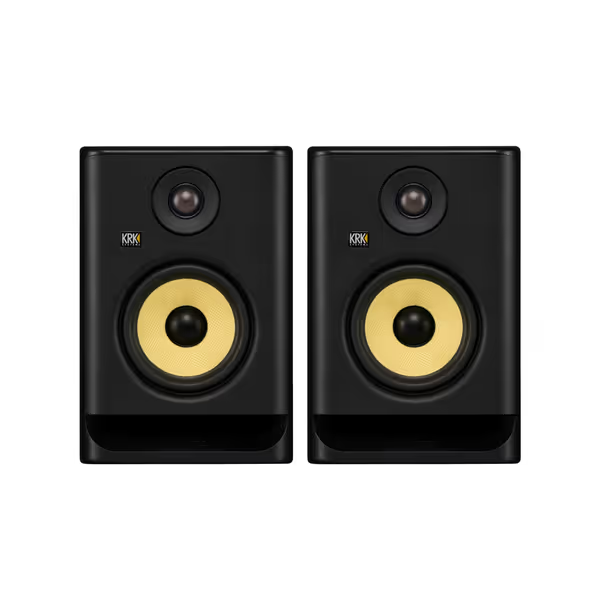
KRK ROKIT 5 G5 Pair
Accurate, balanced mixes with versatile room tuning for compact studios.
$398
Woofer Size5"
Woofer Size5"
Pros
Balanced sound & crystal-clear highs for accurate mixing.
Integrated EQ/room tuning options combat small-room issues.
Compact size delivers powerful performance and fits tight spaces.
Cons
External DSP might be preferred for advanced correction.
Small monitors have physical bass limits at high SPLs.
Customers praise these studio monitors for their balanced sound profile and crystal clear highs, with one customer noting their powerful EQ/room tuning options. They appreciate the build quality, appearance, and value for money, and one customer mentions that the compact size doesn't compromise performance.
Customers praise these studio monitors for their balanced sound profile and crystal clear highs, with one customer noting their powerful EQ/room tuning options. They appreciate the build quality, appearance, and value for money, and one customer mentions that the compact size doesn't compromise performance.
Smart Nearfield Setup: The 25-Minute Quiet Session Routine
Forget "ideal" triangles you can't fit in your closet-sized room. Here's how I set up nearfield monitors in cramped spaces, without construction or expensive treatment. Do this tonight:
Step 1: SPL Target Practice (Non-Negotiable)
- Set a timer for 25 minutes. Play a reference track you know well (e.g., a commercial mix).
- Start at 68 dB SPL (use a free app like Decibel X). If you can't hear kick or bass clearly here, your room or speakers have issues.
- Never exceed 78 dB SPL for more than 10 minutes. This is the fatigue threshold for most small-room creators. Learn how to set safe reference levels without losing accuracy in our safe listening levels guide.
Step 2: The "Desk Escape" Placement Trick
Small rooms force monitors on desks, but desks cause midrange smear. Fix it:
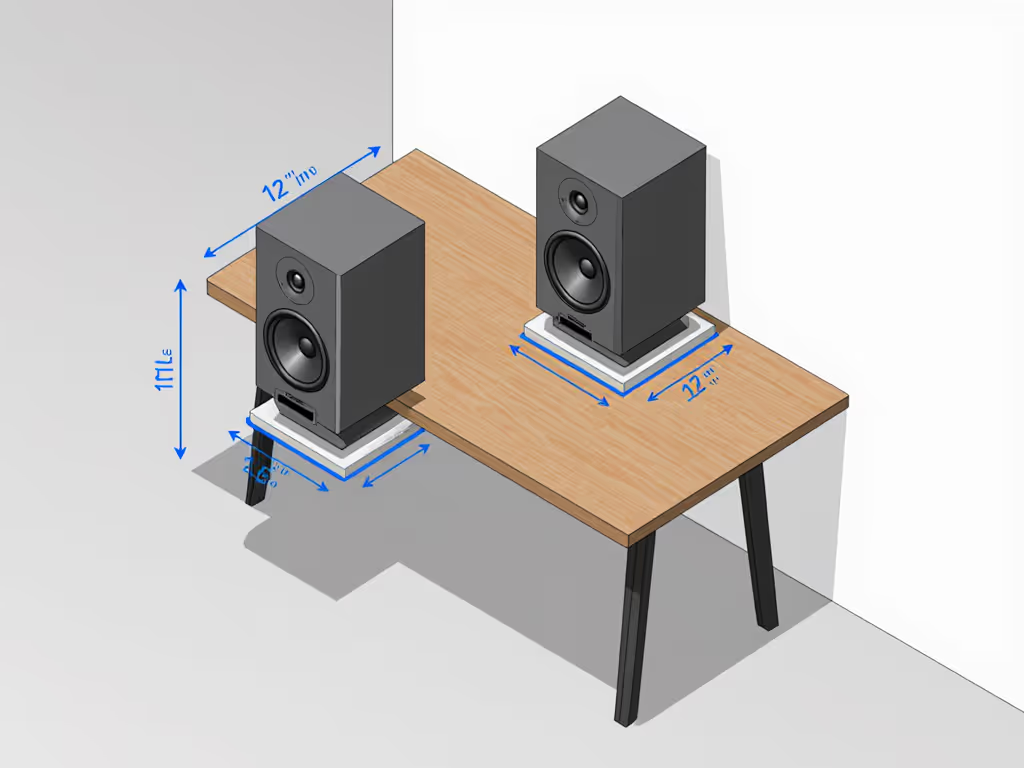
- Tilt monitors down so tweeters aim at your ears, not the ceiling. (Use the KRK foam wedges or folded towels.)
- Distance from wall: At least 12", but prioritize listening distance over perfection. In tight rooms, 0.8 m is better than 1.5 m with reflections.
- Toe-in test: Play speech (e.g., a podcast clip). Angle speakers inward until consonants ("s", "t") sound crisp without harshness. If it's painful at 70 dB, your tweeter is lying.
Step 3: Isolation Check (30 Seconds)
- Press firmly on your desk while monitors play an 80 Hz sine wave.
- If vibration changes the sound, isolation is critical. Use:
- Budget fix: Sorbothane pads under monitors ($20)
- Pro move: Decoupled stands like Primacoustic FlexiBois ($120)
- Never skip: Turn off "boundary compensation" if speakers sit within 8" of walls. Then fine-tune your system with our monitor calibration walkthrough.
When to Actually Consider Midfield Monitors
Let's be clear: when to use midfield monitors has one answer for bedroom producers, almost never. They shine only if:
- Your room is 15+ ft long with dedicated acoustic treatment
- You collaborate daily with multiple people needing a wide sweet spot
- You have no bass anxiety (e.g., mixing classical with minimal sub-bass)
If your "room" is a walk-in closet, spare bedroom, or converted office, midfield monitors become expensive room-mode exciters. Save your budget for nearfield monitors that excel at low SPL honesty. When you’re ready to choose, start with our best small-room monitor picks.
Best Nearfield Monitors for Small Rooms (Real-World Tested)
Forget "best midfield monitors" lists, they're irrelevant to your space. Focus on nearfield units that deliver clarity at quiet levels. Here's what works where it counts:
KRK ROKIT 5G5 ($398)
- Why it wins: 5" Kevlar woofer stays tight below 50 Hz even at 70 dB SPL, critical for EDM or hip-hop producers. The 25 boundary EQ presets fix common small-room issues (e.g., "near desk" mode). I set it once and trust it.
- Best for: Producers who need 808 truth without waking neighbors
Yamaha HS7 ($700)
- Why it wins: Industry-standard NS-10 honesty. Reveals vocal sibilance and bass inconsistencies sooner at low volumes, saving you revision loops. Bass reflex port lets you place closer to walls than sealed designs.
- Best for: Dialogue editors and vocal-focused mixers who hate ear fatigue
ADAM Audio T7V ($290)
- Why it wins: U-ART tweeter provides fatigue-free highs at low SPL. The waveguide creates a +50% wider sweet spot, perfect for small desks where you shift constantly. SPL holds steady down to 65 dB.
- Best for: Video editors needing stable imaging during long cuts
PreSonus Eris 3.5 ($115)
- Why it wins: Budget nearfield that doesn't lie. Silk dome tweeter avoids harshness at low volumes, while the 3.5" woofer won't overpromise bass it can't deliver. Ideal for podcasters on tight budgets.
- Best for: Content creators mixing quietly at night
Your Action Plan: Mix Quiet, Mix Confidently
Stop guessing if your bass translates. Start tonight:
- Lower your master volume until you lean in to hear kick drums (70 to 75 dB SPL).
- Set a 25-minute timer, mix only within this window before ear recalibration.
- Place monitors at ear height, tilted down, minimum 12" from walls.
I learned this the hard way after blowing out my ears chasing volume. Now my clients approve mixes faster because nearfield monitoring at calm levels exposes truth faster. You'll sleep easier knowing your quiet mix still punches on a laptop speaker.
Protect your ears, and trust the quiet.
Key reminder: If you can't hear detail at 70 dB SPL, your monitors or room are failing you. Don't shout over the problem.
Related Articles