Stop Remote Mix Guesswork: Consistent Monitoring Guide
By Jae Min Park • 20th Jan
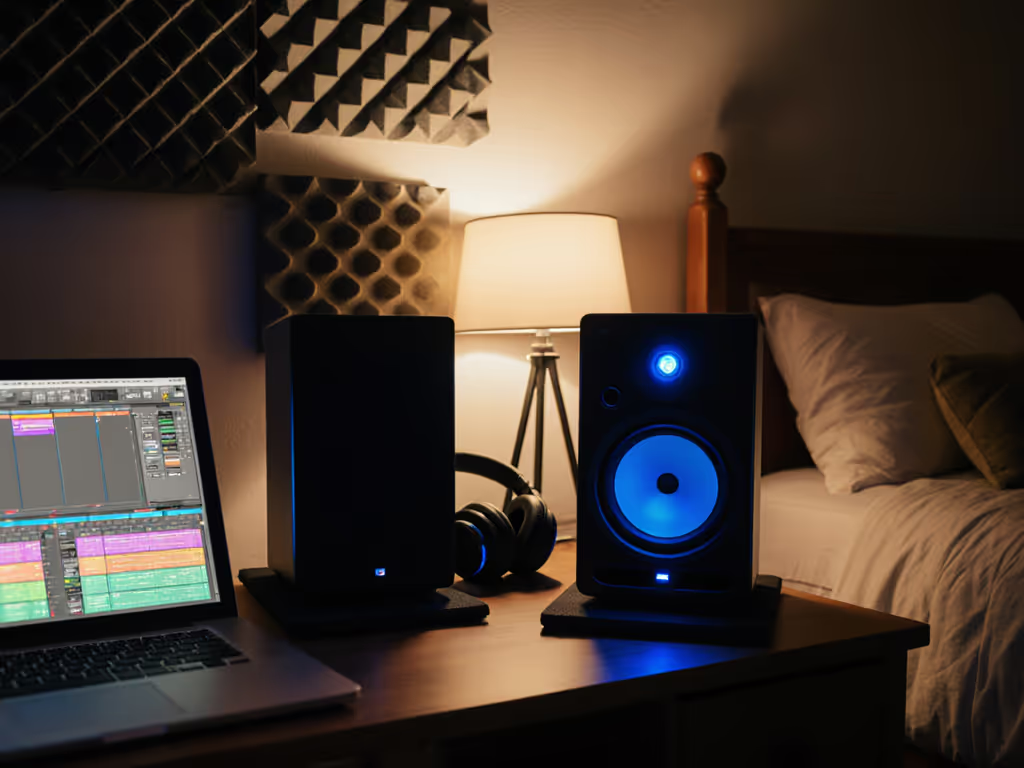
If your mixes sound great in your bedroom studio but crumble everywhere else (especially during remote collaboration monitoring sessions with clients or bandmates), you're not alone. This is the core struggle of distributed production audio. When your monitoring environment lies to you, every decision becomes guesswork. You keep revising mixes based on earbud checks or frantic car tests. But here's the truth: translation issues rarely stem from bad ears or cheap gear. They stem from inconsistent monitoring foundations. Let me show you how to build rock-solid monitoring in any small space (no expensive gear swaps needed).
Why Your Room Is the Real Culprit (Not Your Monitors)
Most bedroom producers fixate on monitor specs: "Will these 8-inch subs handle my EDM drops?" But in compact rooms (8x10 to 12x14 ft), your space overpowers your speakers. Small-room acoustics distort frequencies below 150 Hz (where kick drums and bass live). Boundary reflections from walls, desks, and windows smear mids and collapse your stereo image. This creates false lows ("I hear bass, but it's vanishing on Spotify!") and harsh highs ("Why do podcasts sound fine but my vocals are piercing?").
Place, isolate, then decide
As a teaching assistant, I watched students blow budgets on "pro" monitors while their mixes kept failing car checks. Their breakthrough? Two tennis balls under each speaker and moving desks off walls. Suddenly, their mixes traveled. That day sold me on honest placement over spec sheets. Consistent monitoring across locations starts with taming your room, not chasing gear. For a deeper walkthrough of placement and basic treatment, see our room placement and treatment essentials.
Quick Room Scan: 3 Red Flags (90 Seconds Max)
- The Desk Test: Place your fist lightly on your desk while playing bass. If it vibrates, desk coupling is distorting lows. Fix: Isolate speakers.
- The Wall Whisper: Stand where your head goes. Clap loudly. If echoes snap back fast, reflections are muddying mids. Fix: Move away from walls.
- The Head Tilt: Nod slowly while listening to vocals. If brightness shifts dramatically, your sweet spot is too narrow. Fix: Adjust height/tone-in.
Your 20-Minute Foundation Fix
Forget expensive treatment. Start with these proven, gear-agnostic steps:
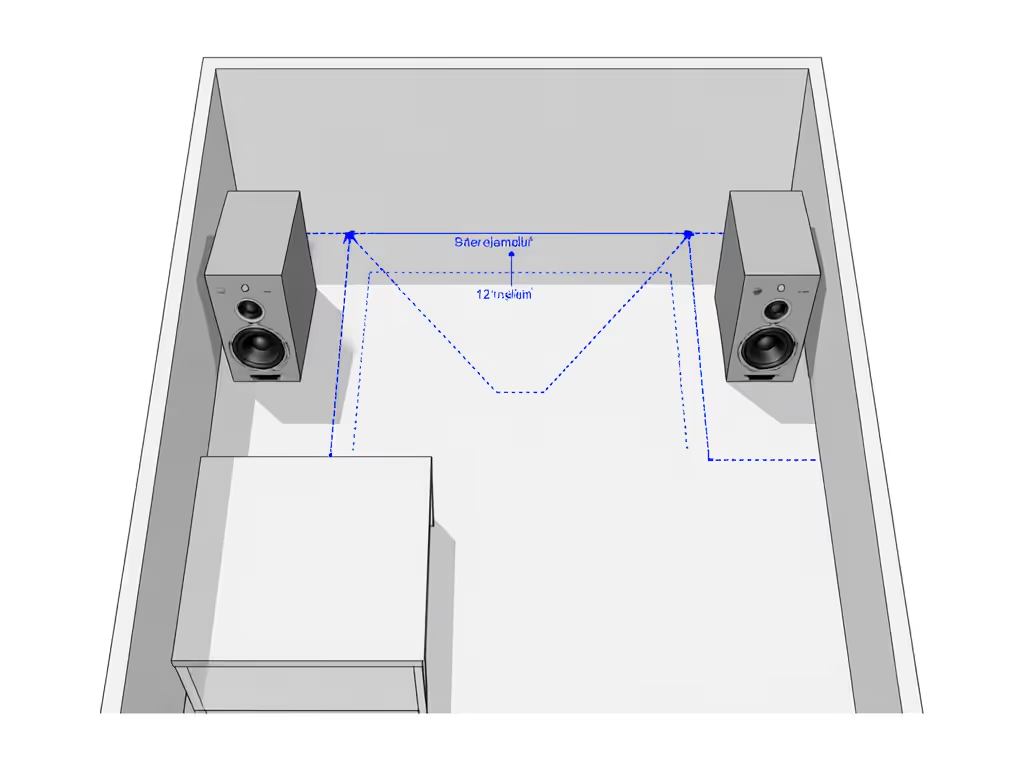
Step 1: Placement - The Triangle Rule (Simplified)
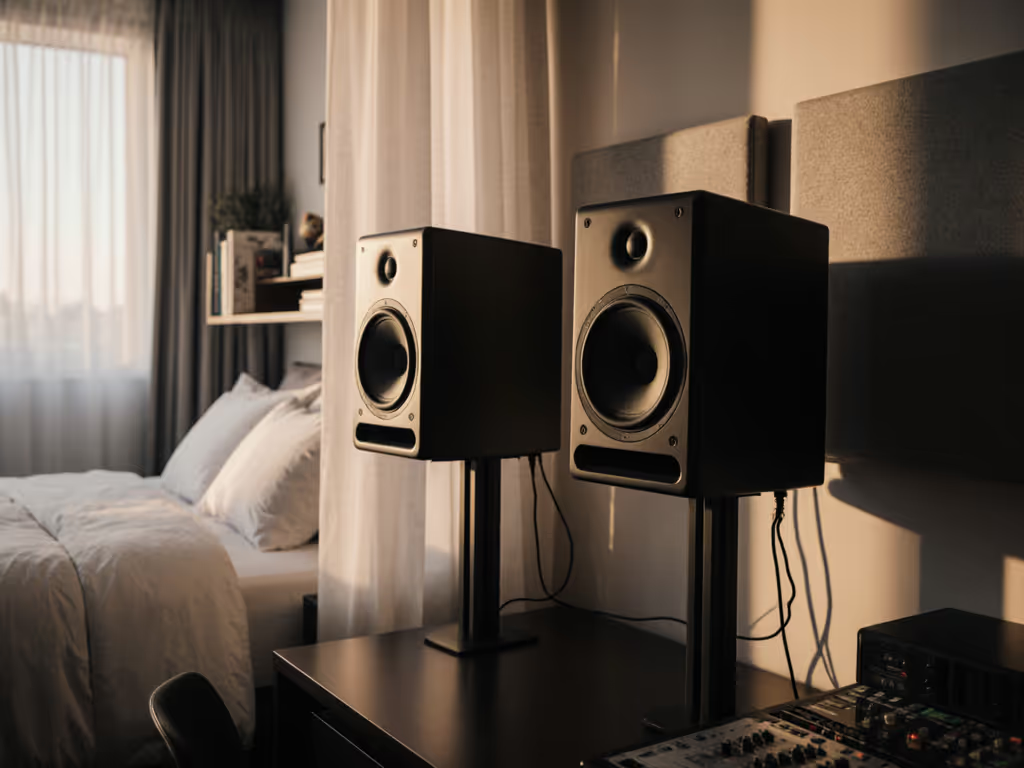
- Distance: Sit 3-4 feet from speakers (0.7-1.2 m). Closer = less room coloration.
- Height: Tweeters at ear level. Bass shakes your chest, not your skull.
- Wall Gap: Keep speakers at least 3 feet from walls (especially rear/bass ports). This reduces boomy bass buildup.
- Toe-In: Angle speakers inward just enough to see the outer edge of the opposite panel. No more, no less (over-toeing collapses the center image).
Step 2: Isolation - Stop the Vibration Cascade
Desk vibrations mask low-end detail and add mud. This is critical for remote mixing workflow reliability:
- Cheap Fix: Two tennis balls under each speaker (yes, seriously, tested by students in 50+ rooms).
- Better Fix: Foam mouse pads or dedicated isolation pads (avoid heavy stands, they transfer floor rumble).
- Avoid: Solid wood desks. Pro tip: If your desk is unavoidable, place a thick yoga mat underneath your chair to decouple you from the vibration.
Step 3: Reference File Management - Your Safety Net
Create two reference files in your fixed room:
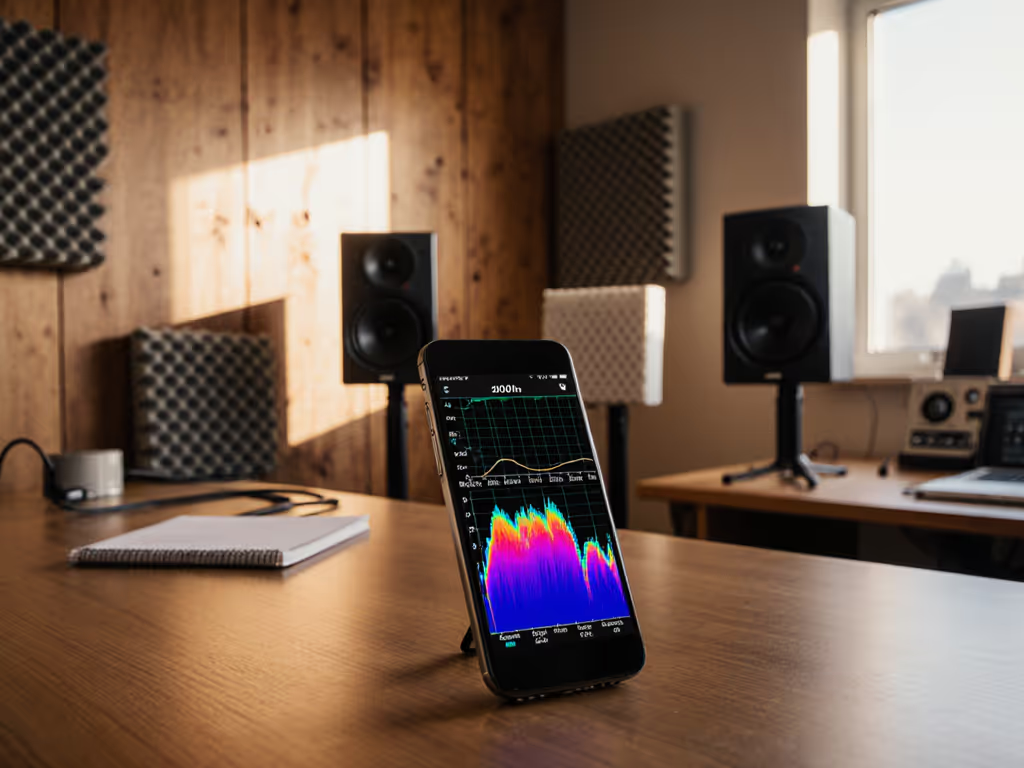
- "Known Good" Track: A professional song (in your genre) that translates everywhere. Load it into your DAW alongside your mix. Toggle between them at identical volume levels. Need repeatable levels and bass checks? Use our home studio monitor calibration guide.
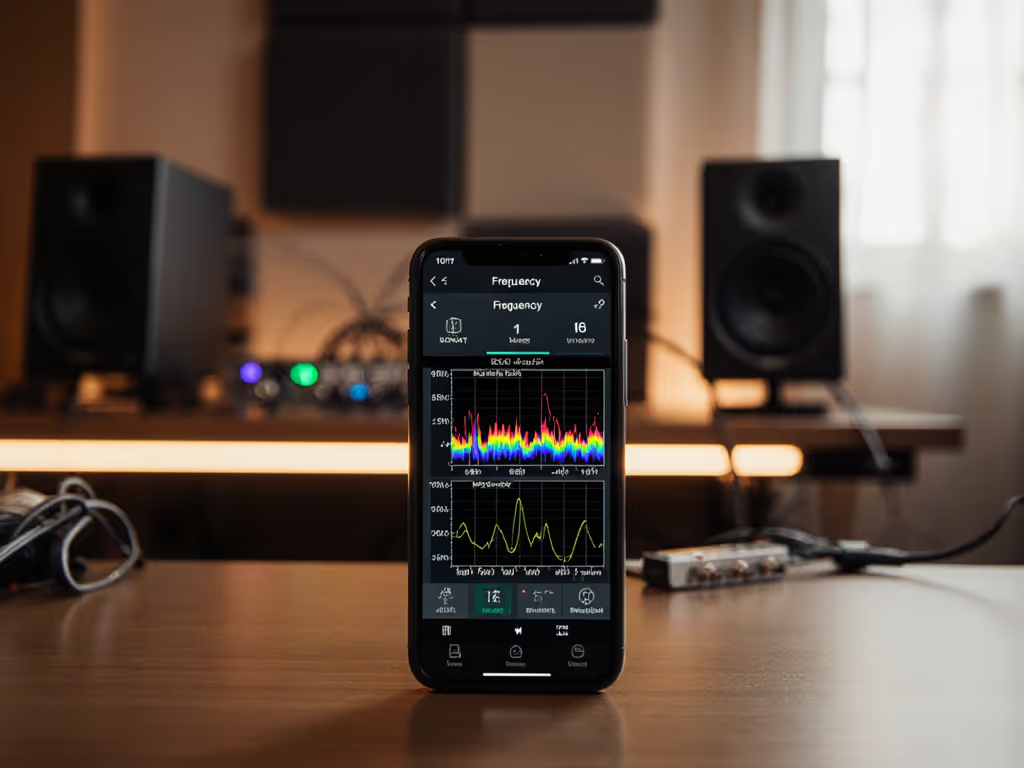
- "Bass Check" File: A 30-second clip with clean kick + sine wave sweep (40-250 Hz). This reveals room-mode traps faster than car checks.
Use these files before exporting for remote collabs. If your bass thumps evenly here, it'll travel. No more guessing why clients hate your low end.
Network Audio Calibration: The Remote Collaboration Secret
When collaborators stream your mix over Zoom or network audio, latency and compression distort highs. Here's how to stay consistent:
- Pre-Share Reference Files: Send your "Known Good" track to collaborators before the session. Have them play it locally while streaming audio. Adjust their volume to match perceived loudness, not peak meters.
- Disable Audio Enhancements: In Zoom/Windows, turn off "auto gain control" and "noise suppression." These tools murder transients.
- Use Dedicated Tools: For critical remote sessions, try free tools like Source-Connect Now (low-latency audio sharing). It bypasses video-call compression, preserving high-frequency detail lost in regular streams.
This isn't about perfect fidelity, it's about consistent perception. If everyone references the same file, you're all speaking the same language.
Why This Beats "Room Correction" Hype
Many ask about Sonarworks or DSP presets. In small rooms, physical fixes beat digital band-aids. Most correction tools over-compensate for bass nulls (cancelling frequencies your room already swallows) or add harshness to mask reflections. Reference file management is simpler: it trains your ears to what works, not what your room lies about.
I've seen students achieve 80% better translation with tennis balls and reference files, before spending a dime on software. Once placement is stable, then explore light DSP. When you're ready, learn to dial in advanced monitor DSP for small rooms. But never trust a corrected mix over your physical fixes.
Your Trust-Building Checklist
Before your next remote session, run through this:
- Speakers >3 ft from walls, tweeters at ear level
- Isolated from desk (tennis balls/pads in place)
- Reference files loaded and volume-matched
- Zoom audio settings optimized (no enhancements)
- "Bass Check" file ready for A/B testing
This routine takes 5 minutes. Do it once per setup location, and you'll spend energy finishing songs (not chasing revisions). Set it right once; spend your energy finishing songs.
Final Thought: Confidence > Perfection
You don't need a treated room to make mixes that travel. You need a consistent one. When your monitoring foundation is stable, remote collaboration monitoring stops feeling like Russian roulette. You'll trust your decisions because you've eliminated the variables that lied to you.
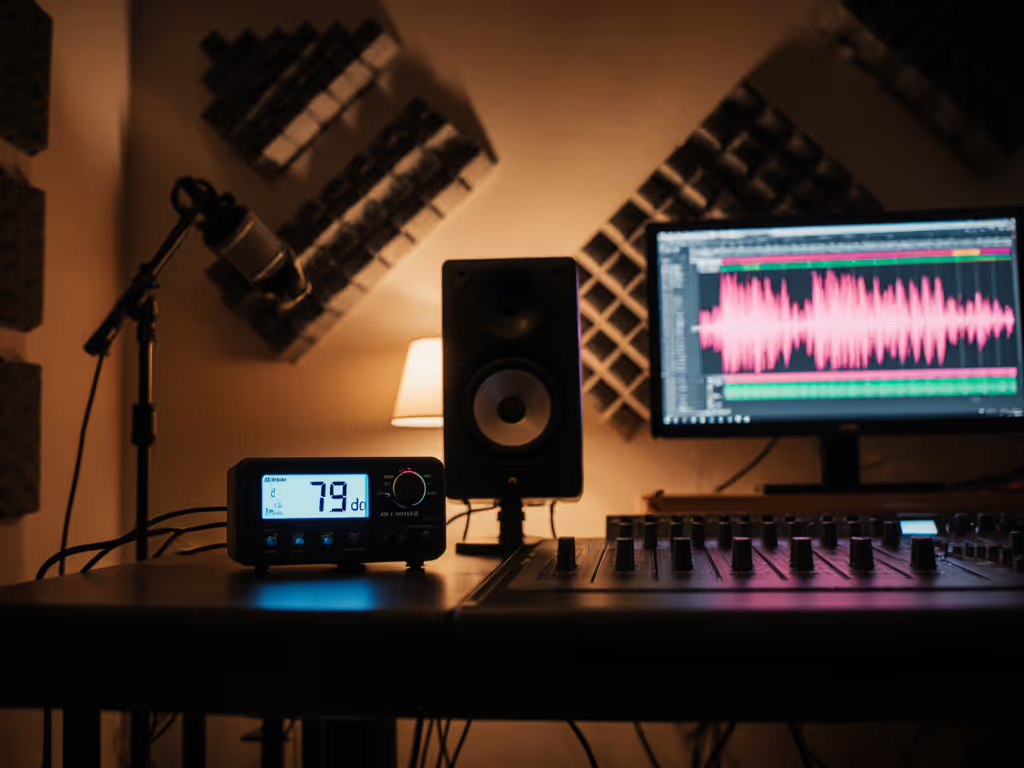
Start small: Place, isolate, then decide. Tomorrow, load that reference file and work quietly at 75 dB. Protect your ears while keeping translation honest with our safe monitoring levels guide. Notice how much clearer your vocals sit? That's the sound of progress, not specs. Now go finish that track.
Related Articles