USB Studio Monitors vs Interfaces: When the DAC Inside Wins
By Avery Cole • 17th Sep
Quick verdict
The DAC inside a speaker changes the documented playback path; it does not establish an inherent sound-quality advantage. Where a particular speaker is documented to accept USB digital audio, direct USB provides a documented playback path; an interface plus analog active monitors remains relevant when you need recording, routing, or controls the speaker documentation does not provide.
- Consider direct USB if: The exact speaker documentation confirms USB digital-audio playback and that path suits your setup.
- Consider an interface if: You need microphone or instrument recording, specific routing, or device-dependent buffer controls.
- Main trade-off: Direct USB provides a documented playback path when the exact speaker supports it.
Important: Documentation can establish a connection path and its functions, but a DAC built into a speaker does not establish an inherent sound-quality advantage; judge the complete documented workflow at a stable working level.
Where a particular speaker is documented to accept USB digital audio, its USB connection creates a different playback path from an external interface feeding analog active monitors. The useful question is narrower: does that documented path remove a step you do not need, without taking away a function your work depends on?
That distinction matters when you are choosing a compact setup. A signal path can be clean and convenient, but the priority is a workflow you can use consistently.
Trust quiet decisions. Keep your working level and reference routine consistent.
The two signal paths are different jobs
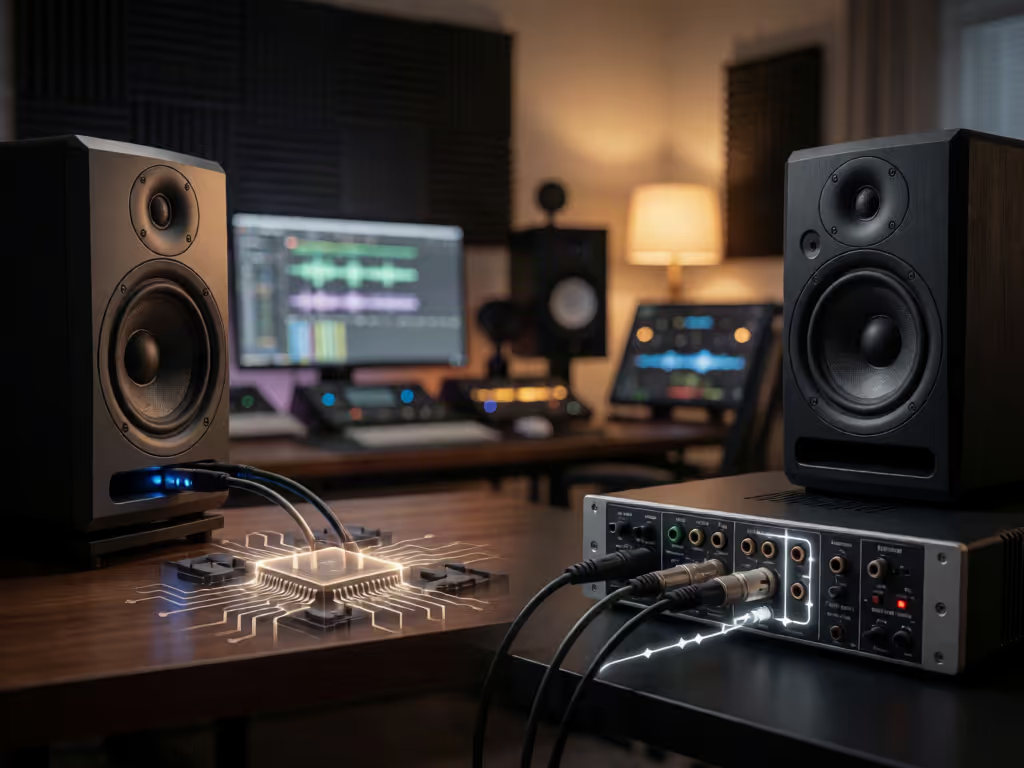
A conventional active-monitor setup can be described like this:
Computer → audio interface → analog line-level signal → active monitors
The active monitors amplify that incoming analog signal for their drivers.
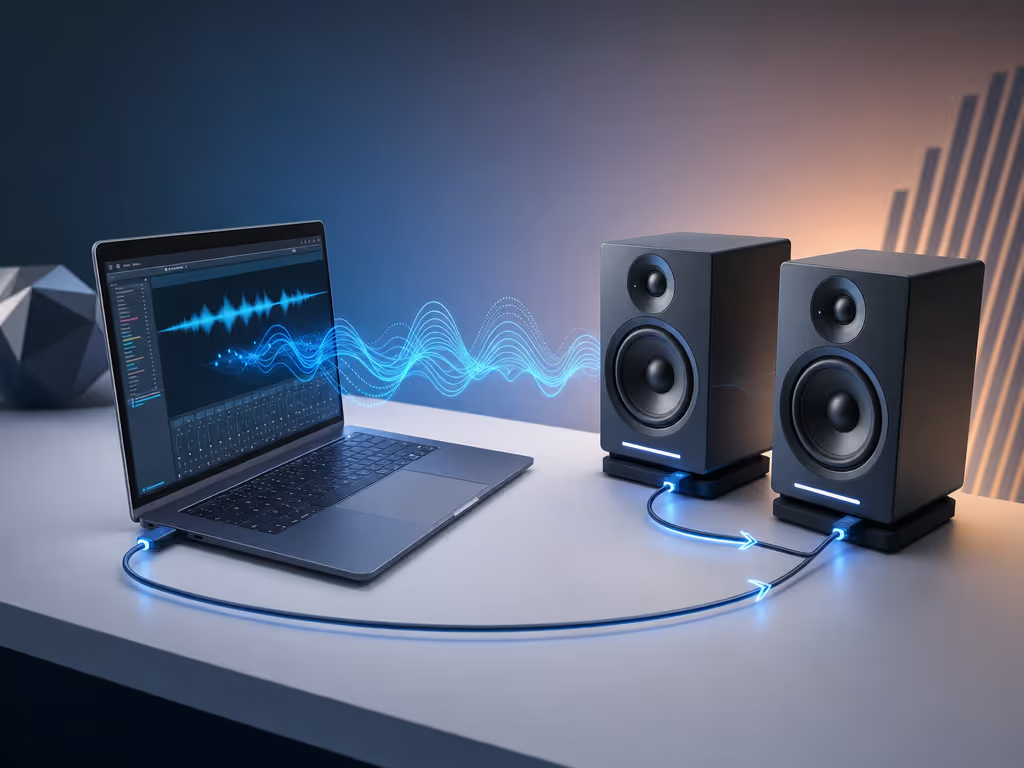
A direct USB-audio speaker path, when a particular speaker is actually documented to accept USB digital audio, is different:
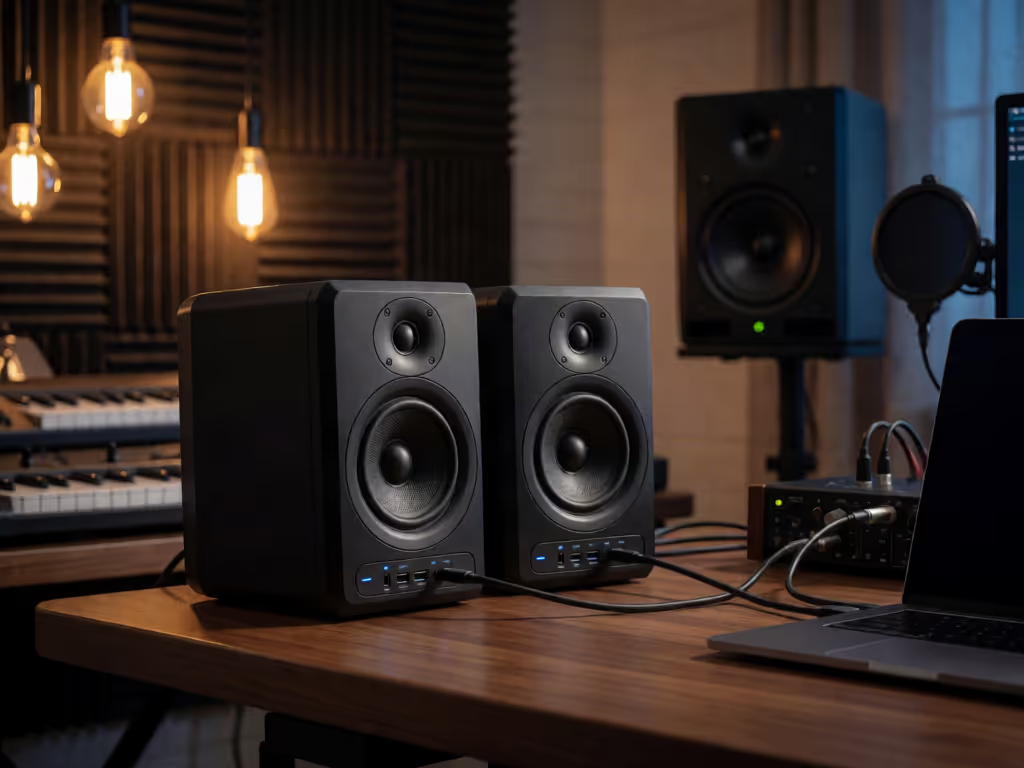
Computer → USB digital audio → D/A conversion in the speaker playback path → drivers
In that second path, the USB DAC in studio monitors refers to D/A conversion in the speaker playback path.
The diagrams identify the documented paths and the boxes between your session and the speakers. They do not establish an inherent sound-quality advantage for a DAC built into the speaker.
What USB does, and does not, tell you
USB audio has a defined class framework that includes audio control, audio streaming, and clocking functions. One USB synchronization mode, asynchronous isochronous audio, runs its data rate locked to a clock external to the USB bus.
That is a transport and synchronization description. It is not a quality score.
Do not infer lower latency, better fidelity, or better DAC performance from asynchronous clocking; the USB-IF definition does not establish those outcomes.
More importantly, a USB socket on a speaker proves very little by itself. It does not automatically establish that the speaker accepts USB audio, offers recording functions, or provides interface-style controls. Read the exact documentation before designing a workflow around the port.
When direct USB monitoring is a documented option
When a speaker is documented to accept USB digital audio, direct USB provides a playback path from computer to speaker. If you do not need to capture microphones or instruments in the same setup, compare that documented path with the functions you would otherwise use from an interface.
The potential benefit is a different signal path:
- No separate interface is required for the documented USB-audio playback path.
- No analog link sits between the computer and the documented USB-audio speaker input.
- The documented connection runs from laptop to speaker input.
For a creator who opens a laptop, works for an hour at low level, and closes it again, the relevant question is whether the speaker documentation covers the playback workflow you need.
The direct-USB checklist
Before treating a speaker as a PC laptop plug-and-play monitor, verify these points in its own documentation:
- Does it explicitly accept USB digital audio? Do not infer this from a connector.
- What computer-side setup does its documentation require? Avoid assuming universal operating-system behavior or driver support.
- How are volume and output selection handled? You need a repeatable way to set working level.
- Does the workflow need recording? USB-equipped speakers should not be assumed to replace a recording interface.
- Can you live with that routing every day? Confirm that the documented path includes the functions your sessions require.
Direct USB describes a playback workflow where the speaker documentation supports it. For the practical driver, routing, and DAW considerations, see this USB studio monitor DAW setup guide. It is not a blanket substitute for every function associated with an interface.
When an external interface still earns its place
An interface feeding analog active monitors is a distinct architecture when your work crosses between playback and recording, especially when you need to choose the right monitor connections.
If you need to record a microphone, connect an instrument, or require specific routing and monitoring functions, choose hardware whose documentation explicitly provides those functions. USB-audio playback does not, by itself, establish the microphone or instrument inputs, A/D conversion, routing, or controls needed for capture.
The interface route also separates two choices:
- Choose the interface for computer I/O and the controls required by your production workflow.
- Choose the monitors for the documented playback path that fits your setup.
That separation can matter when you already own active monitors you trust. You do not need to replace a functional analog-monitor chain merely because an integrated USB audio interface speaker design looks tidier.
Latency: reject the shortcut answers
"USB monitors have no latency" is not a serious claim. USB asynchronous clocking does not establish lower latency for a particular device.
For software-based work, ASIO buffer-setting behavior can vary by driver and device implementation. In Cakewalk, for example, staff note that ASIO buffer-size control is available for some interfaces, while many drivers expose buffer changes only in their own control panel rather than responding to a DAW request.
The practical takeaway is simple: check the actual device workflow you intend to use. If virtual instruments or live software monitoring are central to your work, do not buy based on a generic USB-latency promise. Confirm the available controls and test your real session template.
The DAC-inside comparison: convenience, not a verdict on fidelity
For a speaker documented to receive a digital USB audio stream, D/A conversion occurs somewhere in its playback path before its drivers produce sound. In a USB-monitor path, that conversion can live in the monitor playback chain. An interface-plus-active-monitor path can be described as computer to interface to analog line-level signal to active monitors.
The USB path identifies where D/A conversion occurs in the documented speaker playback chain. It does not establish an inherent sound-quality advantage for a DAC built into the speaker.
The wrong conclusion is: "internal DAC equals better audio." That replaces a workflow decision with a badge.
Use this test instead:
| Your priority | Better starting point |
|---|---|
| Playback-only laptop setup | Verify whether the exact speaker documents a direct-USB audio path |
| Microphone or instrument recording | Choose hardware documented to provide the needed recording functions |
| Existing analog monitors you already know well | Keep the interface-to-monitor path |
| Need for device-specific routing or buffer control | Verify the interface and driver behavior first |
| Desktop listening workflow | Check whether the speaker documentation supports the USB-audio path you need |
Keep the monitoring chain stable, then judge your work at the volume you can use every day.
I keep a small reference loop for exactly this reason: pink-noise alignment, five familiar tracks, then checks on an ordinary Bluetooth speaker, old earbuds, and a hatchback. A setup that produces fewer surprises across those checks is more useful than one that merely feels larger at the desk.
A repeatable decision process
1. Define the job before choosing the connection
Write down whether you need playback only or playback plus recording. If recording is part of the job, identify every required input and routing feature. Do not assume a USB speaker supplies them.
2. Map the exact signal path
For each candidate setup, draw every handoff from computer to drivers. Include where volume is controlled and where D/A conversion occurs. If a step is not described in the product documentation, treat it as unconfirmed, not as a feature you will figure out later.
3. Build one quiet-level reference routine
Set a sustainable working level and use the same short set of references for several sessions. For a more systematic approach, use this home studio monitor calibration guide to establish a dependable reference level and response. Check the same passages, then compare a few real-world playback points. The goal is not to make the room impressive. The goal is fewer revisions caused by surprises outside it.
4. Avoid changing three variables at once
Do not change speakers, output path, room position, and reference level in one weekend. You will learn nothing useful. Change one link, repeat the same material, and keep notes on what travels.
FAQ
Are USB speakers a thing?
Yes - when the exact speaker is documented to receive a digital USB audio stream. But a USB connector alone does not prove that it handles USB audio playback.
Can you run a monitor through USB?
You can run a monitor directly from USB only if that specific model documents USB digital-audio input. A USB port alone does not establish an audio function.
Are studio monitors worth it if I already have an interface?
They can be, but this is not a universal upgrade question. If your existing interface-to-active-monitor path supports the work you do, integrated USB changes the documented playback path rather than establishing an inherent sound-quality advantage. If you want a playback-only desk, verify whether a direct USB path is documented for the speaker you are considering.
Final verdict
Choose a direct USB speaker path only when the speaker documentation confirms USB digital-audio playback and that path supplies the functions you need. Choose an interface plus analog active monitors when your workflow requires recording, specific routing, or controls that the speaker documentation does not provide.
For a documented USB speaker path, D/A conversion occurs in the speaker playback path; that does not establish an inherent sound-quality advantage. Set one documented path, keep a stable working level, and run the same references through the places your audience actually listens. Use the results to decide whether the workflow works for you.
Related Articles